Alphard - CB Sidekick
Alphard CB Sidekick
CB Sidekick will be back in stock in April
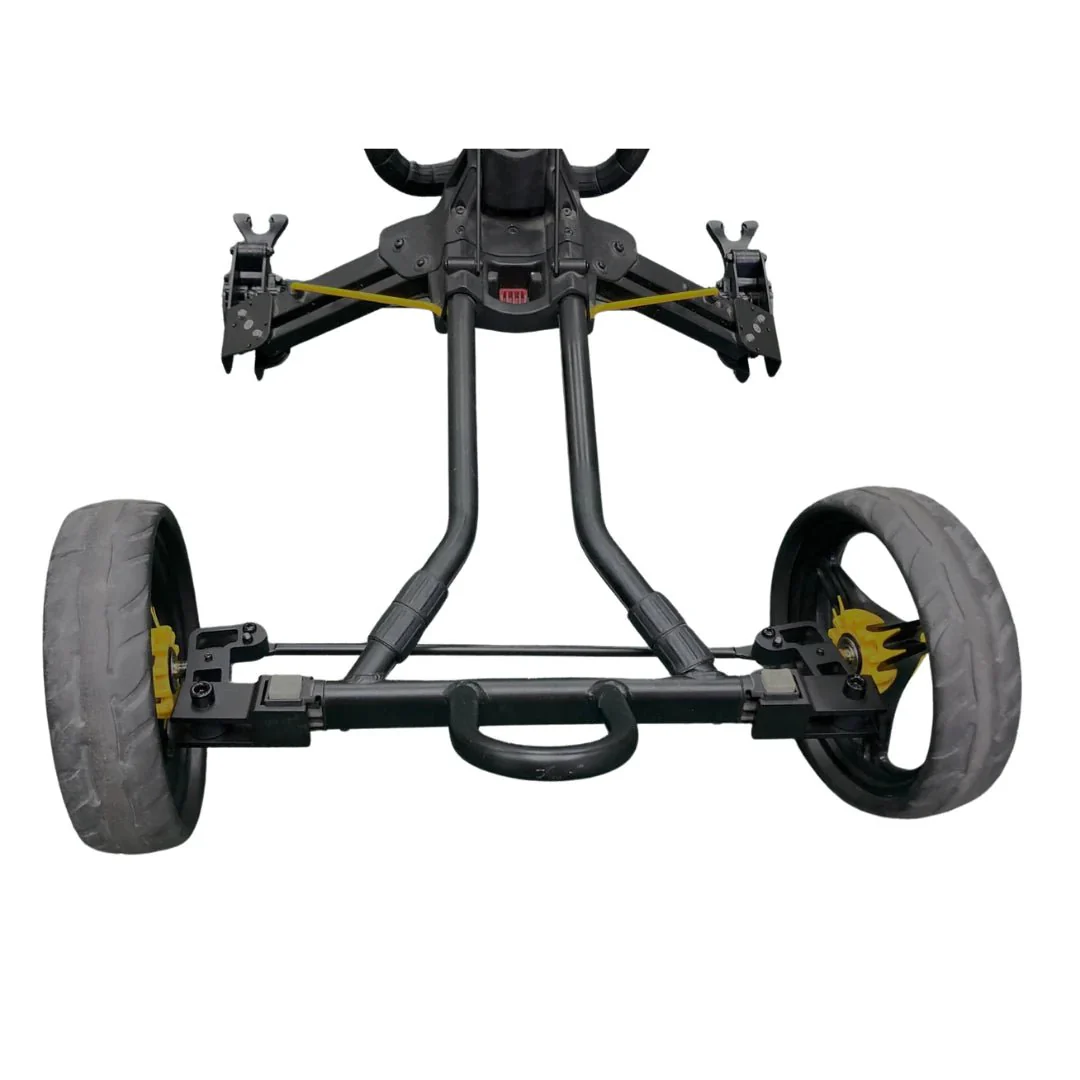
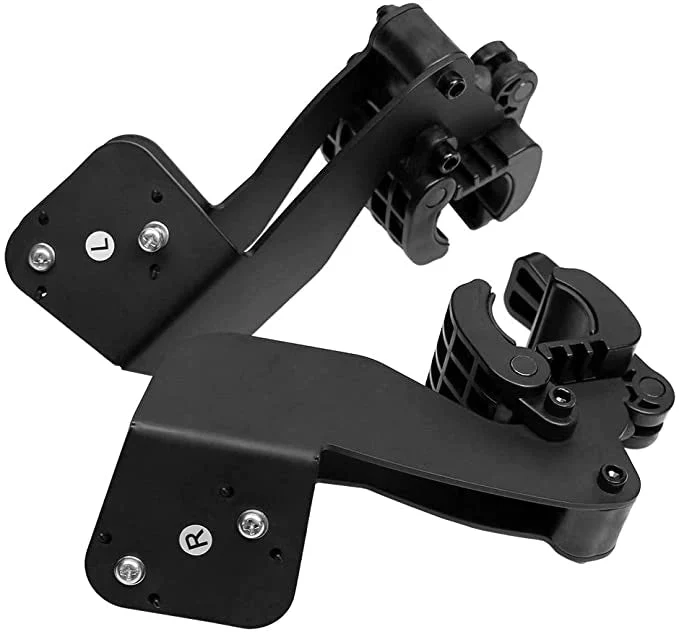
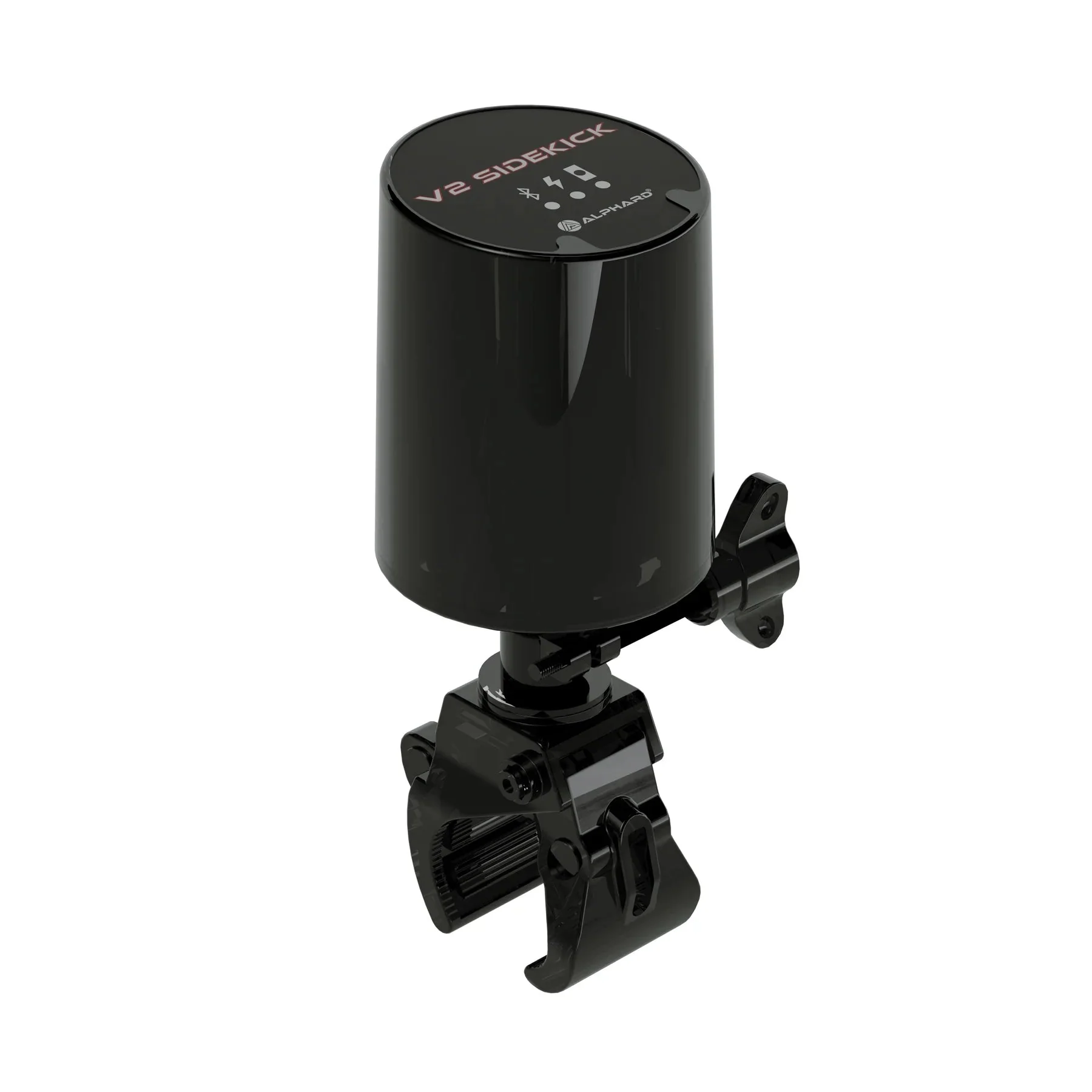
Unlike traditional follow-behind caddies, the innovative CB Sidekick offers a versatile positioning feature. It enables you to position your cart either on your left, right, or behind you. This unique feature eliminates the need for constant turning around to ensure your caddy is still by your side. With the CB Sidekick, you can concentrate fully on your game while the Club Booster V2 takes care of the driving duties.
Enjoy effortless switching between follow mode and remote-control mode simply by pressing a button. Experience the convenience of the newly redesigned remote, which offers enhanced functionality and features, including a visual screen for easy navigation.
Simply initiate the pairing process between the CB Sidekick, the new remote controller, and the Club Booster V2. Once paired, effortlessly attach it to the handle, and select your desired mode. With these straightforward steps, you're ready to embark on your golfing journey.
How to use?
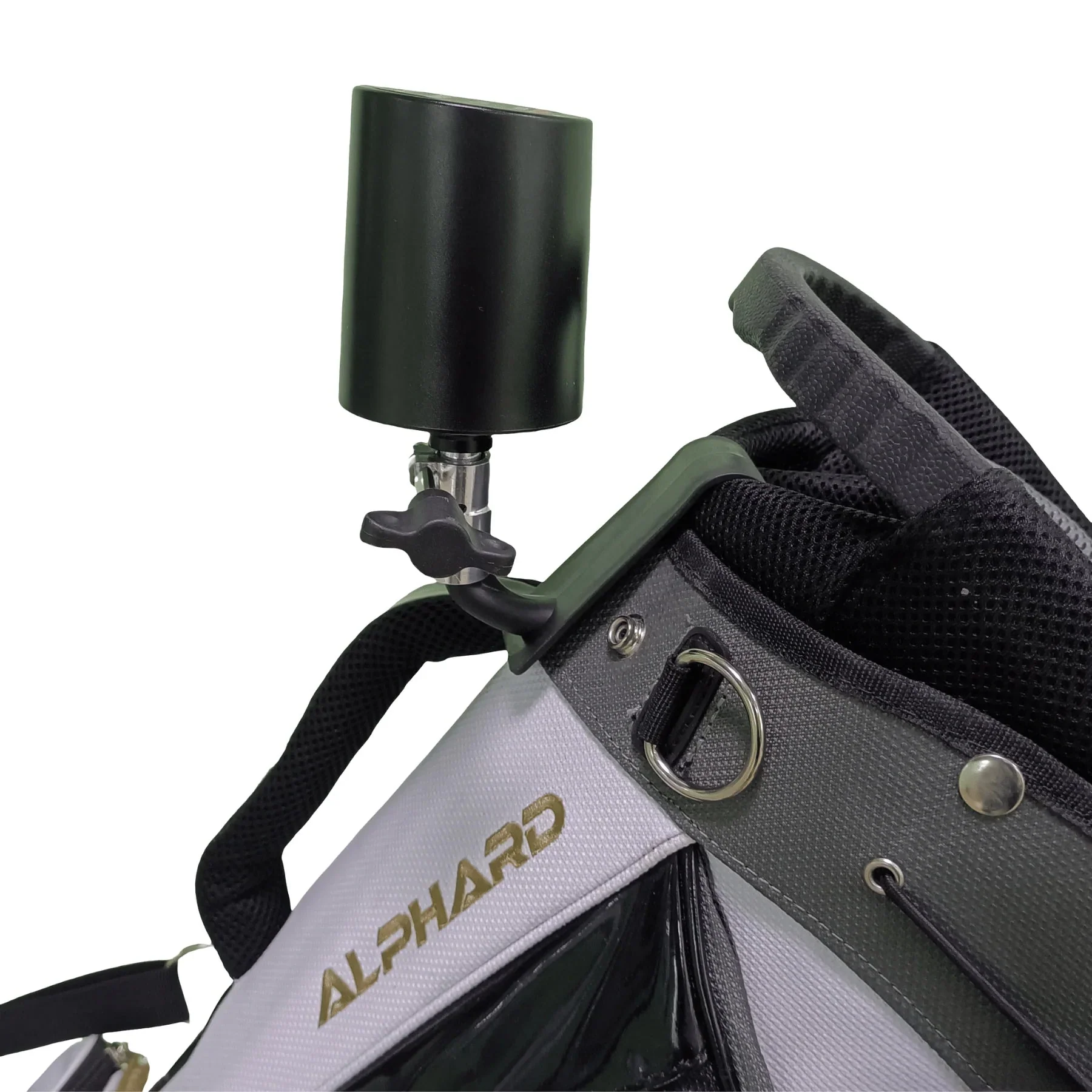
To set up the CB Sidekick, connect it and the new remote controller to the Club Booster V2. Securely attach the controller to the handle, select your desired mode, and press the "follow" button to activate the CB Sidekick.
User Manual
CB Sidekick User Guide
Product Information
Product Information
Shipping & Returns
Shipping & Returns


Alphard - CB Sidekick
Alphard - CB Sidekick
Alphard CB Sidekick
CB Sidekick will be back in stock in April
Unlike traditional follow-behind caddies, the innovative CB Sidekick offers a versatile positioning feature. It enables you to position your cart either on your left, right, or behind you. This unique feature eliminates the need for constant turning around to ensure your caddy is still by your side. With the CB Sidekick, you can concentrate fully on your game while the Club Booster V2 takes care of the driving duties.
Enjoy effortless switching between follow mode and remote-control mode simply by pressing a button. Experience the convenience of the newly redesigned remote, which offers enhanced functionality and features, including a visual screen for easy navigation.
Simply initiate the pairing process between the CB Sidekick, the new remote controller, and the Club Booster V2. Once paired, effortlessly attach it to the handle, and select your desired mode. With these straightforward steps, you're ready to embark on your golfing journey.
How to use?
To set up the CB Sidekick, connect it and the new remote controller to the Club Booster V2. Securely attach the controller to the handle, select your desired mode, and press the "follow" button to activate the CB Sidekick.
User Manual
CB Sidekick User Guide
Original: $279.00
-65%$279.00
$97.65Product Information
Product Information
Shipping & Returns
Shipping & Returns
Description
Alphard CB Sidekick
CB Sidekick will be back in stock in April
Unlike traditional follow-behind caddies, the innovative CB Sidekick offers a versatile positioning feature. It enables you to position your cart either on your left, right, or behind you. This unique feature eliminates the need for constant turning around to ensure your caddy is still by your side. With the CB Sidekick, you can concentrate fully on your game while the Club Booster V2 takes care of the driving duties.
Enjoy effortless switching between follow mode and remote-control mode simply by pressing a button. Experience the convenience of the newly redesigned remote, which offers enhanced functionality and features, including a visual screen for easy navigation.
Simply initiate the pairing process between the CB Sidekick, the new remote controller, and the Club Booster V2. Once paired, effortlessly attach it to the handle, and select your desired mode. With these straightforward steps, you're ready to embark on your golfing journey.
How to use?
To set up the CB Sidekick, connect it and the new remote controller to the Club Booster V2. Securely attach the controller to the handle, select your desired mode, and press the "follow" button to activate the CB Sidekick.
User Manual
CB Sidekick User Guide