SkyTrak+ Golf Simulator Studio Pro
SkyTrak+ Golf Simulator Studio Pro
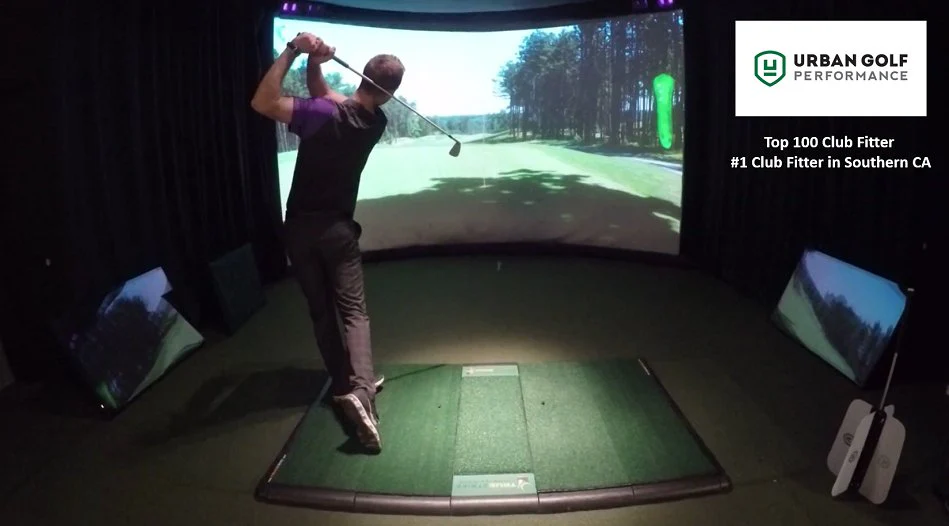
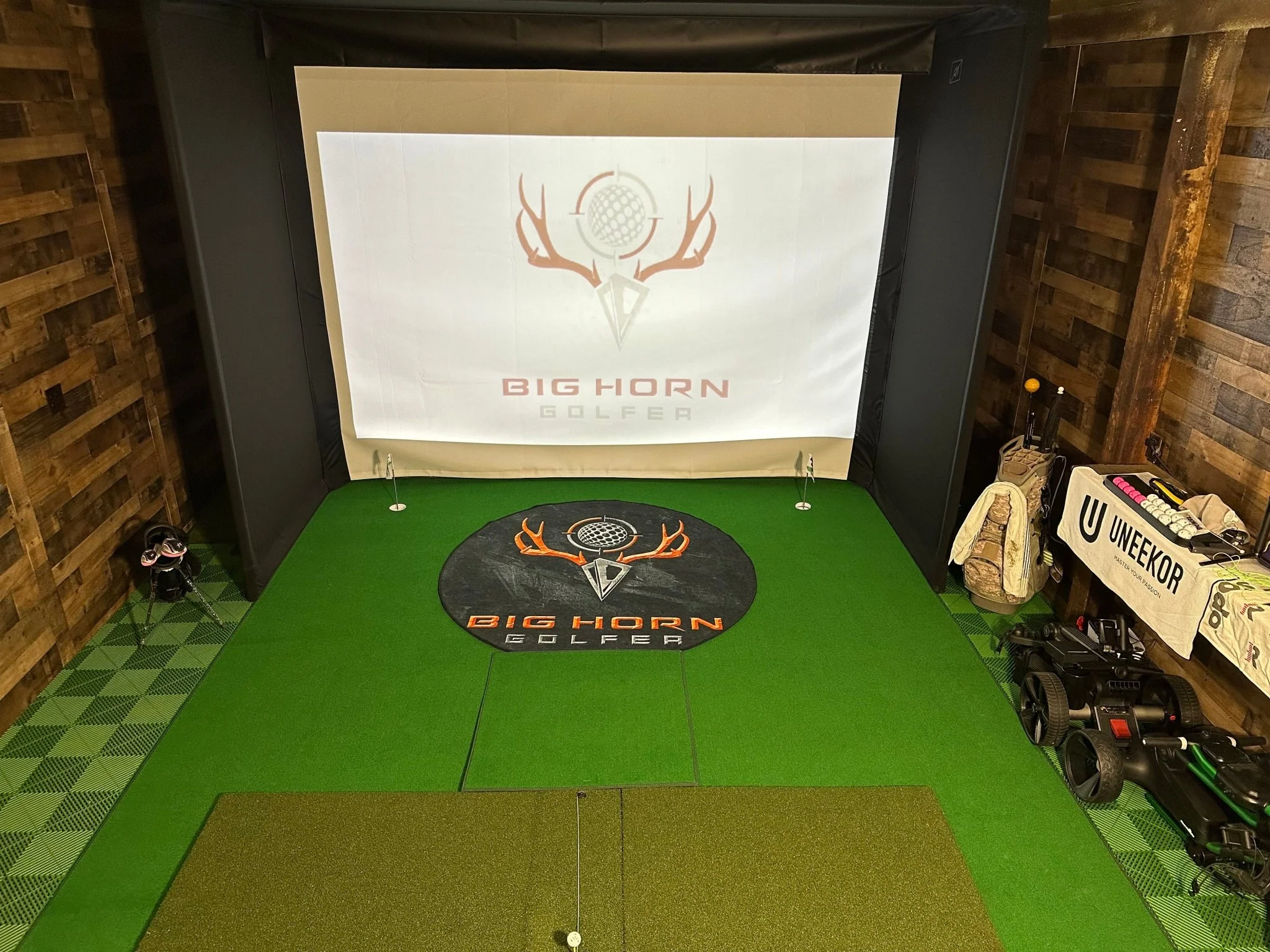
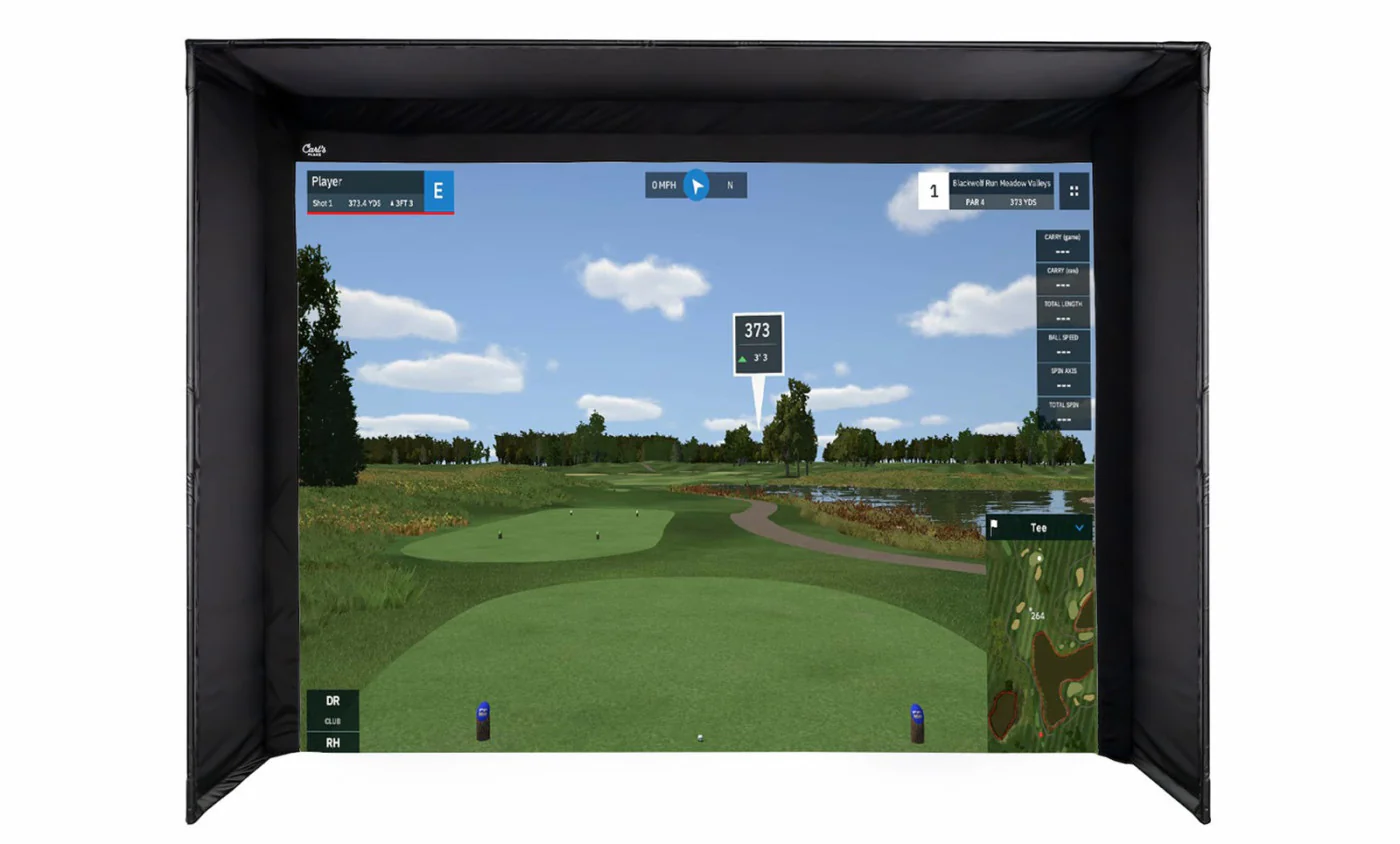
Experience unmatched precision and power with the SKYTRAK+ launch monitor, paired with a pro-level studio setup for realistic gameplay, instant feedback, and game-changing improvements.
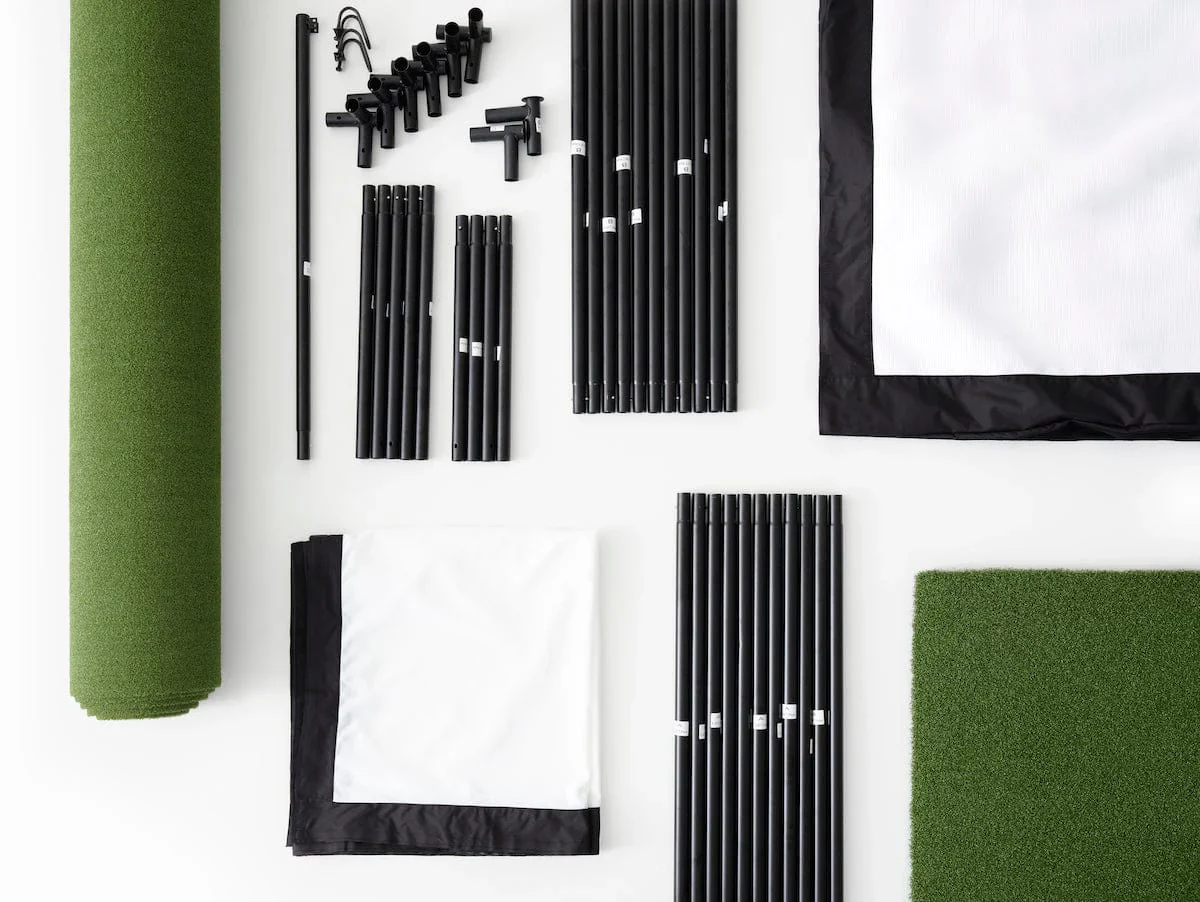
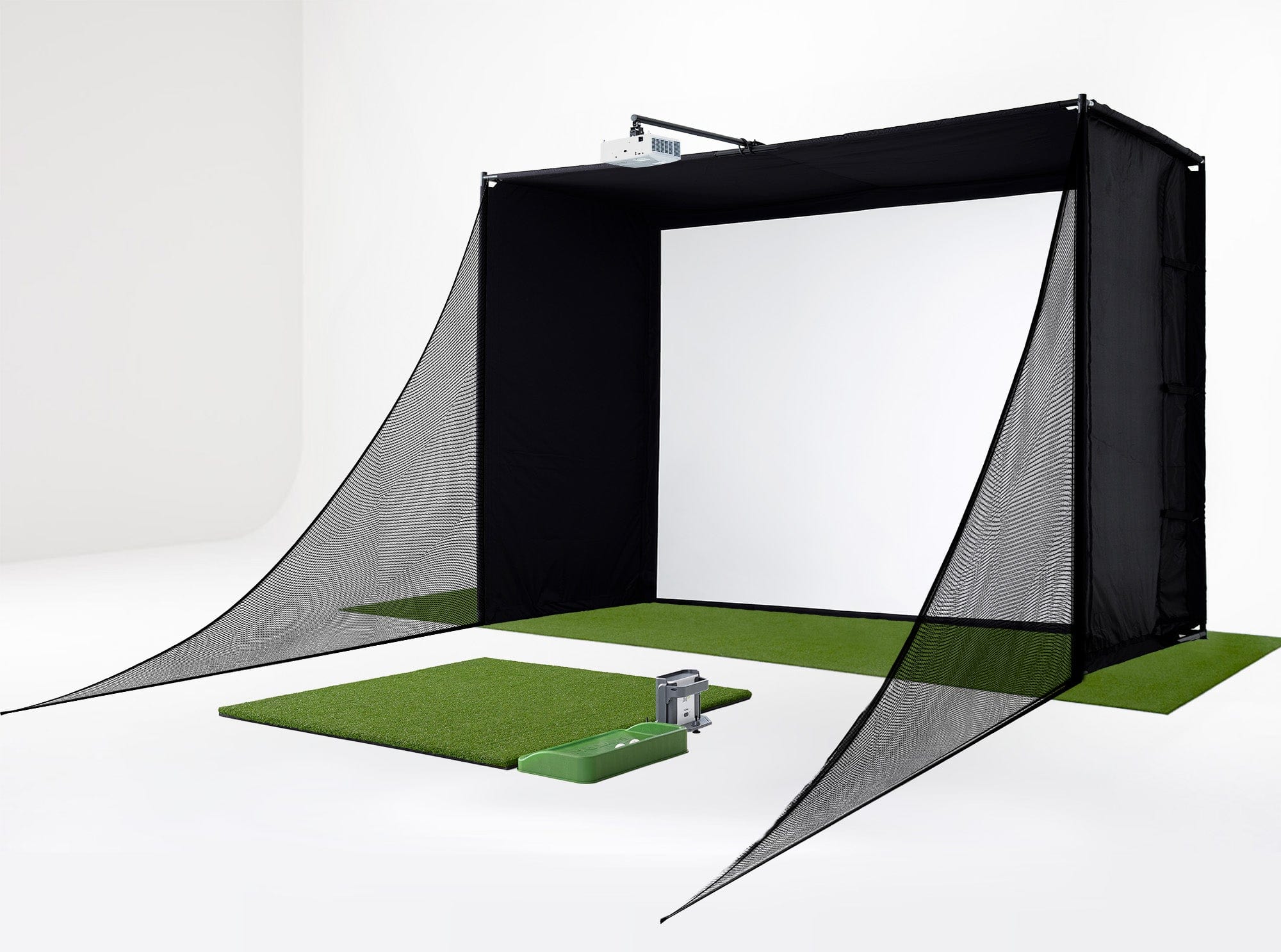
Complete Simulator Package:
- SKYTRAK+ Launch Monitor
- Mounted Projector (ceiling mount included)
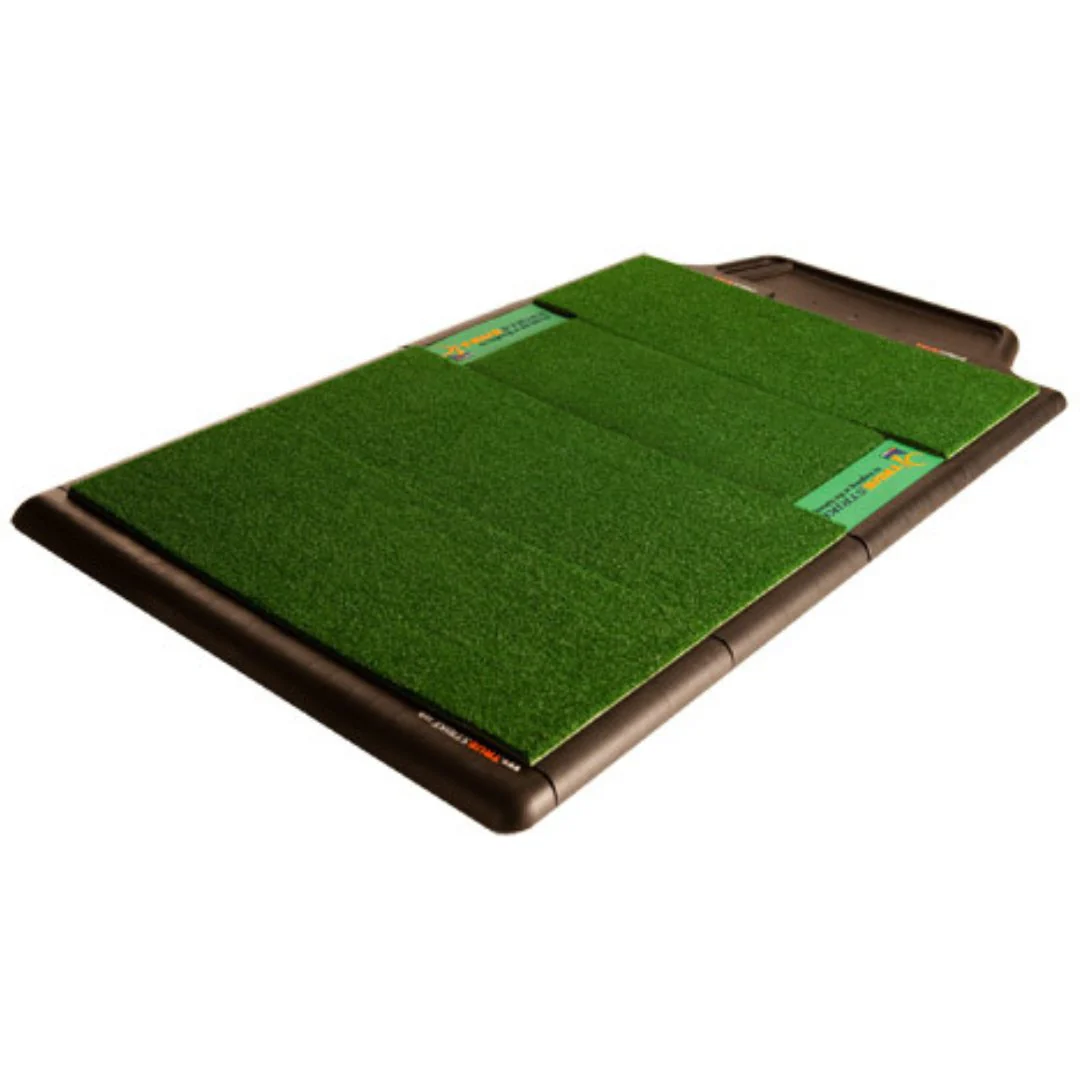
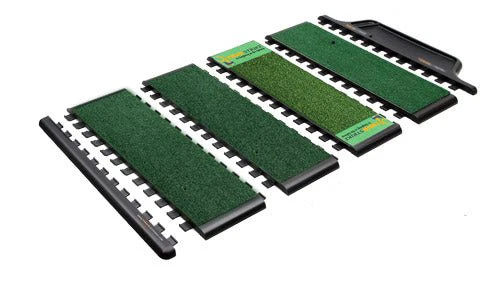
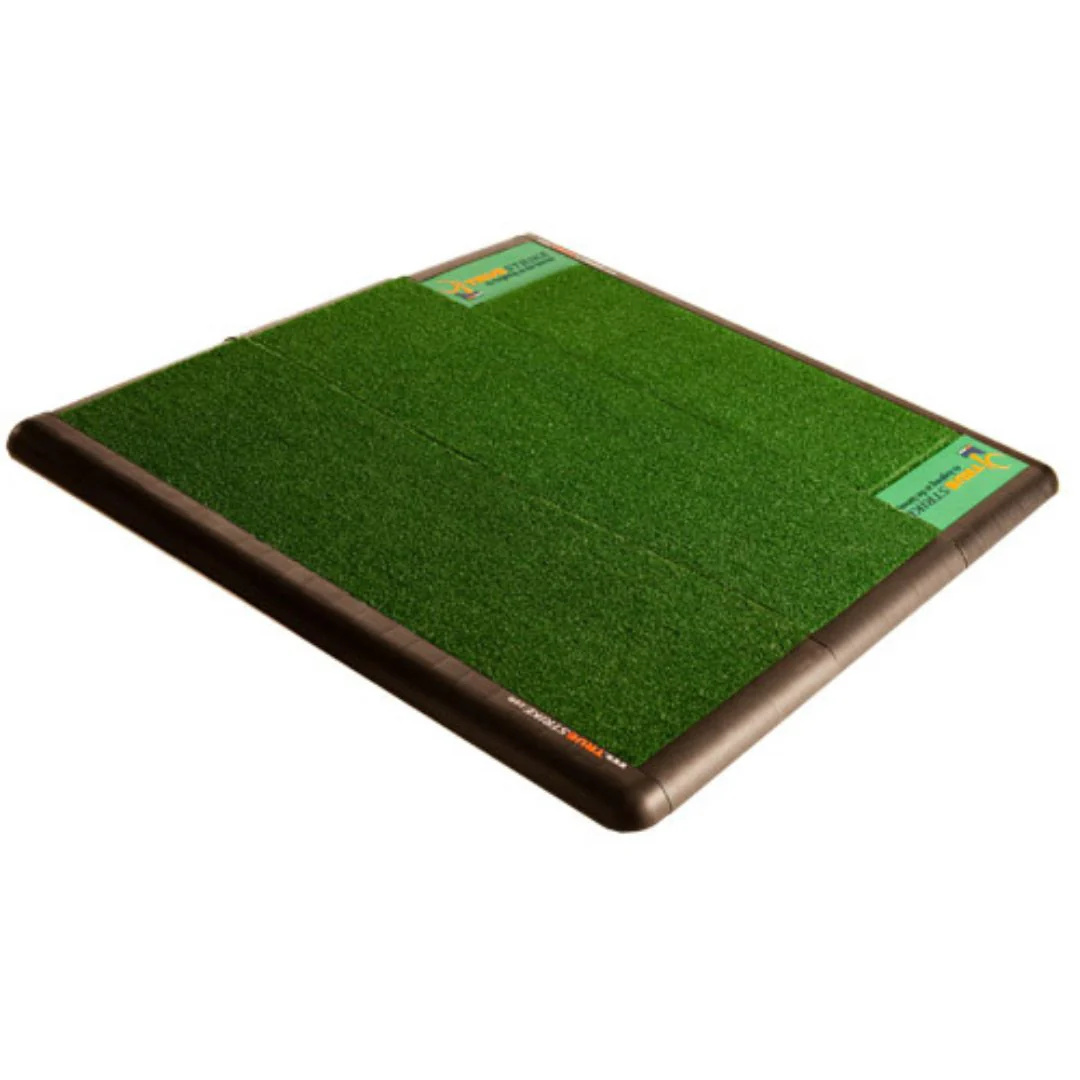
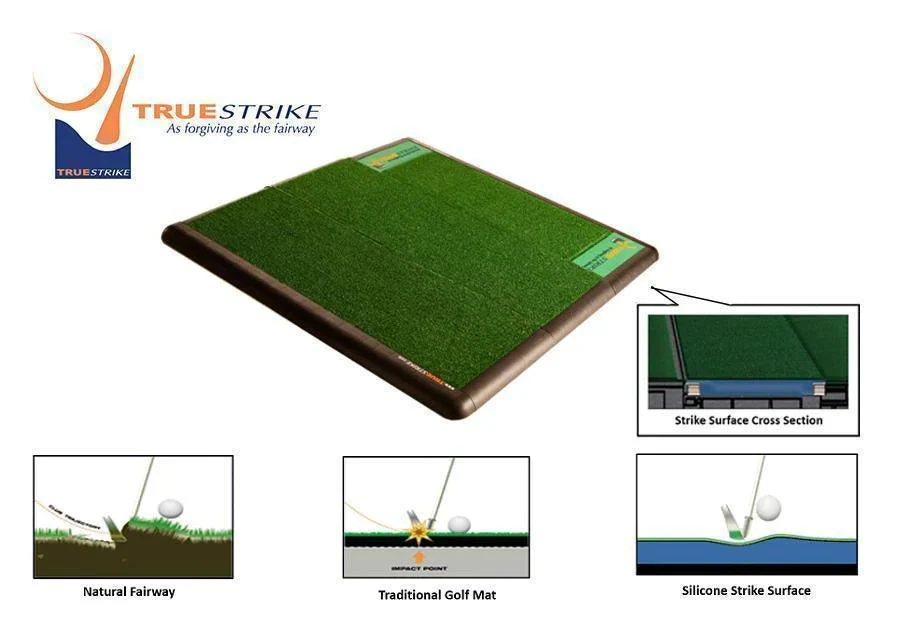
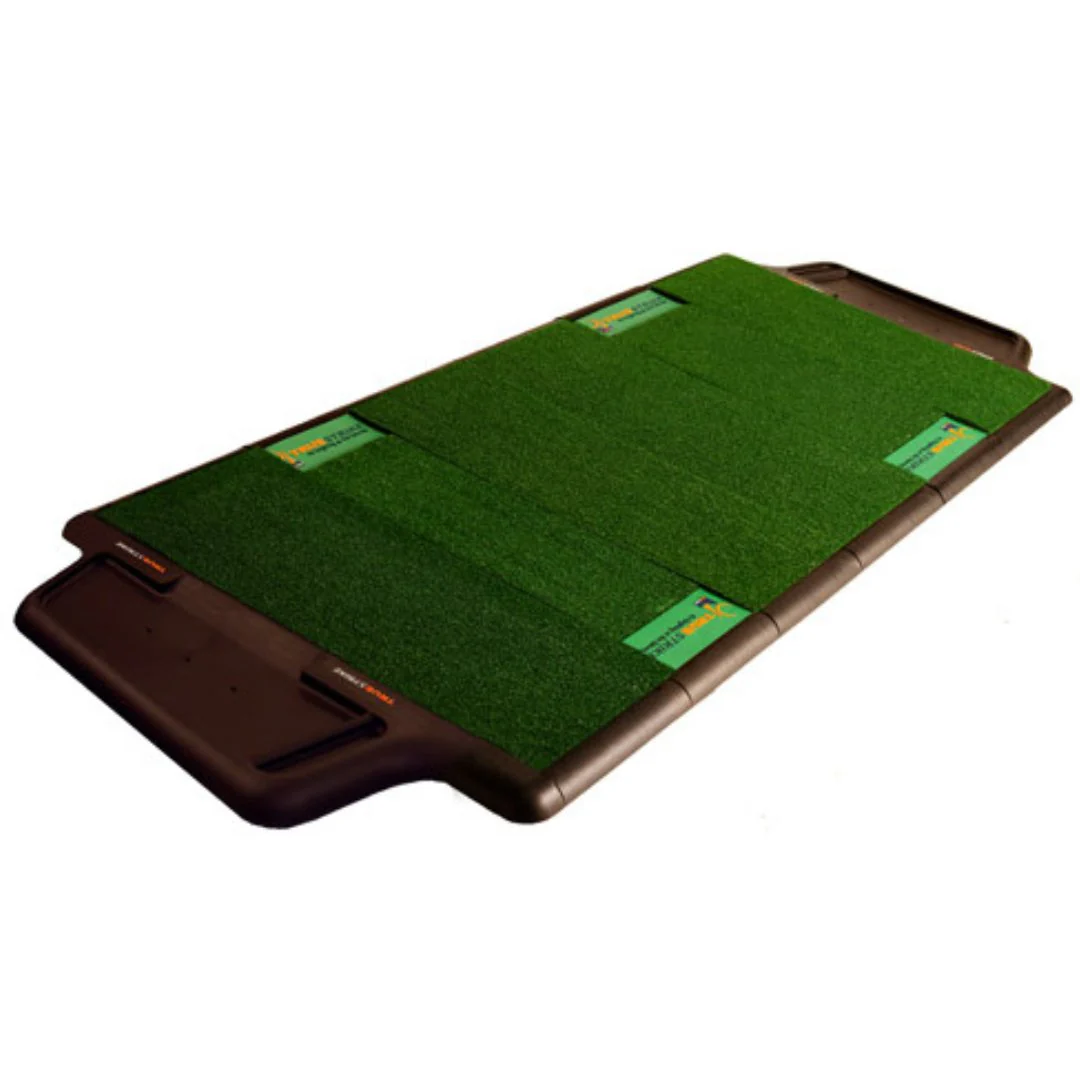
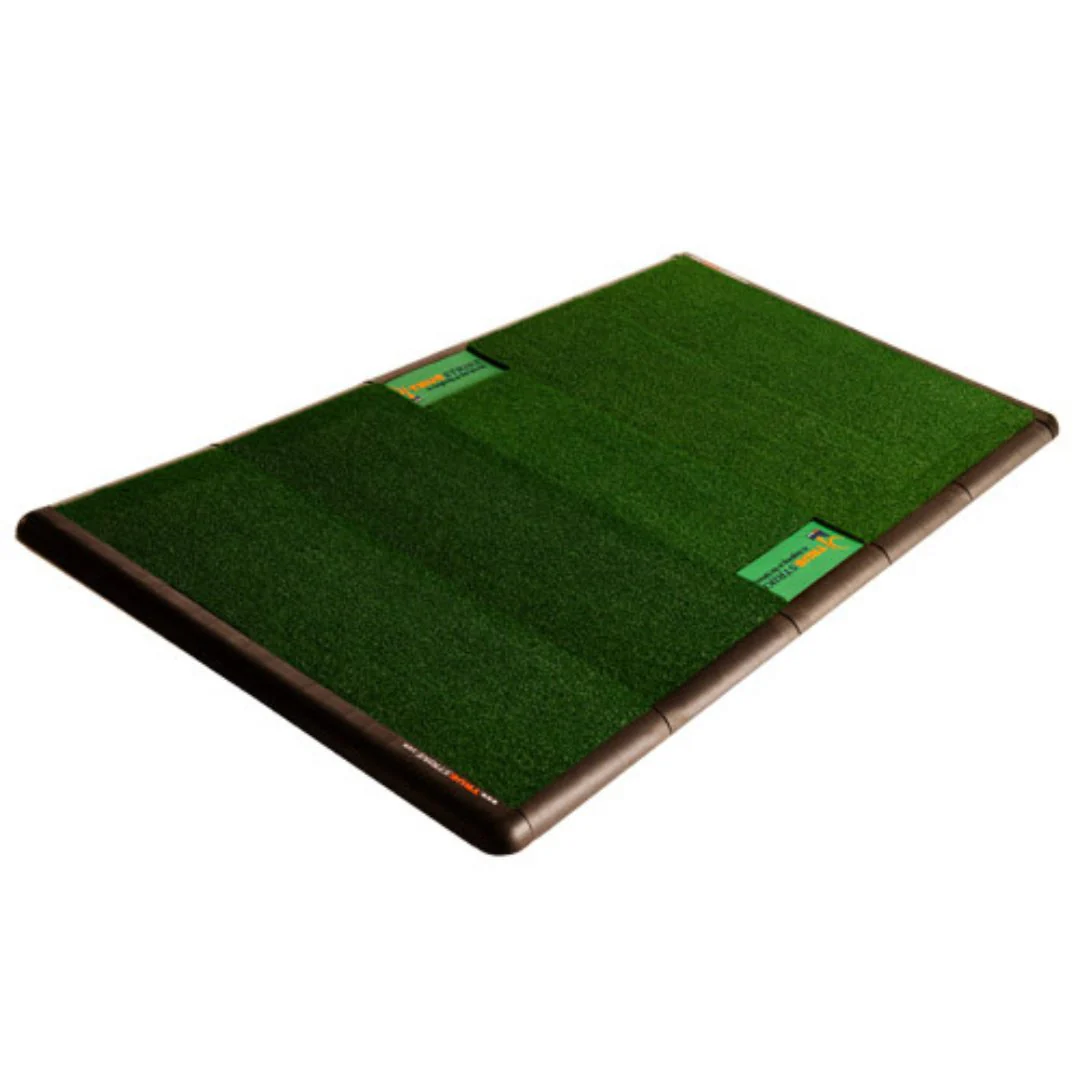
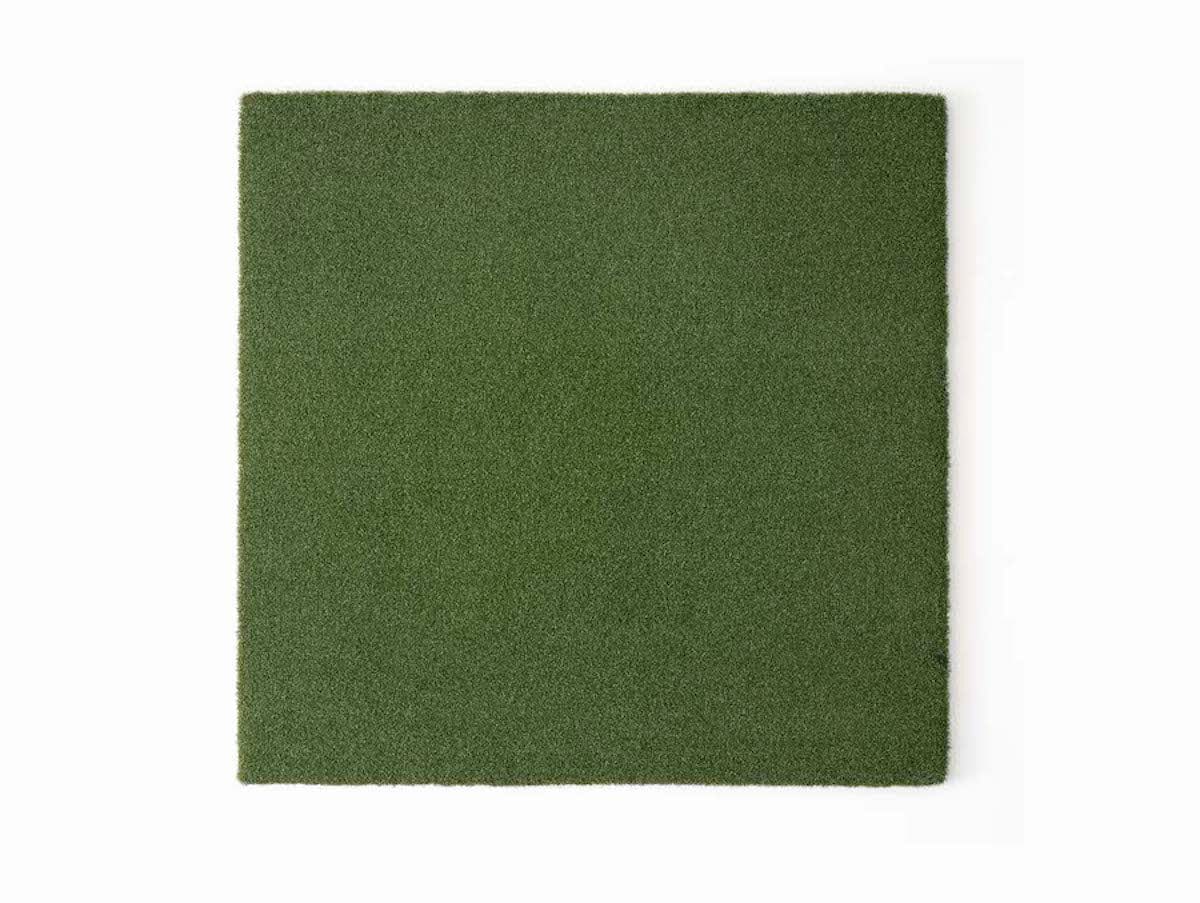
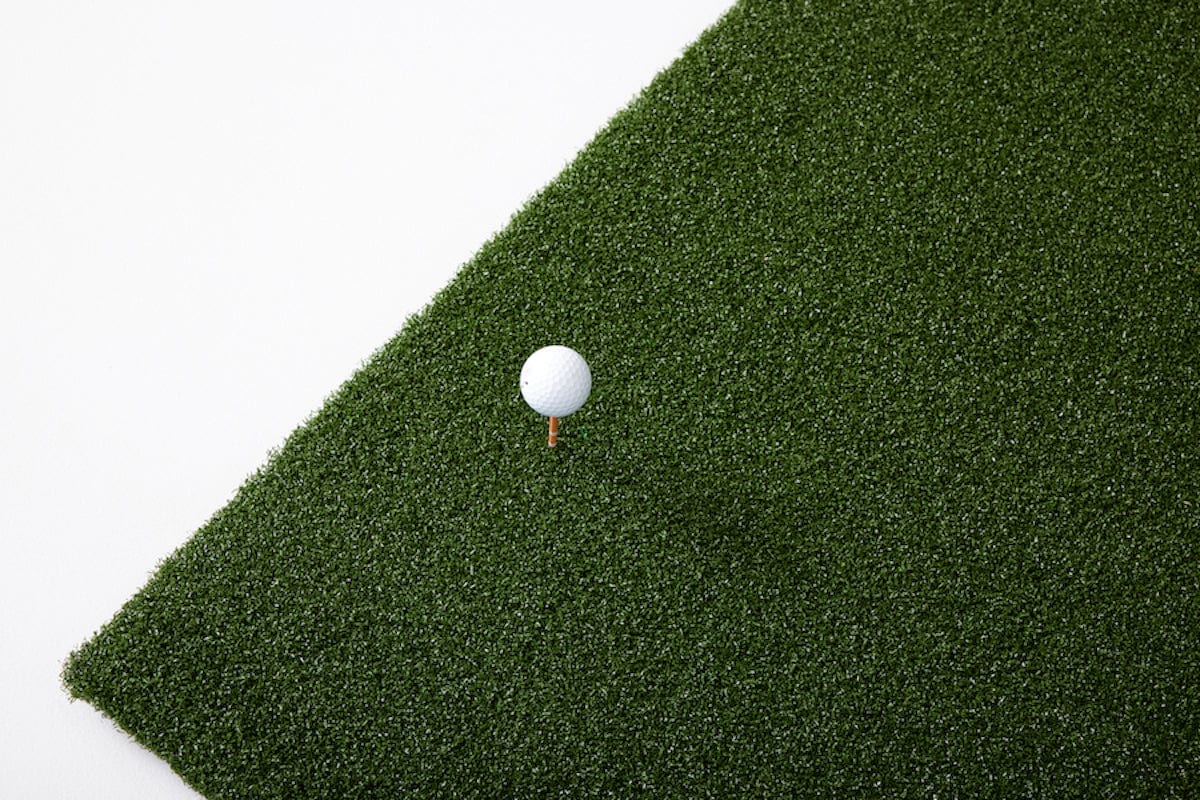
- 5x5 Golf Hitting Mat
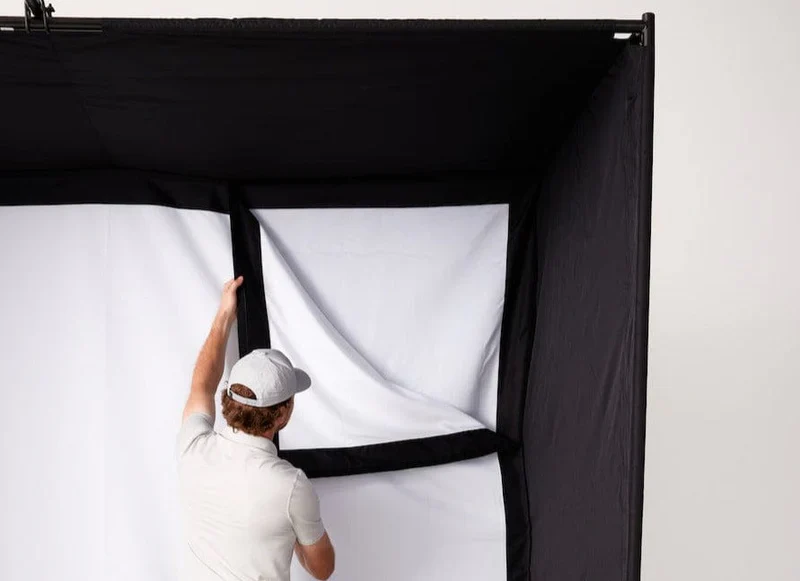
- Studio Enclosure (available in three sizes)
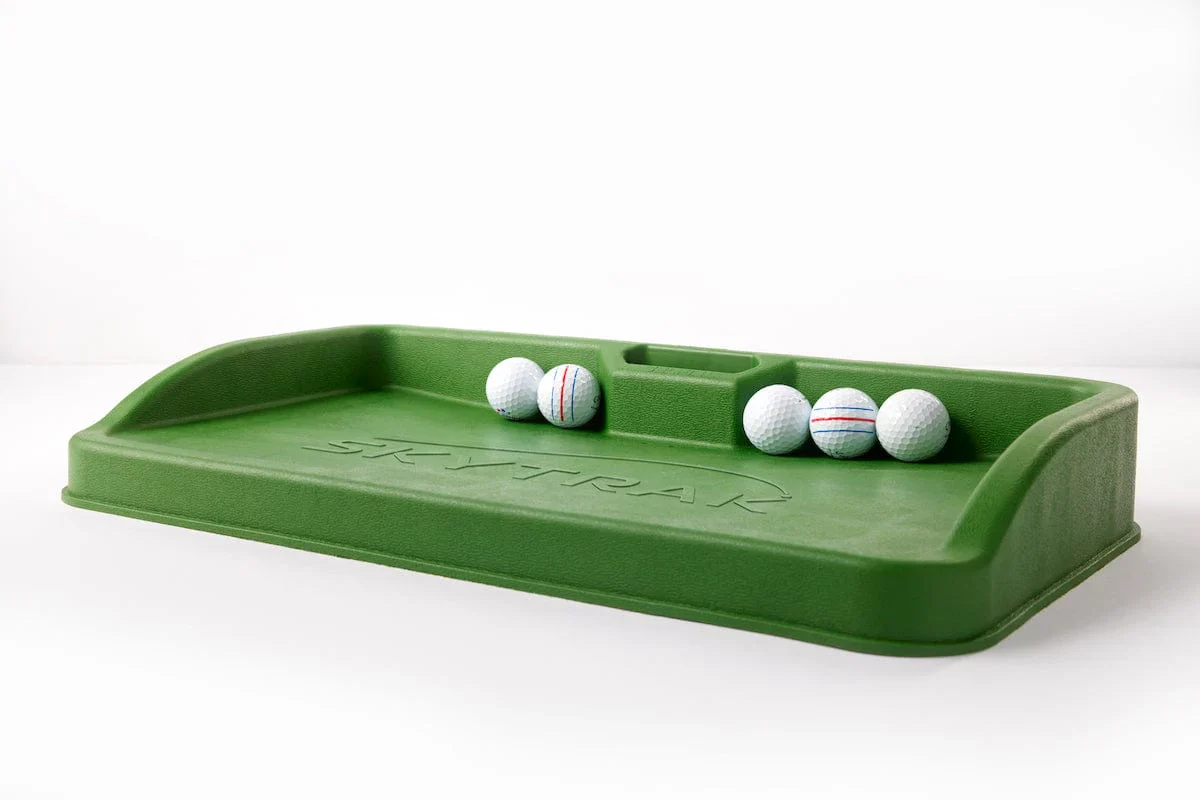
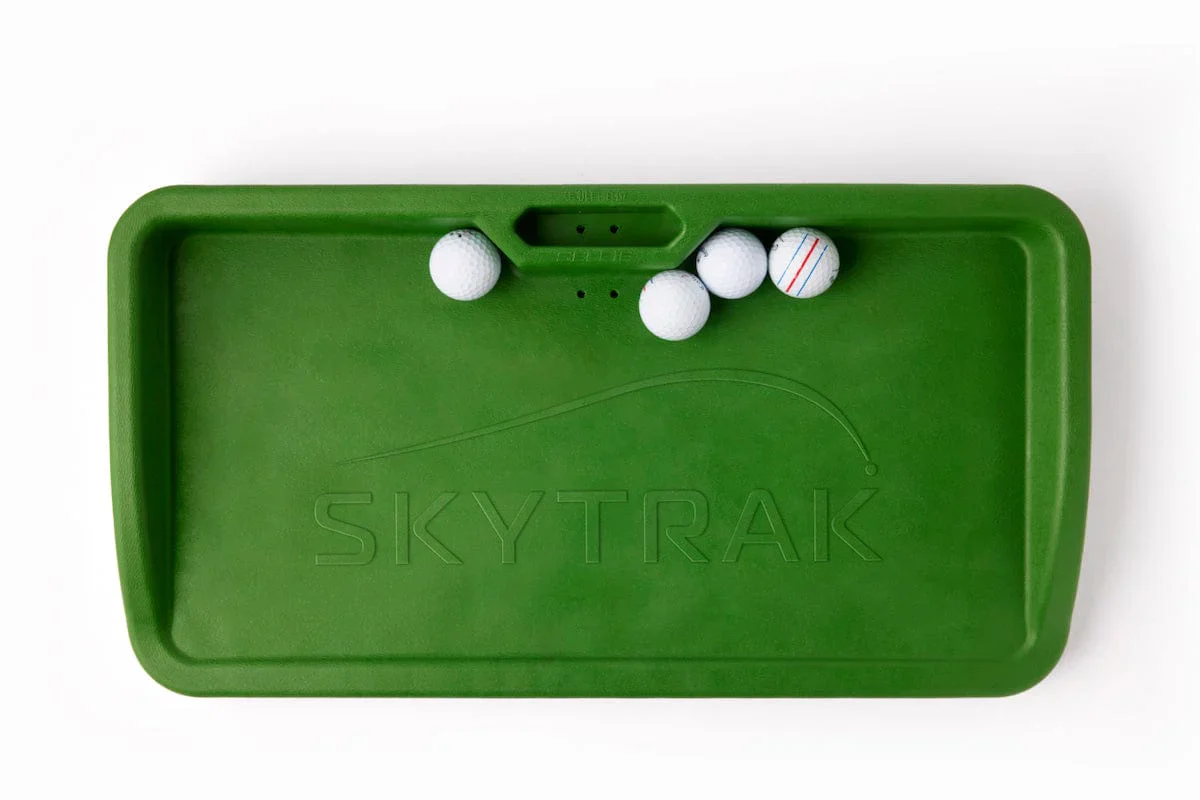
- SKYTRAK Rubber Molded Ball Tray
- Side Nets
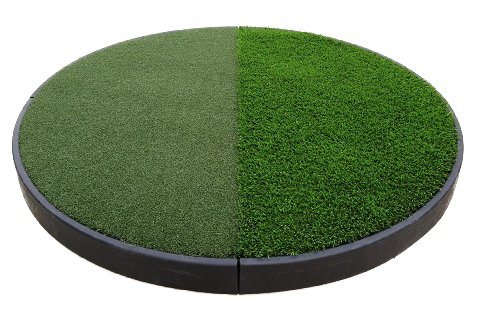
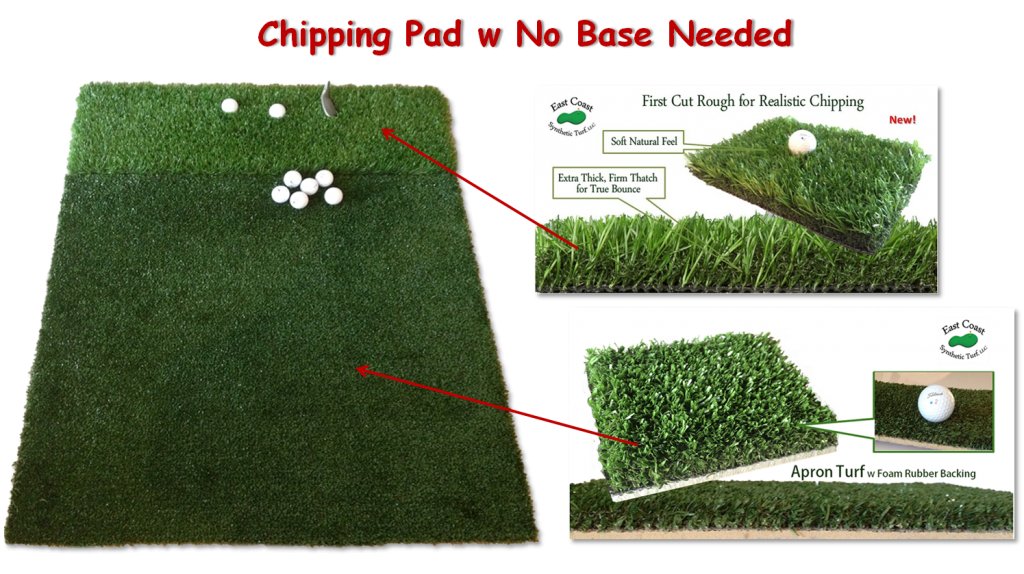
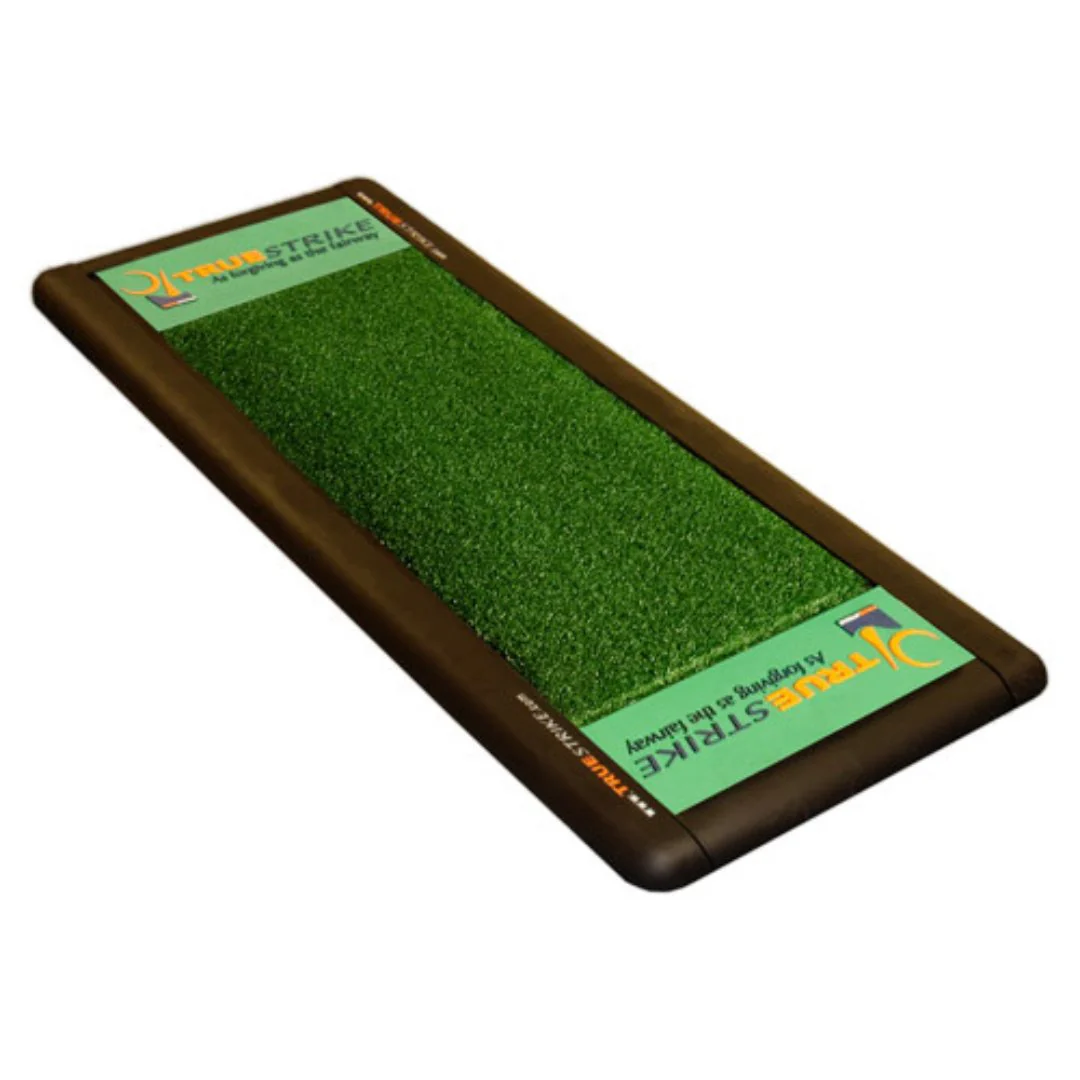
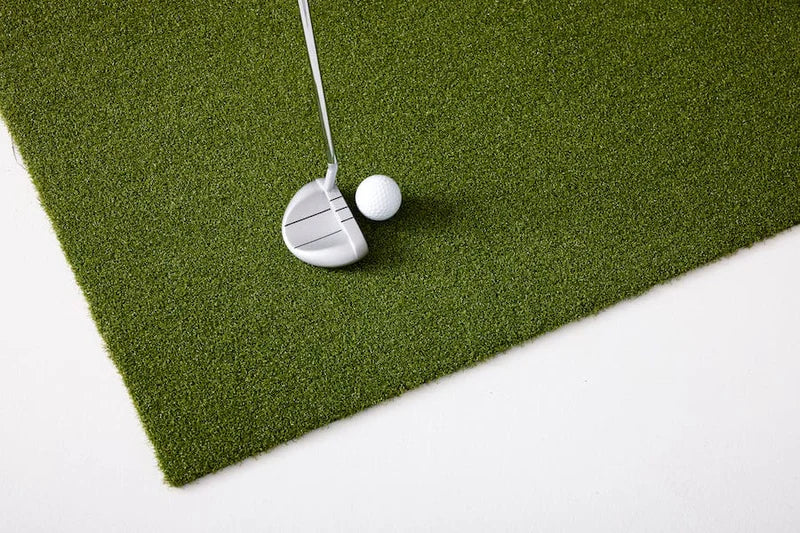
- Putting Mats
Transform Any Space: Easily convert your garage, basement, or spare room into a professional-grade simulator.
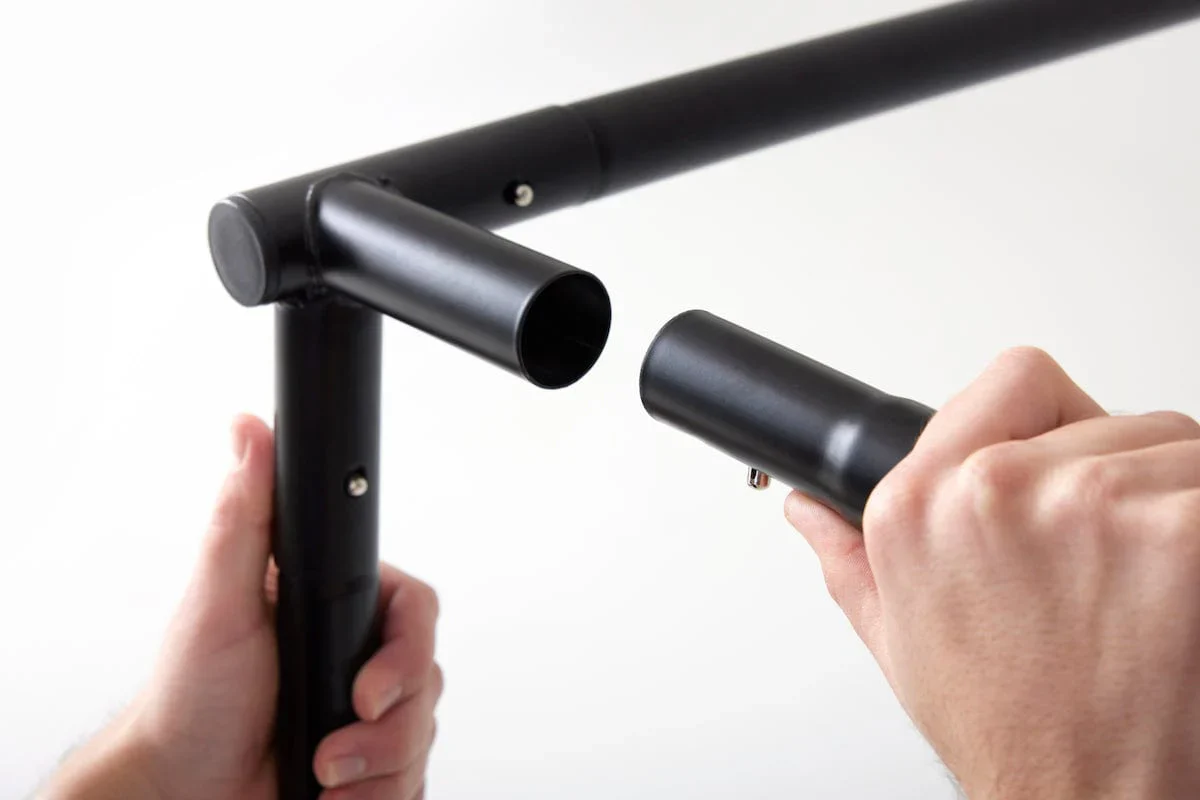
Quick & Easy Setup: Designed for hassle-free installation, so you'll be practicing and playing in no time.
Additional Notes: For the best experience, we recommend ceiling-mounting the projector to ensure full-screen coverage and optimal image quality.
About the SKYTRAK+ Studio Pro
The All in One Solution for Golf Simulation in Any Space
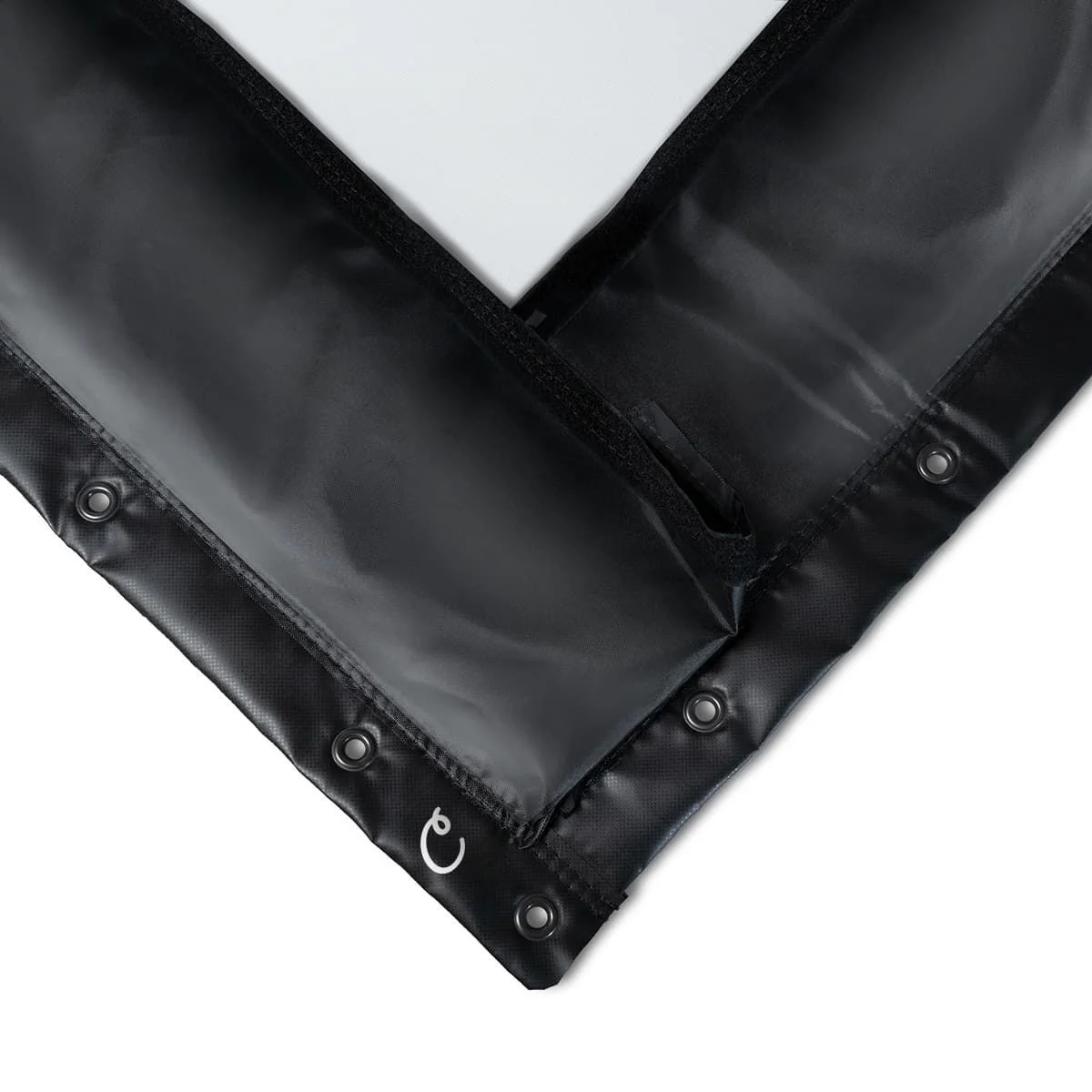
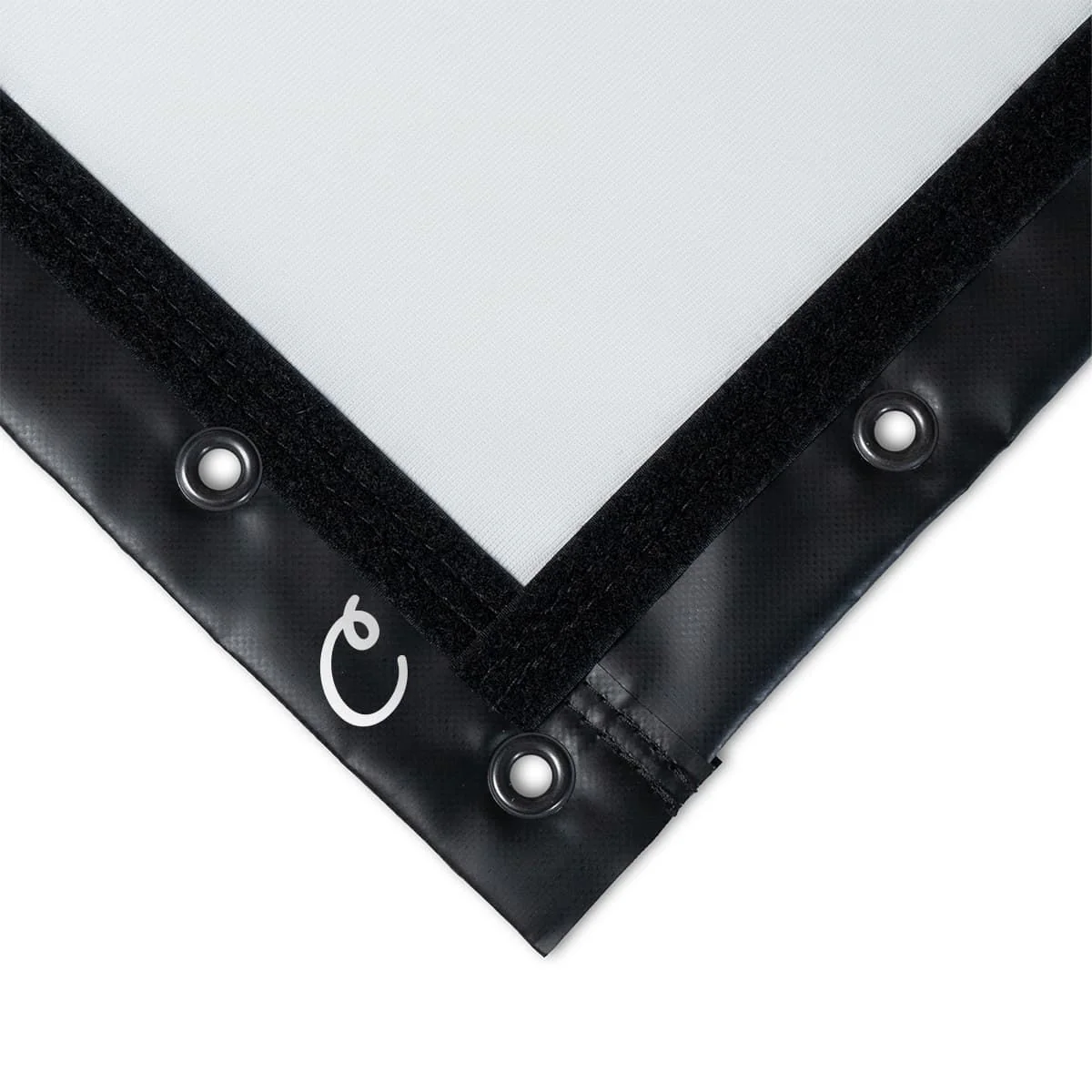
Introducing the SKYTRAK+ Golf Simulator Studio, a game-changer that brings the essence of golf into your personal space. Beyond the excitement, we've prioritized your safety, using top-quality materials and meticulous craftsmanship. Our advanced impact screens provide exceptional noise reduction and ensure the ball returns after every powerful swing.
SKYTRAK+ Launch Monitor
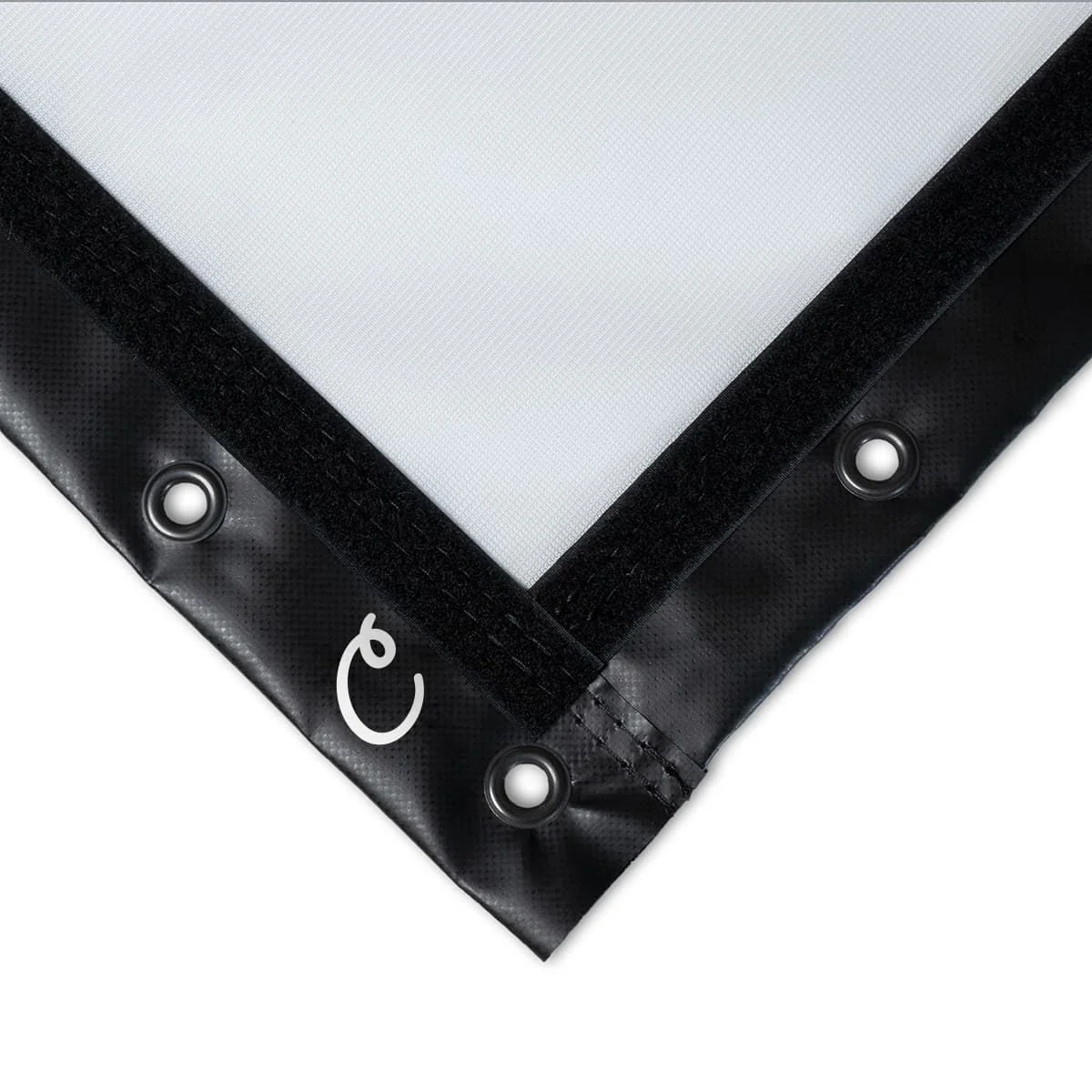
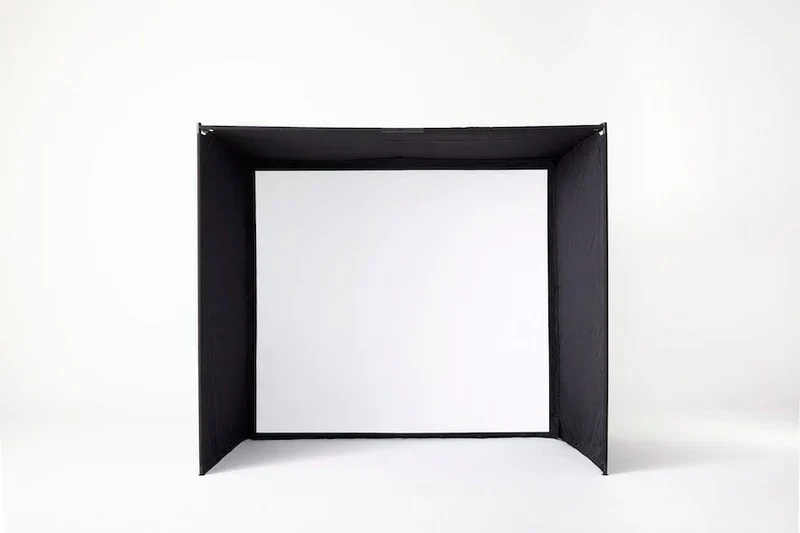
Steel frame with high impact screen and side netting
30 Day Trial of the Essential Plan
Optoma GT2000 HDR Projector and enclosure mount
- Ball wing molded ball tray
- High impact 5x5 hitting mat
- Custom sized putting turf
10'-13' Wide, 8'6"-10' High, 5'4"-10' Deep
Due to high demand, SKYTRAK+ Golf Simulator Studio Pro will ship in 1-2 weeks.
Space Requirements
Space Requirements
You'll want to take into account the ceiling height of your space not just for the enclosure, but to make sure you have enough room to swing a club! The sizes of the enclosures are below:
Sizes
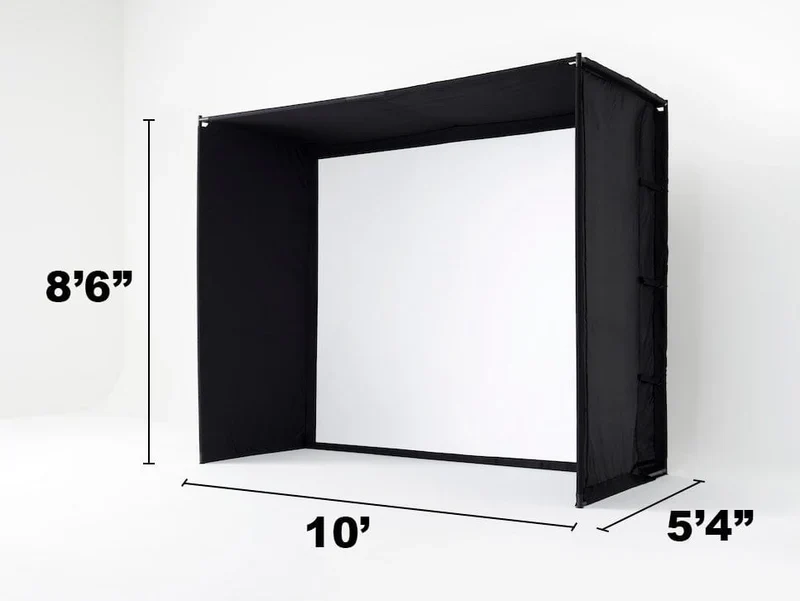
- Studio10: 10' (W) X 8'6 (H) X 5'4 (D)
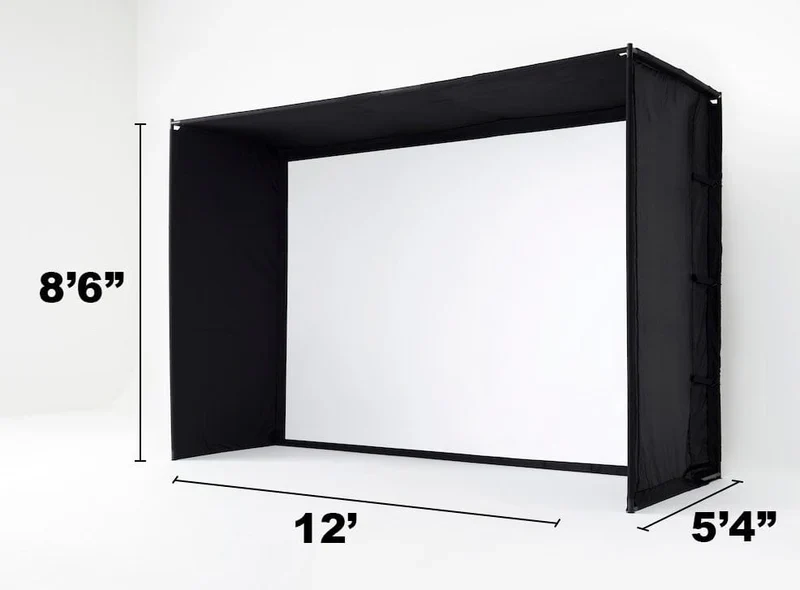
- Studio12: 12' (W) X 8'6 (H) X 5'4 (D)
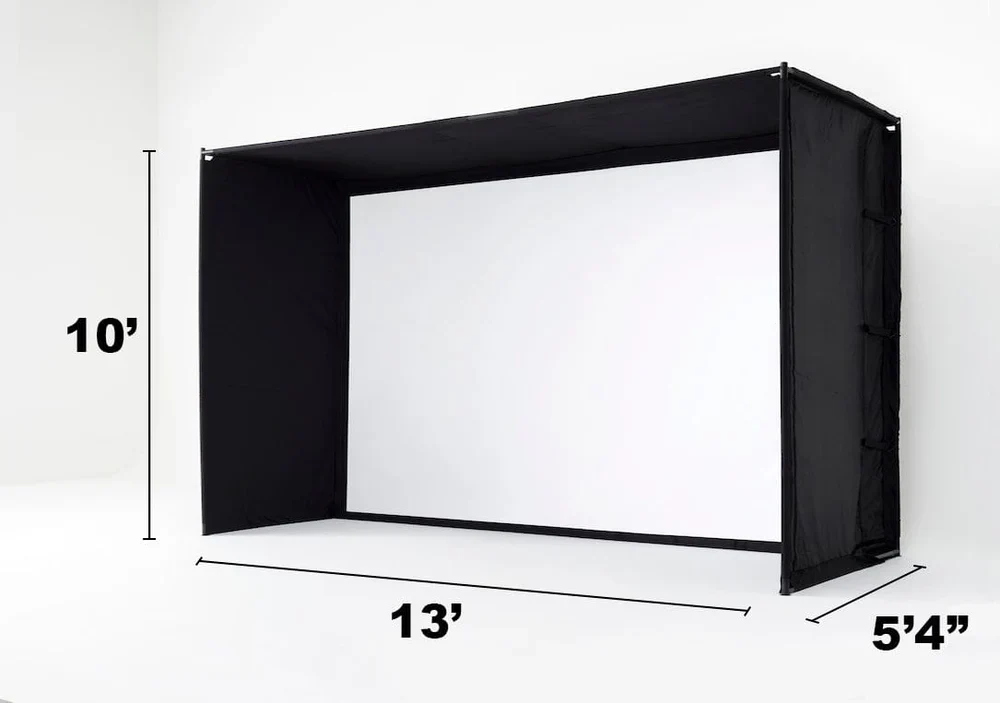
- Studio13 Deep: 13' (W) X 10' (H) X 10' (D)
**Although this product may fit in your space, please make sure to take some practice swings to make sure you are comfortable swinging in your designated space.
System Requirements
System Requirements
Minimum:
- Network: Broadband Internet connection
- OS: Windows 7 (32-bit or 64-bit)
- Processor: Intel Core i3 (or better)
- Memory: 4 GB RAM
- Graphics: NVidia GTX 670 or AMD 7850 with 2 GB (or better)
iOS:
- iPad Pro Gen 1 or newer
- iPad Air 2019 or
- iPhone 8 or newer
Recommended:
- OS: Windows 10 (64Bit)
- Processor: Intel Core i7
- Memory: 8 GB RAM
- Graphics: NVidia GTX 1650 / AMD Radeon 580
- DirectX: Version 11
- 128 GB SSD
- Network: Broadband Internet connection
- macOS / iOS require Apple M1 Chip or better (MacBook Pro or iPad Pro only)
Sizing
Sizing
Choose the Right Size for Your Space

Studio 10'
Width: 10 ft
Height: 8 ft 6 in
Depth: 5 ft 4 in

Studio 12'
Width: 12 ft
Height: 8 ft 6 in
Depth: 5 ft 4 in

Studio 13' Deep
Width: 13 ft
Height: 10 ft
Depth: 10 ft
Dimensions, Distances & Space Requirements
Dimensions, Distances & Space Requirements
Studio 10 Diagram
Studio 12 Diagram
Studio 13 Deep Diagram
Assembly Instructions
Assembly Instructions
Studio 10 Assembly Instructions
Studio 12 Assembly Instructions
Studio 13 Deep Assembly Instructions
FAQ
FAQ
How much Space Do I Need?
This launch monitor requires Enough Space to Swing Your Club in order for the data to collect properly. Please be sure to swing a club in your desired space to ensure that you are comfortable and safe making a golf swing in that area.
How Do I Measure My Space?
In order to fit a SkyTrak Golf Simulator Studio in your home you will need a space that is at least 10 feet wide by 10 feet deep by 9 feet tall(space requirements are variable based on player - must be able to comfortably swing a golf club in the space).
What Data Does SkyTrak+ Provide?
- Carry Distance
- Total Distance
- Clubhead Speed
- Ball Speed
- Smash Factor
- Club Path
- Club Face Angle
- Face to Target
- Back Spin Rate
- Side Spin Rate
- Spin Axis
- Horizontal Launch Angle
- Vertical Launch Angle
- Lateral Landing
- Roll Distance
- Apex Height
- Flight Time
- Shot Shape
- Descent Angle
- Shot Score
Is SkyTrak+ Accurate?
The SkyTrak+ Launch Monitor is extremely accurate and provides a realistic depiction of actual ball flight within close proximity to other leading launch monitors and real world results. SkyTrak has performed robot testing at Golf Laboratories, the golf industry’s #1 independent testing facility. Using a variety of shot types, ball speeds, and golf clubs, the measured results were virtually indistinguishable from the leading commercial launch monitors in the industry across the 5 most important parameters – ball speed, launch angle, back spin, side spin/spin axis, and side angle.
Unlike some professional-grade launch monitors, SkyTrak’s ball flight simulations are not affected by atmospheric conditions like wind, humidity, etc. (unless you turn these on in the session settings). With the addition of doppler radar to the SkyTrak+ to combine with the improved high-speed photometric camera system, you can trust the accuracy of this launch monitor both indoors and outdoors.
What Devices Are Compatible With This Product?
This product is compatible with PC, iOS, Andorid devices. However, be sure to also match the your device needs to the software option that you intend to use with this product.
Product Information
Product Information
Shipping & Returns
Shipping & Returns



SkyTrak+ Golf Simulator Studio Pro
SkyTrak+ Golf Simulator Studio Pro
SkyTrak+ Golf Simulator Studio Pro
Experience unmatched precision and power with the SKYTRAK+ launch monitor, paired with a pro-level studio setup for realistic gameplay, instant feedback, and game-changing improvements.
Complete Simulator Package:
- SKYTRAK+ Launch Monitor
- Mounted Projector (ceiling mount included)
- 5x5 Golf Hitting Mat
- Studio Enclosure (available in three sizes)
- SKYTRAK Rubber Molded Ball Tray
- Side Nets
- Putting Mats
Transform Any Space: Easily convert your garage, basement, or spare room into a professional-grade simulator.
Quick & Easy Setup: Designed for hassle-free installation, so you'll be practicing and playing in no time.
Additional Notes: For the best experience, we recommend ceiling-mounting the projector to ensure full-screen coverage and optimal image quality.
About the SKYTRAK+ Studio Pro
The All in One Solution for Golf Simulation in Any Space
Introducing the SKYTRAK+ Golf Simulator Studio, a game-changer that brings the essence of golf into your personal space. Beyond the excitement, we've prioritized your safety, using top-quality materials and meticulous craftsmanship. Our advanced impact screens provide exceptional noise reduction and ensure the ball returns after every powerful swing.
SKYTRAK+ Launch Monitor
Steel frame with high impact screen and side netting
30 Day Trial of the Essential Plan
Optoma GT2000 HDR Projector and enclosure mount
- Ball wing molded ball tray
- High impact 5x5 hitting mat
- Custom sized putting turf
10'-13' Wide, 8'6"-10' High, 5'4"-10' Deep
Due to high demand, SKYTRAK+ Golf Simulator Studio Pro will ship in 1-2 weeks.
Space Requirements
Space Requirements
You'll want to take into account the ceiling height of your space not just for the enclosure, but to make sure you have enough room to swing a club! The sizes of the enclosures are below:
Sizes
- Studio10: 10' (W) X 8'6 (H) X 5'4 (D)
- Studio12: 12' (W) X 8'6 (H) X 5'4 (D)
- Studio13 Deep: 13' (W) X 10' (H) X 10' (D)
**Although this product may fit in your space, please make sure to take some practice swings to make sure you are comfortable swinging in your designated space.
System Requirements
System Requirements
Minimum:
- Network: Broadband Internet connection
- OS: Windows 7 (32-bit or 64-bit)
- Processor: Intel Core i3 (or better)
- Memory: 4 GB RAM
- Graphics: NVidia GTX 670 or AMD 7850 with 2 GB (or better)
iOS:
- iPad Pro Gen 1 or newer
- iPad Air 2019 or
- iPhone 8 or newer
Recommended:
- OS: Windows 10 (64Bit)
- Processor: Intel Core i7
- Memory: 8 GB RAM
- Graphics: NVidia GTX 1650 / AMD Radeon 580
- DirectX: Version 11
- 128 GB SSD
- Network: Broadband Internet connection
- macOS / iOS require Apple M1 Chip or better (MacBook Pro or iPad Pro only)
Sizing
Sizing
Choose the Right Size for Your Space
Studio 10'
Width: 10 ft
Height: 8 ft 6 in
Depth: 5 ft 4 in
Studio 12'
Width: 12 ft
Height: 8 ft 6 in
Depth: 5 ft 4 in
Studio 13' Deep
Width: 13 ft
Height: 10 ft
Depth: 10 ft
Dimensions, Distances & Space Requirements
Dimensions, Distances & Space Requirements
Studio 10 Diagram
Studio 12 Diagram
Studio 13 Deep Diagram
Assembly Instructions
Assembly Instructions
Studio 10 Assembly Instructions
Studio 12 Assembly Instructions
Studio 13 Deep Assembly Instructions
FAQ
FAQ
How much Space Do I Need?
This launch monitor requires Enough Space to Swing Your Club in order for the data to collect properly. Please be sure to swing a club in your desired space to ensure that you are comfortable and safe making a golf swing in that area.
How Do I Measure My Space?
In order to fit a SkyTrak Golf Simulator Studio in your home you will need a space that is at least 10 feet wide by 10 feet deep by 9 feet tall(space requirements are variable based on player - must be able to comfortably swing a golf club in the space).
What Data Does SkyTrak+ Provide?
- Carry Distance
- Total Distance
- Clubhead Speed
- Ball Speed
- Smash Factor
- Club Path
- Club Face Angle
- Face to Target
- Back Spin Rate
- Side Spin Rate
- Spin Axis
- Horizontal Launch Angle
- Vertical Launch Angle
- Lateral Landing
- Roll Distance
- Apex Height
- Flight Time
- Shot Shape
- Descent Angle
- Shot Score
Is SkyTrak+ Accurate?
The SkyTrak+ Launch Monitor is extremely accurate and provides a realistic depiction of actual ball flight within close proximity to other leading launch monitors and real world results. SkyTrak has performed robot testing at Golf Laboratories, the golf industry’s #1 independent testing facility. Using a variety of shot types, ball speeds, and golf clubs, the measured results were virtually indistinguishable from the leading commercial launch monitors in the industry across the 5 most important parameters – ball speed, launch angle, back spin, side spin/spin axis, and side angle.
Unlike some professional-grade launch monitors, SkyTrak’s ball flight simulations are not affected by atmospheric conditions like wind, humidity, etc. (unless you turn these on in the session settings). With the addition of doppler radar to the SkyTrak+ to combine with the improved high-speed photometric camera system, you can trust the accuracy of this launch monitor both indoors and outdoors.
What Devices Are Compatible With This Product?
This product is compatible with PC, iOS, Andorid devices. However, be sure to also match the your device needs to the software option that you intend to use with this product.
Original: $6,995.00
-65%$6,995.00
$2,448.25Product Information
Product Information
Shipping & Returns
Shipping & Returns
Description
SkyTrak+ Golf Simulator Studio Pro
Experience unmatched precision and power with the SKYTRAK+ launch monitor, paired with a pro-level studio setup for realistic gameplay, instant feedback, and game-changing improvements.
Complete Simulator Package:
- SKYTRAK+ Launch Monitor
- Mounted Projector (ceiling mount included)
- 5x5 Golf Hitting Mat
- Studio Enclosure (available in three sizes)
- SKYTRAK Rubber Molded Ball Tray
- Side Nets
- Putting Mats
Transform Any Space: Easily convert your garage, basement, or spare room into a professional-grade simulator.
Quick & Easy Setup: Designed for hassle-free installation, so you'll be practicing and playing in no time.
Additional Notes: For the best experience, we recommend ceiling-mounting the projector to ensure full-screen coverage and optimal image quality.
About the SKYTRAK+ Studio Pro
The All in One Solution for Golf Simulation in Any Space
Introducing the SKYTRAK+ Golf Simulator Studio, a game-changer that brings the essence of golf into your personal space. Beyond the excitement, we've prioritized your safety, using top-quality materials and meticulous craftsmanship. Our advanced impact screens provide exceptional noise reduction and ensure the ball returns after every powerful swing.
SKYTRAK+ Launch Monitor
Steel frame with high impact screen and side netting
30 Day Trial of the Essential Plan
Optoma GT2000 HDR Projector and enclosure mount
- Ball wing molded ball tray
- High impact 5x5 hitting mat
- Custom sized putting turf
10'-13' Wide, 8'6"-10' High, 5'4"-10' Deep
Due to high demand, SKYTRAK+ Golf Simulator Studio Pro will ship in 1-2 weeks.
Space Requirements
Space Requirements
You'll want to take into account the ceiling height of your space not just for the enclosure, but to make sure you have enough room to swing a club! The sizes of the enclosures are below:
Sizes
- Studio10: 10' (W) X 8'6 (H) X 5'4 (D)
- Studio12: 12' (W) X 8'6 (H) X 5'4 (D)
- Studio13 Deep: 13' (W) X 10' (H) X 10' (D)
**Although this product may fit in your space, please make sure to take some practice swings to make sure you are comfortable swinging in your designated space.
System Requirements
System Requirements
Minimum:
- Network: Broadband Internet connection
- OS: Windows 7 (32-bit or 64-bit)
- Processor: Intel Core i3 (or better)
- Memory: 4 GB RAM
- Graphics: NVidia GTX 670 or AMD 7850 with 2 GB (or better)
iOS:
- iPad Pro Gen 1 or newer
- iPad Air 2019 or
- iPhone 8 or newer
Recommended:
- OS: Windows 10 (64Bit)
- Processor: Intel Core i7
- Memory: 8 GB RAM
- Graphics: NVidia GTX 1650 / AMD Radeon 580
- DirectX: Version 11
- 128 GB SSD
- Network: Broadband Internet connection
- macOS / iOS require Apple M1 Chip or better (MacBook Pro or iPad Pro only)
Sizing
Sizing
Choose the Right Size for Your Space
Studio 10'
Width: 10 ft
Height: 8 ft 6 in
Depth: 5 ft 4 in
Studio 12'
Width: 12 ft
Height: 8 ft 6 in
Depth: 5 ft 4 in
Studio 13' Deep
Width: 13 ft
Height: 10 ft
Depth: 10 ft
Dimensions, Distances & Space Requirements
Dimensions, Distances & Space Requirements
Studio 10 Diagram
Studio 12 Diagram
Studio 13 Deep Diagram
Assembly Instructions
Assembly Instructions
Studio 10 Assembly Instructions
Studio 12 Assembly Instructions
Studio 13 Deep Assembly Instructions
FAQ
FAQ
How much Space Do I Need?
This launch monitor requires Enough Space to Swing Your Club in order for the data to collect properly. Please be sure to swing a club in your desired space to ensure that you are comfortable and safe making a golf swing in that area.
How Do I Measure My Space?
In order to fit a SkyTrak Golf Simulator Studio in your home you will need a space that is at least 10 feet wide by 10 feet deep by 9 feet tall(space requirements are variable based on player - must be able to comfortably swing a golf club in the space).
What Data Does SkyTrak+ Provide?
- Carry Distance
- Total Distance
- Clubhead Speed
- Ball Speed
- Smash Factor
- Club Path
- Club Face Angle
- Face to Target
- Back Spin Rate
- Side Spin Rate
- Spin Axis
- Horizontal Launch Angle
- Vertical Launch Angle
- Lateral Landing
- Roll Distance
- Apex Height
- Flight Time
- Shot Shape
- Descent Angle
- Shot Score
Is SkyTrak+ Accurate?
The SkyTrak+ Launch Monitor is extremely accurate and provides a realistic depiction of actual ball flight within close proximity to other leading launch monitors and real world results. SkyTrak has performed robot testing at Golf Laboratories, the golf industry’s #1 independent testing facility. Using a variety of shot types, ball speeds, and golf clubs, the measured results were virtually indistinguishable from the leading commercial launch monitors in the industry across the 5 most important parameters – ball speed, launch angle, back spin, side spin/spin axis, and side angle.
Unlike some professional-grade launch monitors, SkyTrak’s ball flight simulations are not affected by atmospheric conditions like wind, humidity, etc. (unless you turn these on in the session settings). With the addition of doppler radar to the SkyTrak+ to combine with the improved high-speed photometric camera system, you can trust the accuracy of this launch monitor both indoors and outdoors.
What Devices Are Compatible With This Product?
This product is compatible with PC, iOS, Andorid devices. However, be sure to also match the your device needs to the software option that you intend to use with this product.