ProTee United - TGC 2019 Simulator Software
ProTee United TGC 2019 Simulator Software
The #1 Golf Simulation Software with loads of pre-designed courses and online play.
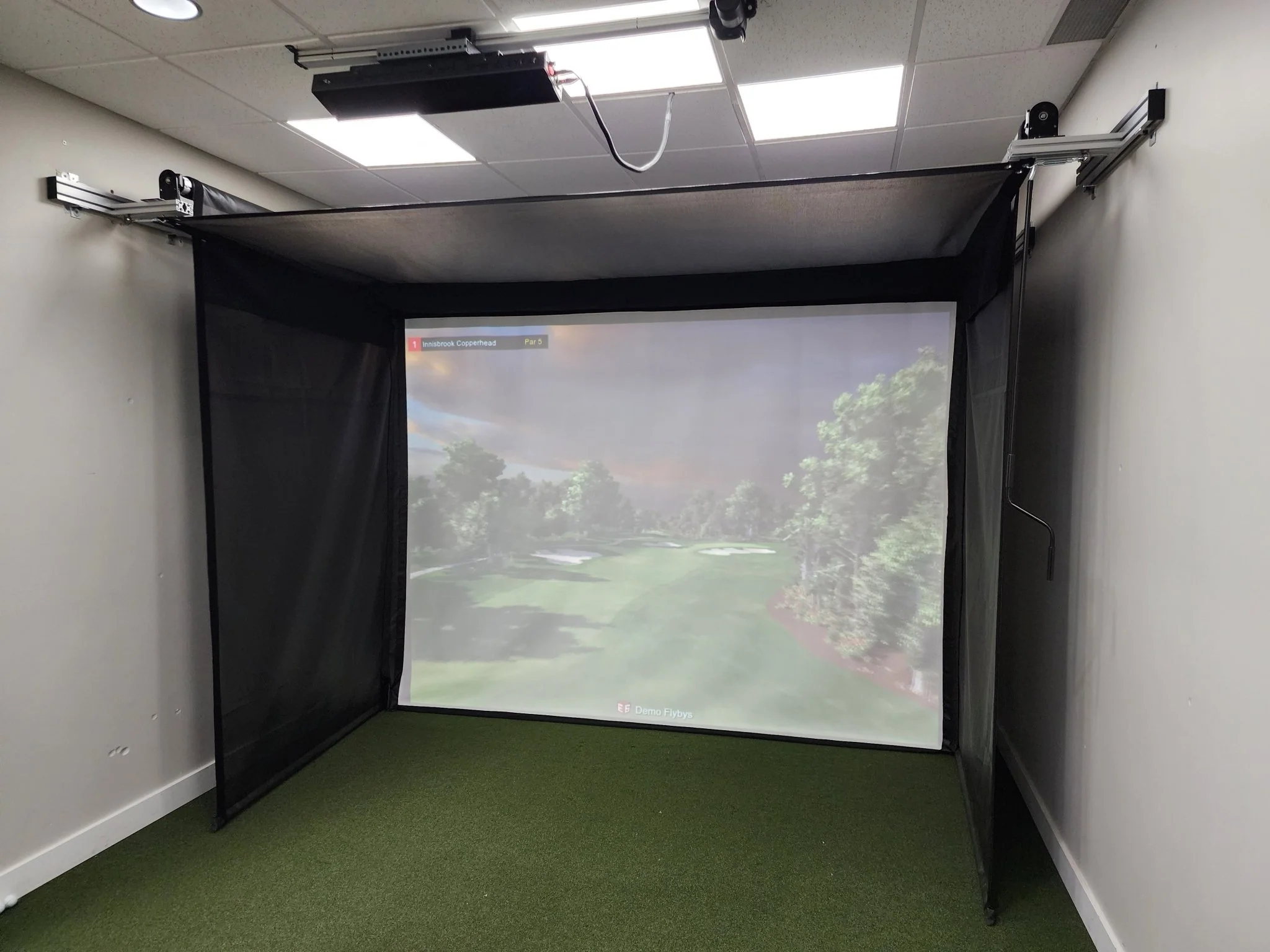
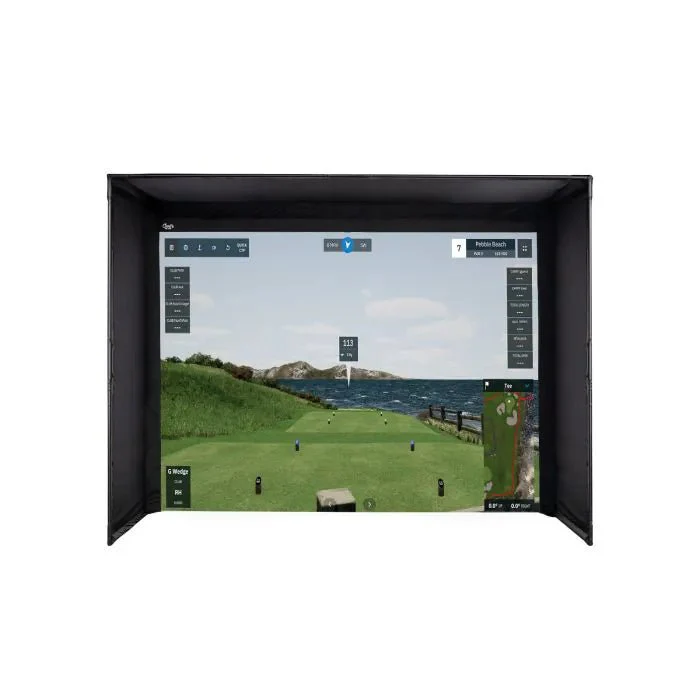
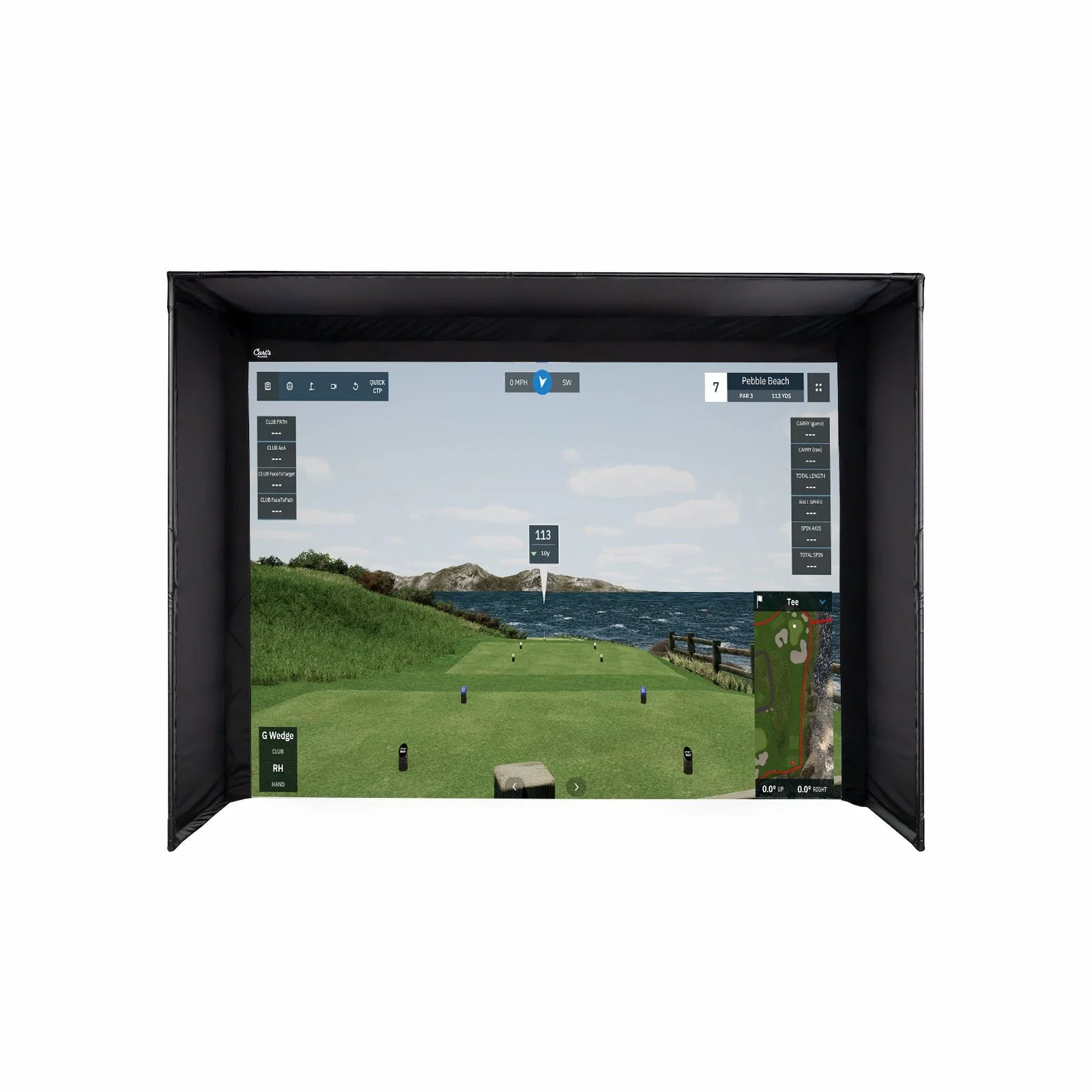
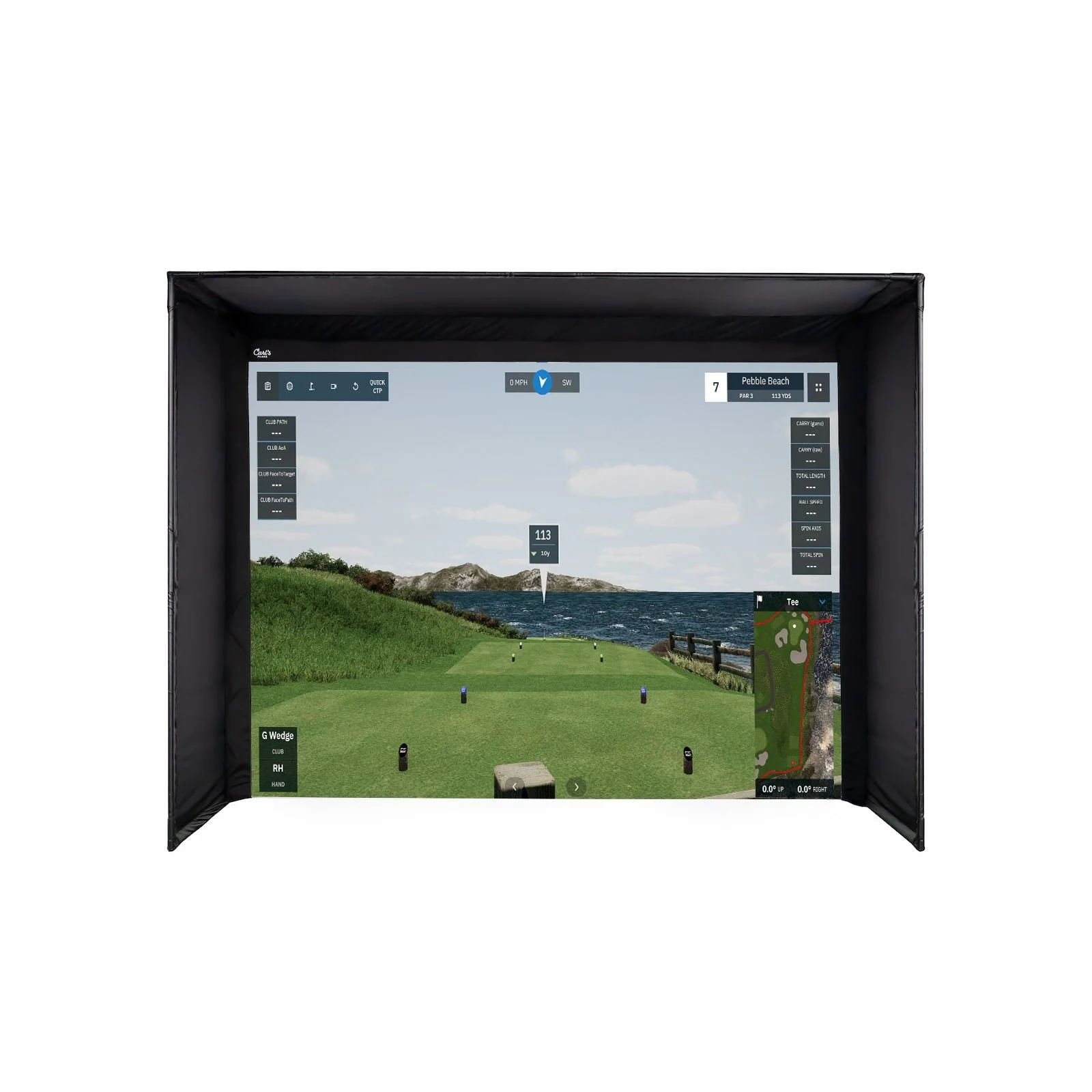
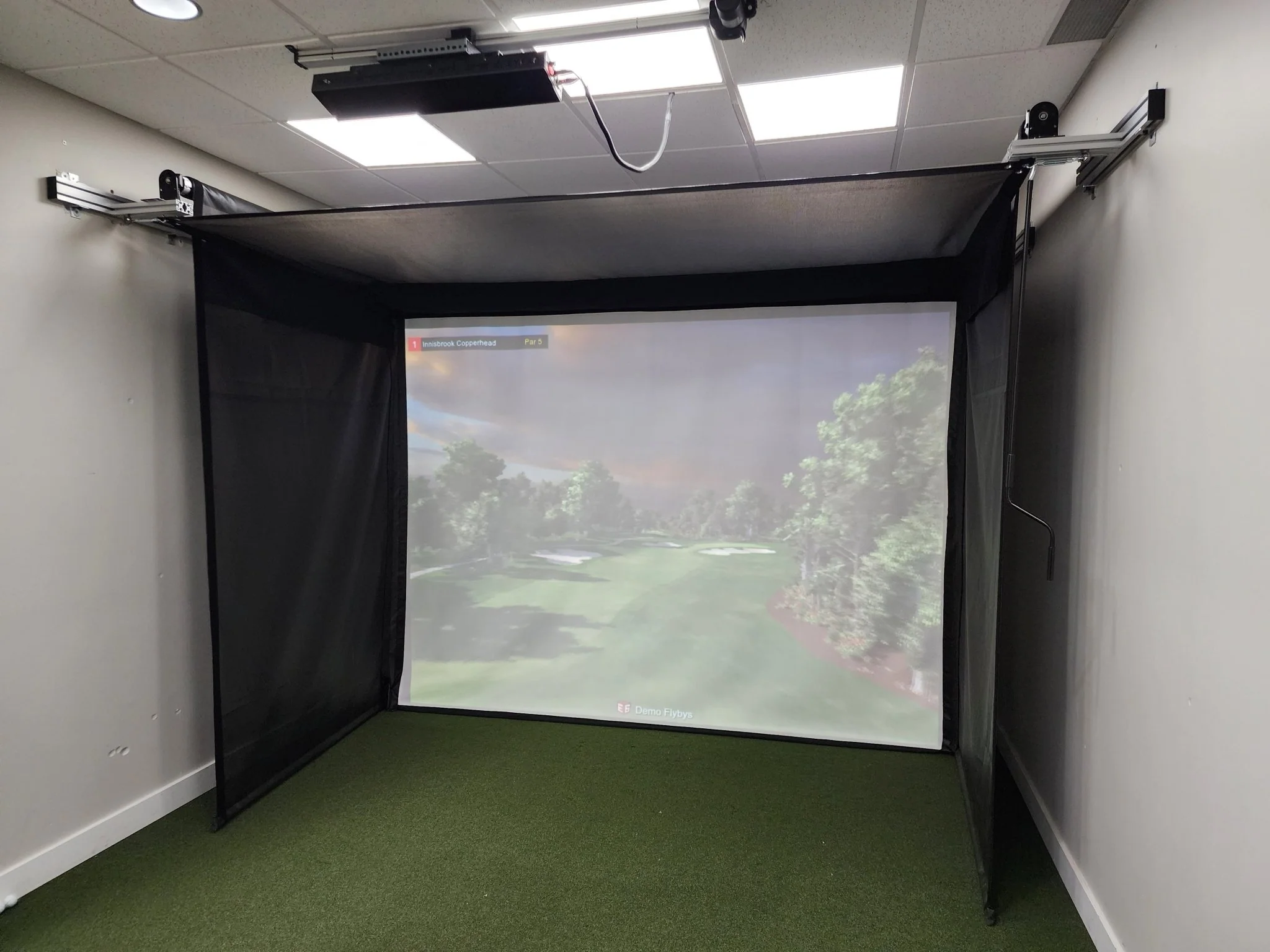
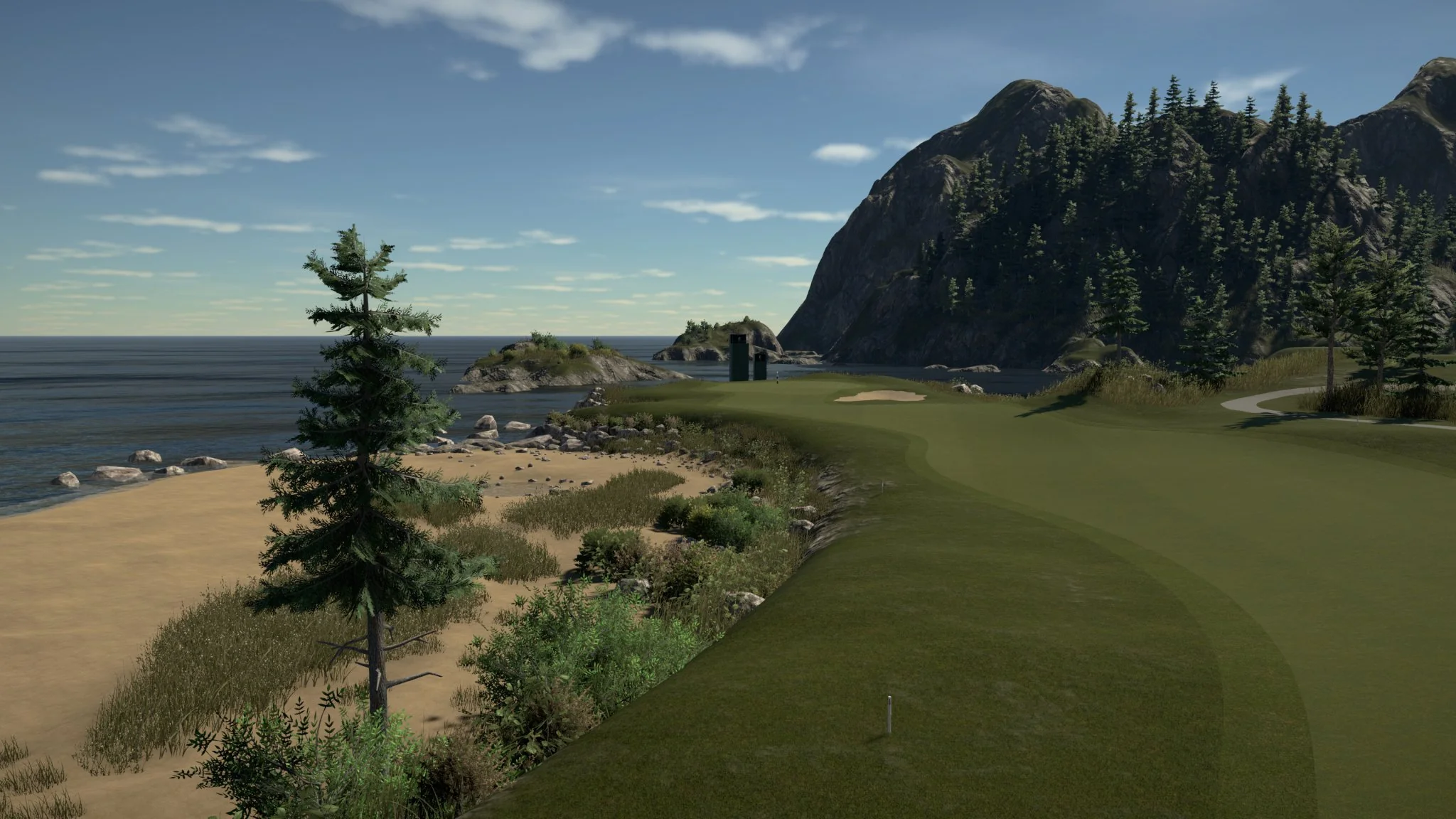
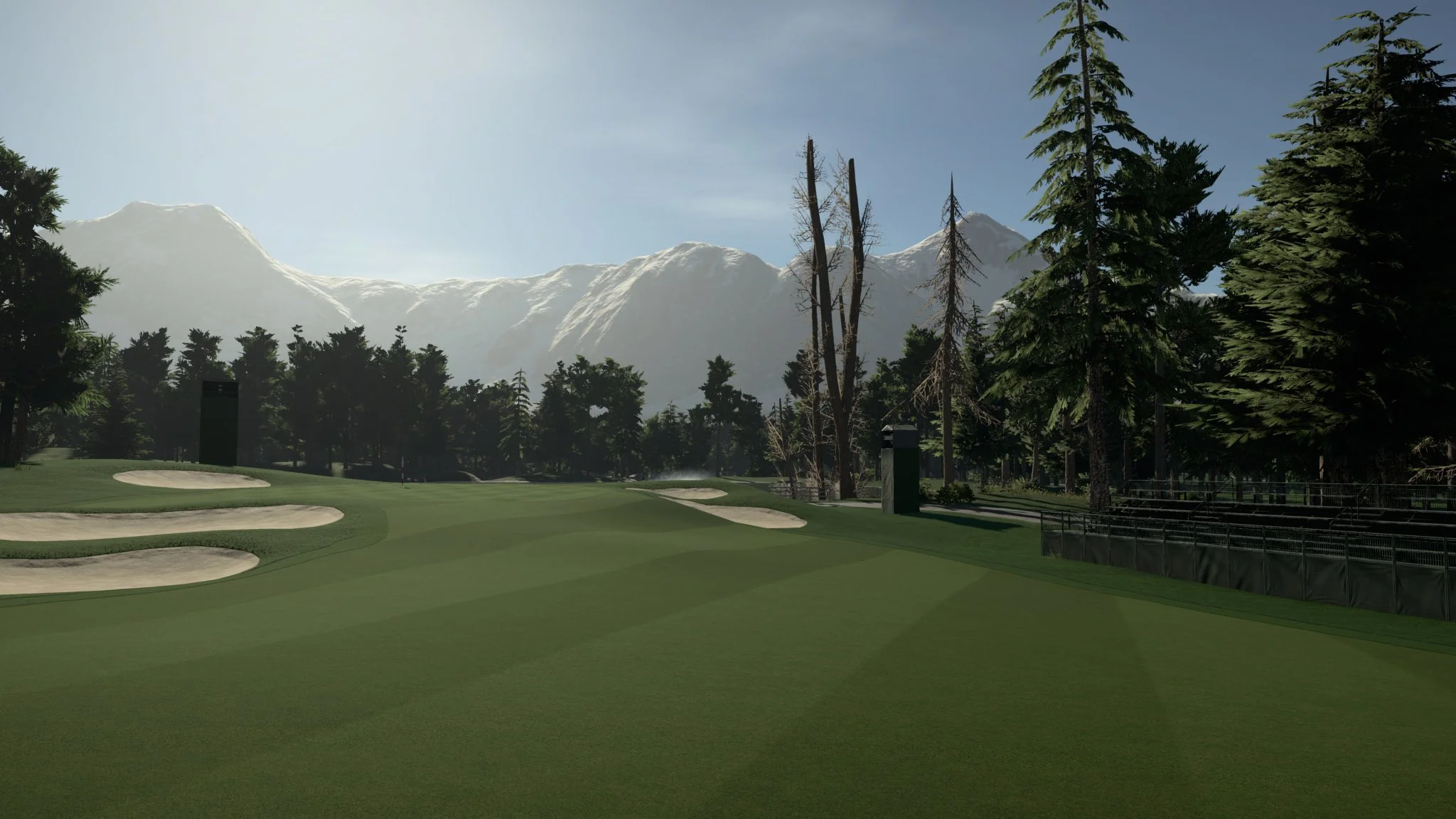
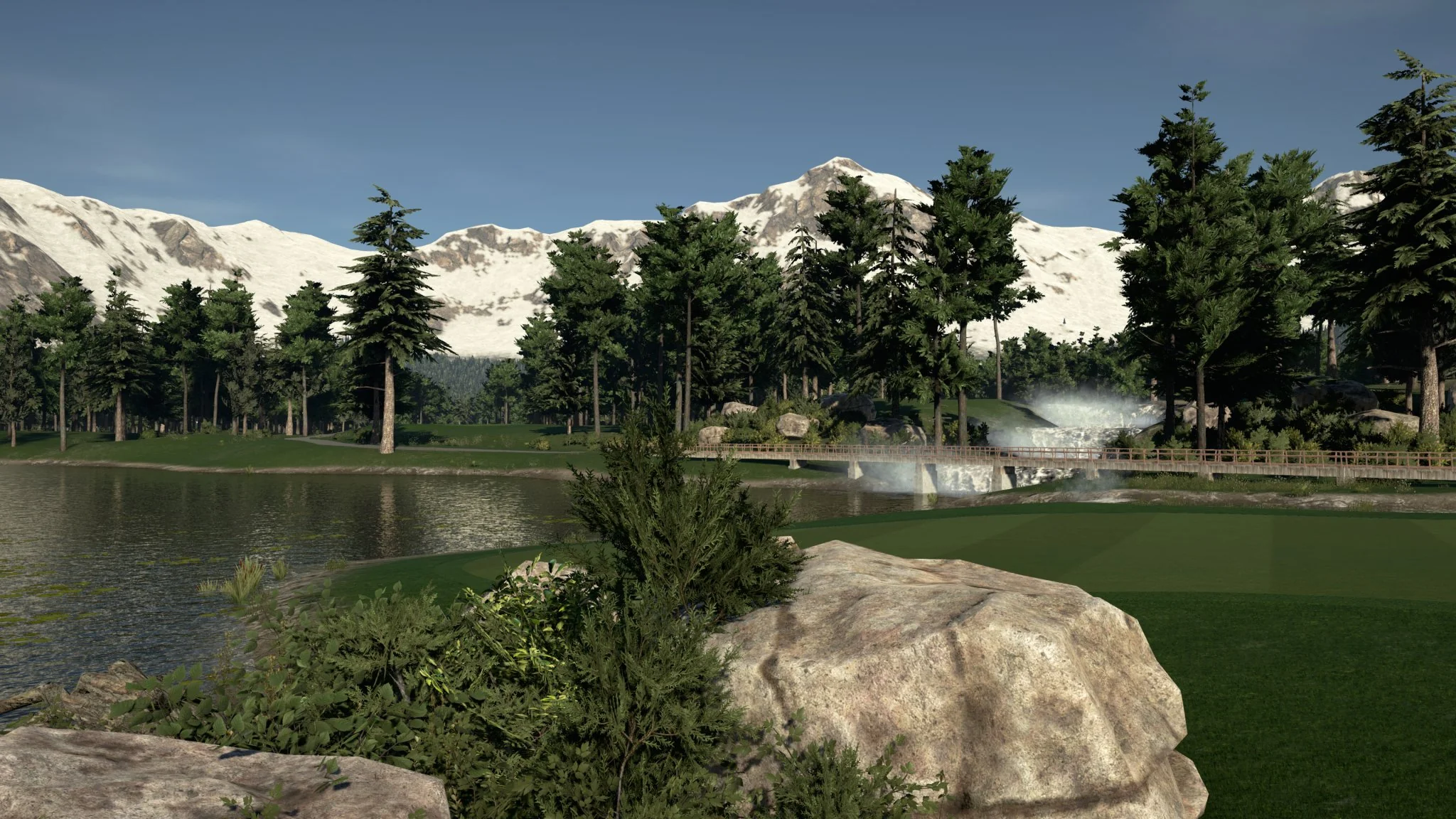
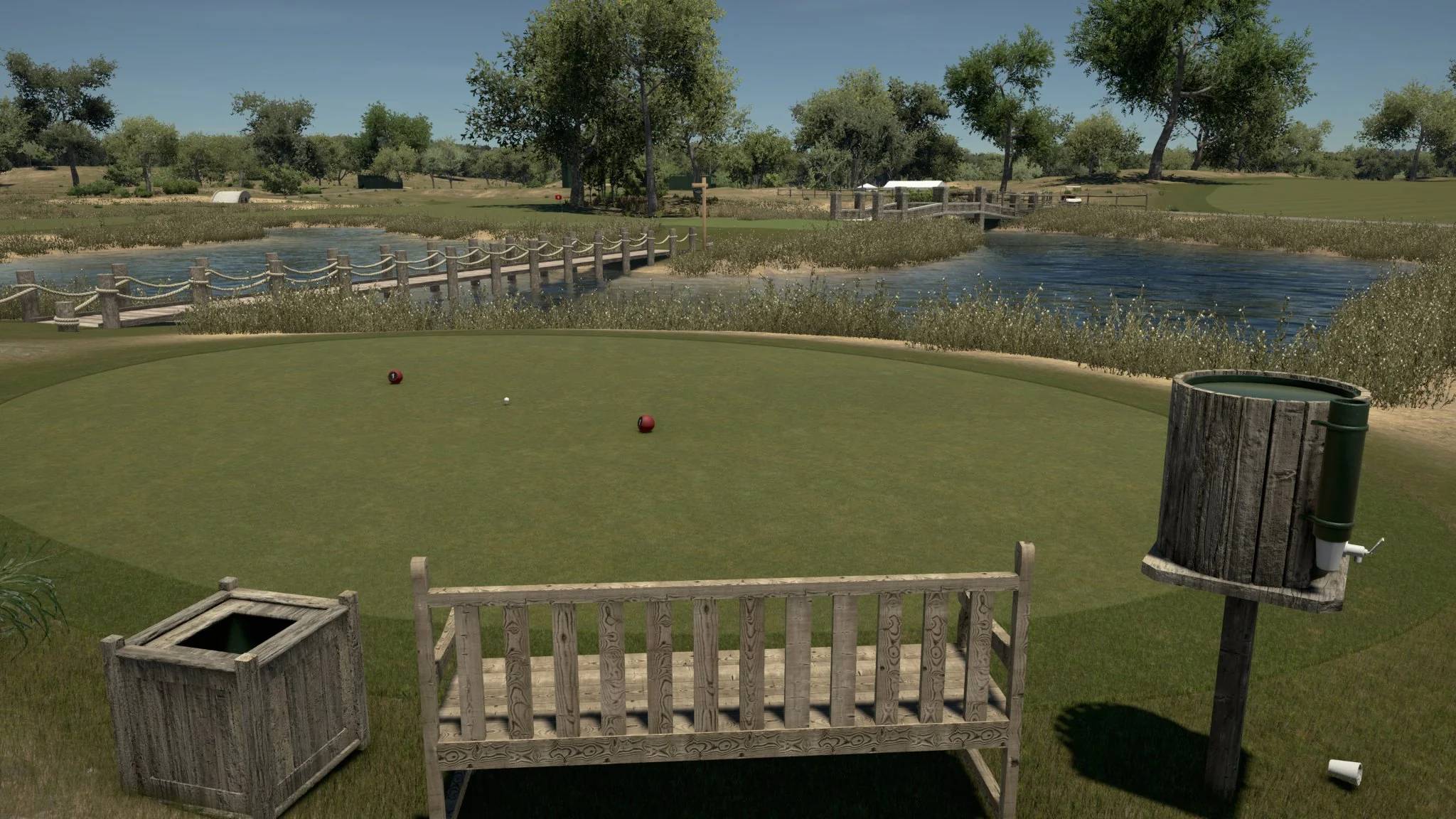
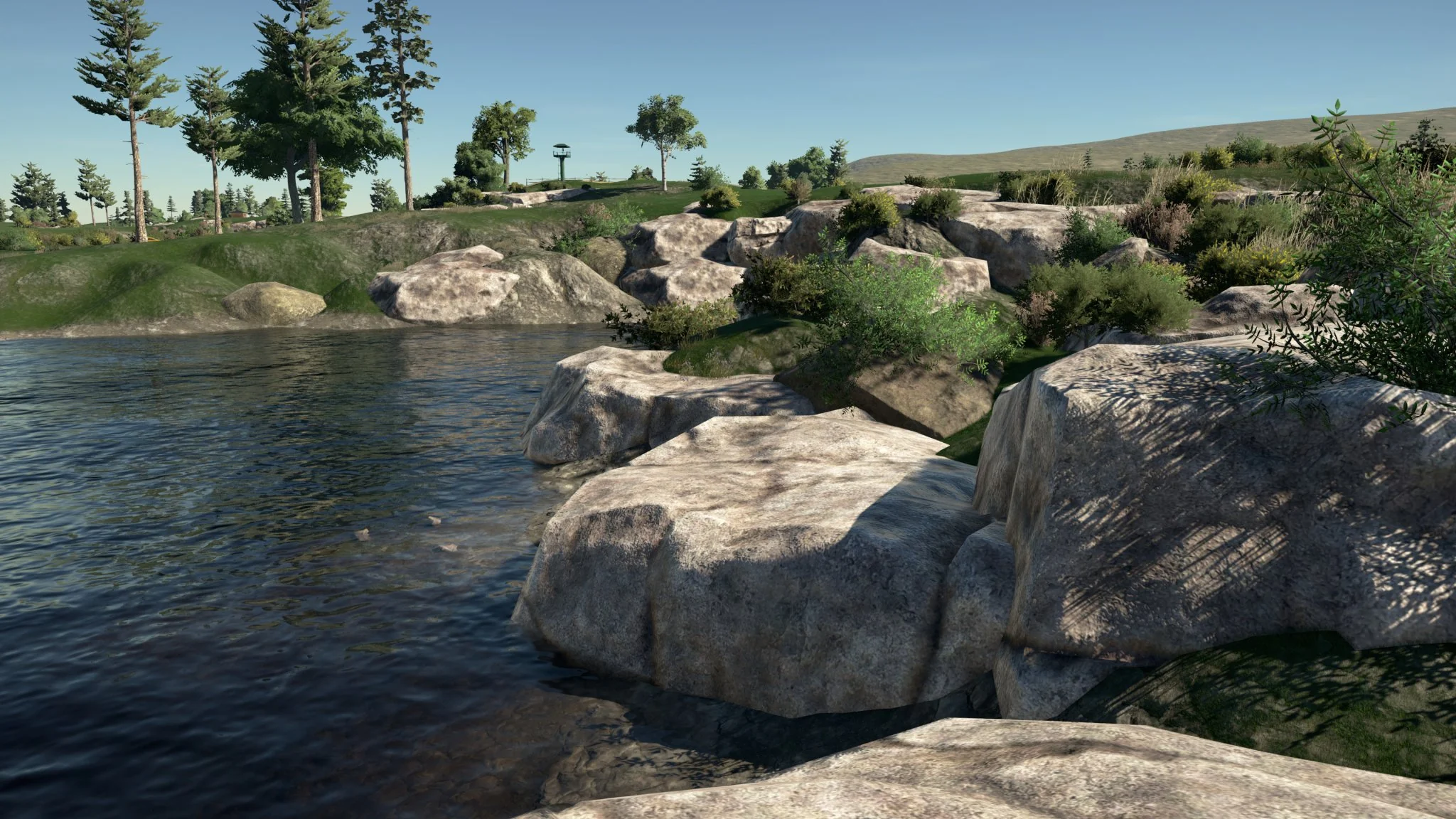
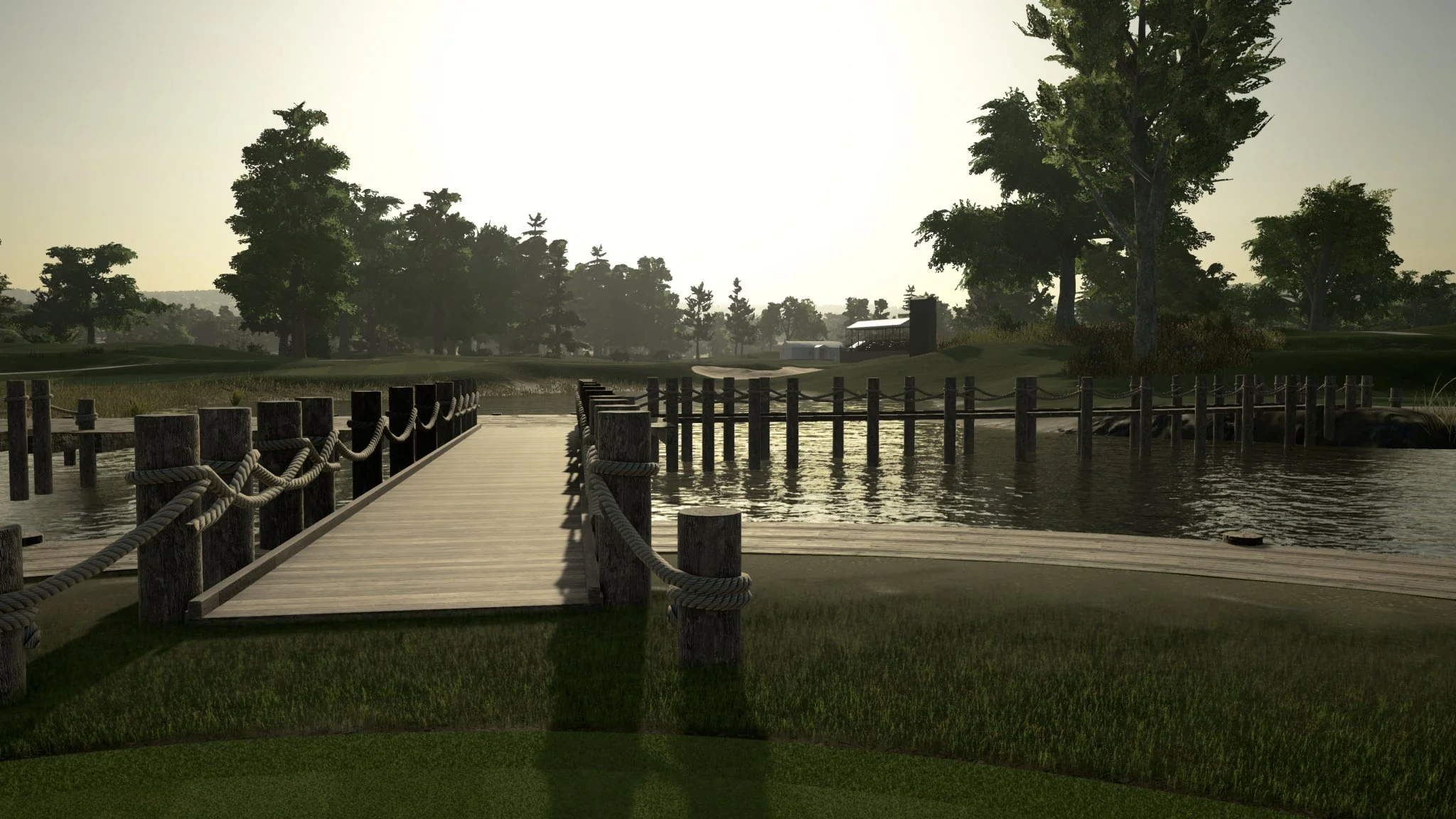
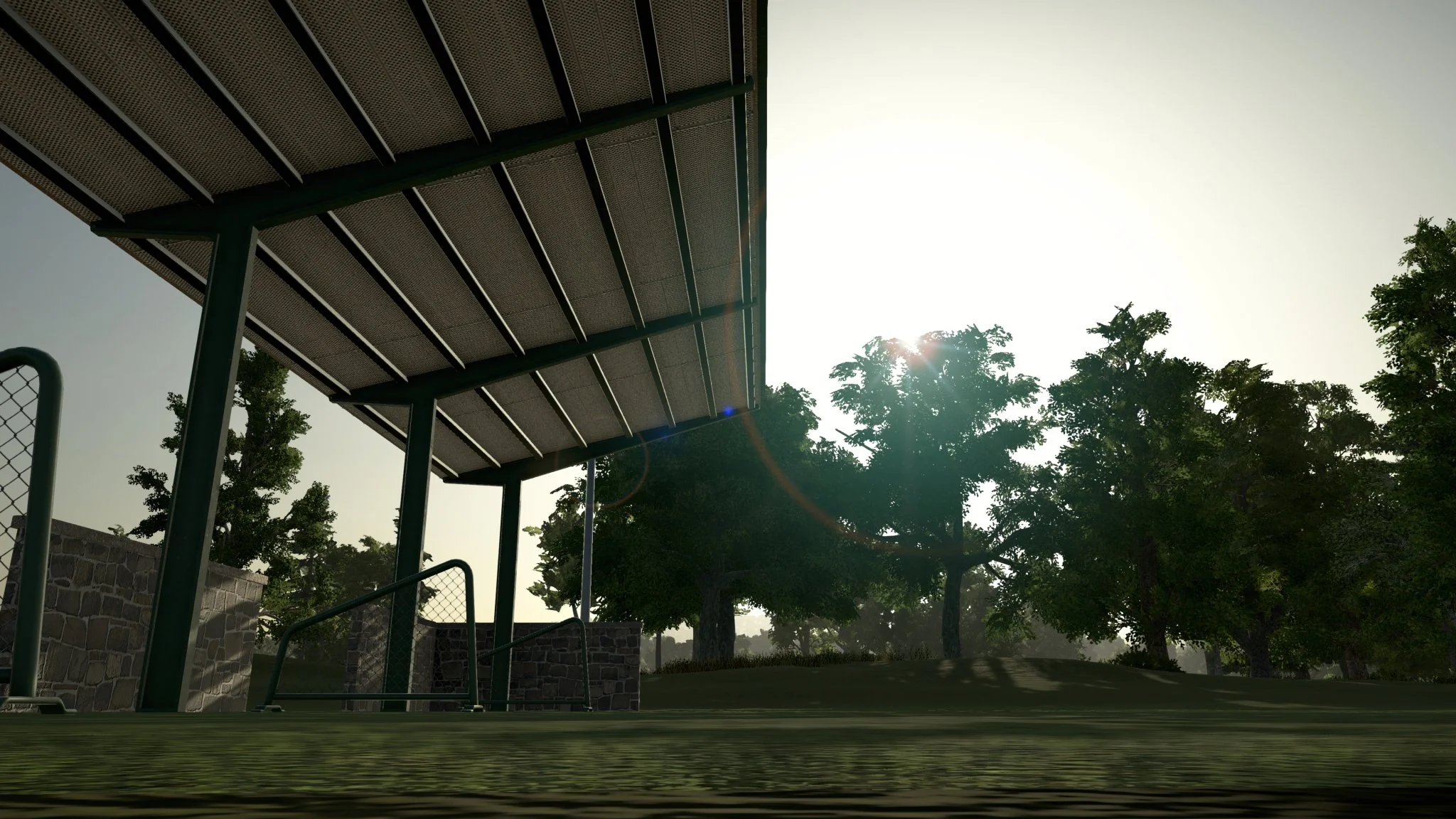
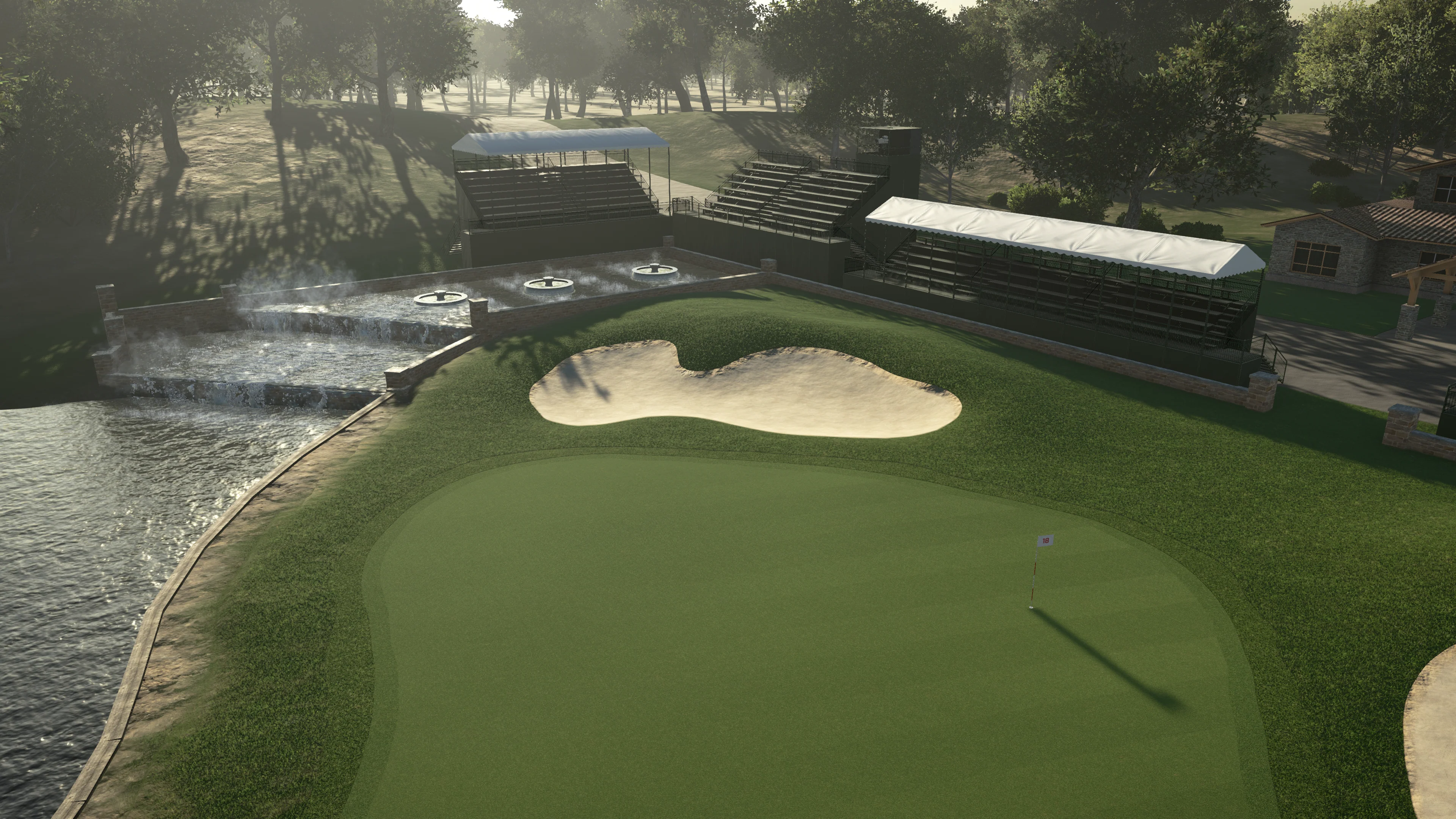
The most advanced and affordable 3D golf simulator software in today's market offers a unique experience for home, professional, and commercial users. This cutting-edge software allows you to enjoy the ultimate 3D golf simulation.
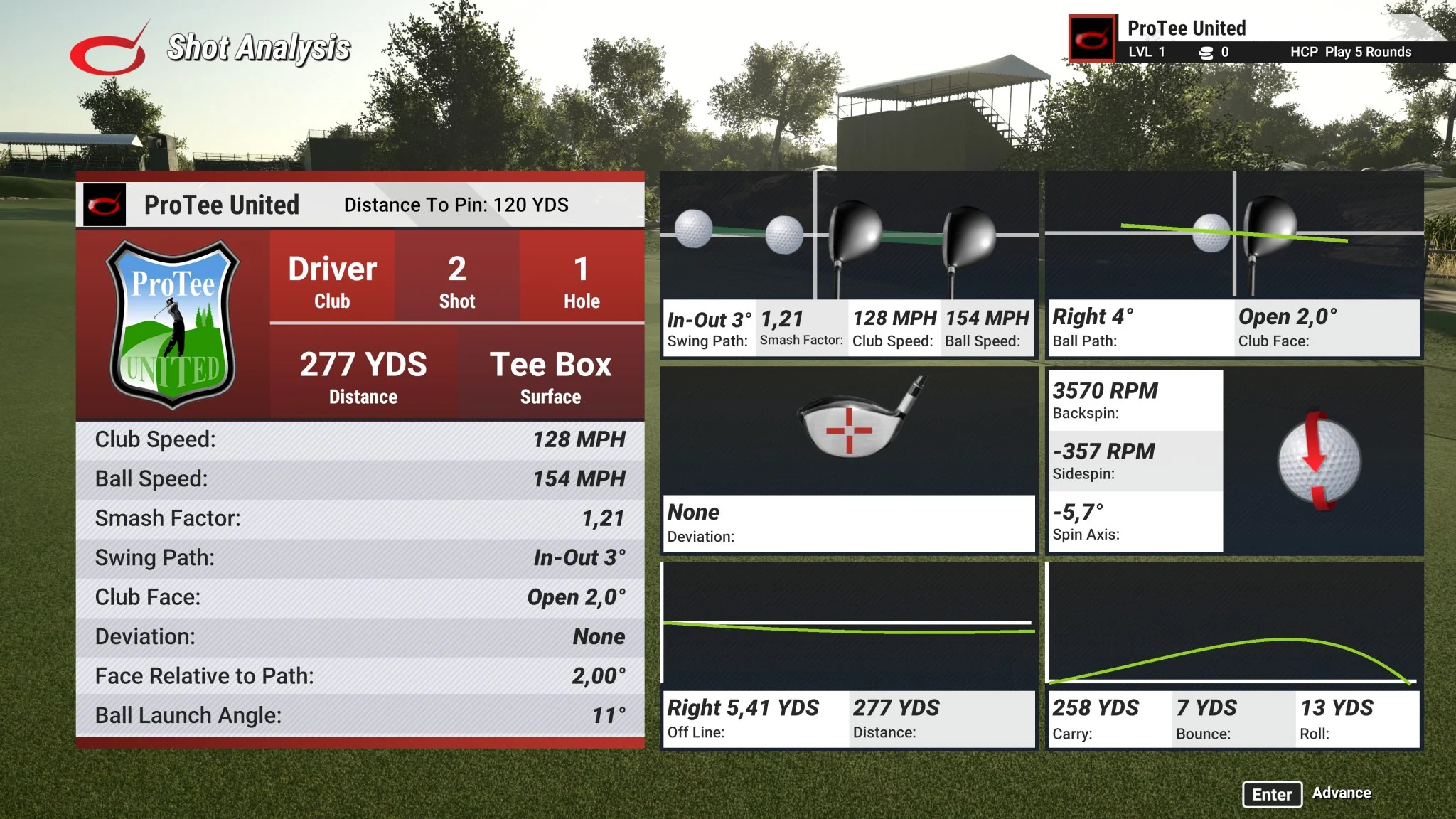
Using your own golf clubs, you can set up and take your shots just like you would on a real golf course. This next-generation gaming software enables you to tee off, make fairway shots, pitch, chip, and putt the ball into the hole. You'll feel the realism of your draws and slices just as you would in real golf. After each shot, the simulator takes you on a graphical journey along the ball's trajectory, preparing you for the next move. Detailed swing analyzer data is provided to help you enhance your game.
With just four clicks, you can design a brand new golf course or unleash your creativity to craft one from scratch using the included golf course designer.
Feel yourself at the golf course!
SHIPS WORLD WIDE AS DIGITAL DOWNLOAD ONLY.
IMPORTANT:
1] This software is NOT compatible with Foresight GC2 or GCQUAD.
2] SkyTrak users need to order from SkyTrak directly.
3] R-Motion users need to buy the full version through the R-Motion app.
4] This software is non-refundable.
Gaming PC required. See recommended computer specifications.
The Golf Club Simulator Features
The Golf Club Simulator Features
- Visually stunning HD graphics up to 4K
- Unlimited golf courses
- Widescreen Ultra HD
- Fully featured course editor
- Create, edit, and share golf courses
- Zero load times between holes
- Free Real-time Online play
- Live Tours and Tournaments
- Real Life Physics
- Free product lifetime updates
Recommended Computer Specifications
The Golf Club 2019 Computer Requirements
Minimum:
- Operating System: 64 Bit Windows 10
- Processor: Intel Core i7-8xxx @ 3.00GHz
- Memory: 8 GB RAM
- Graphics: NVidia RTX 3060
- Network: Broadband Internet connection
- Hard Drive: 5 GB available space
- Operating System: 64 Bit Windows 10 or 11
- Processor: Intel Core i9-9xxx @ 3.00GHz or greater
- Memory: 16 GB RAM or more
- Graphics: NVidia RTX 3080 or better
- DirectX: Version 12
- Network: Broadband Internet connection
- Hard Drive: 30 GB available space
- Sound Card: DirectX 12 compatible
IMPORTANT: THE GOLF CLUB GAME WILL NOT RUN IN HIGH RESOLUTION/HIGH DETAIL IF ABOVE RECOMMENDED REQUIREMENTS ARE NOT MET!
TGC2019 Setup Guide
Step by step video installation guide.
STEP 1:
NOTE: The TGCSETUP.EXE is saved in the Windows DOWNLOADS folder.
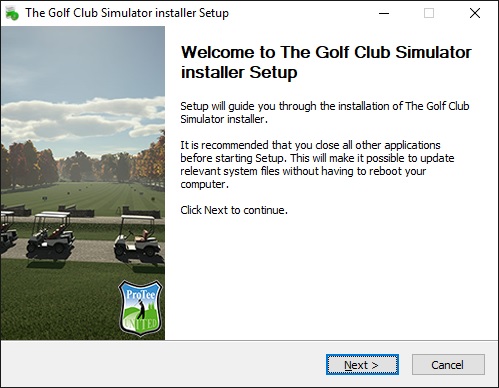
STEP 2:
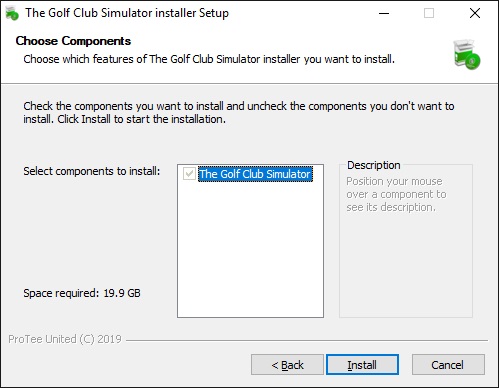
NOTE: The Golf Club Simulator is always installed and can not be deselected.
STEP 3:
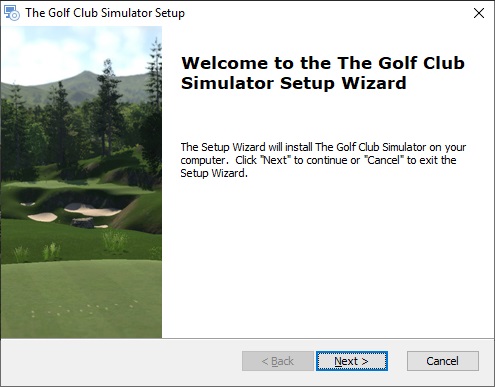
NOTE: Step through the installation procedure.
STEP 4:
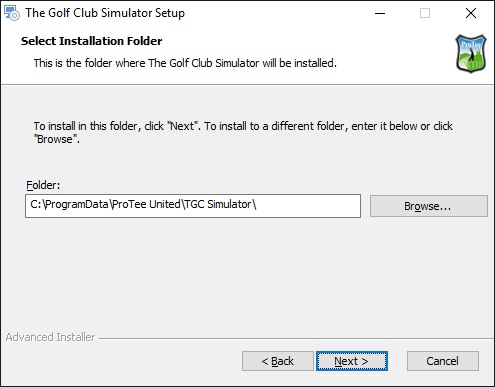
NOTE: To prevent any issues do NOT change the default installation path.
STEP 5:
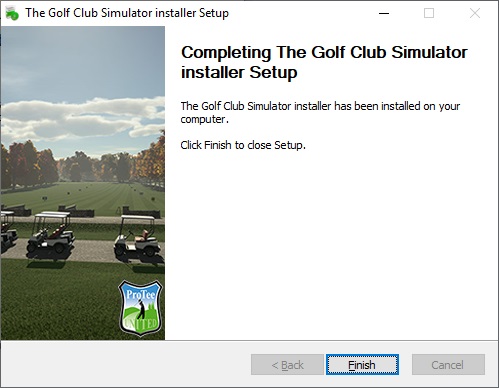
NOTE: Finish the installation. You will find 1 new icon on your Desktop:
- TGC Simulator Console
STEP 6:
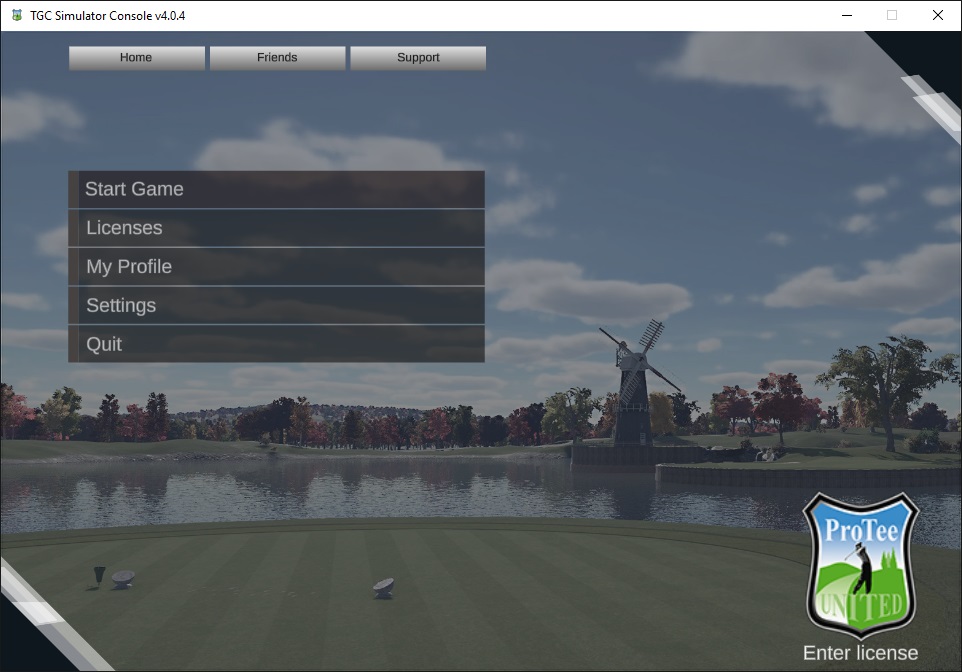
Start the TGC Simulator Console and click Licenses.
STEP 7:
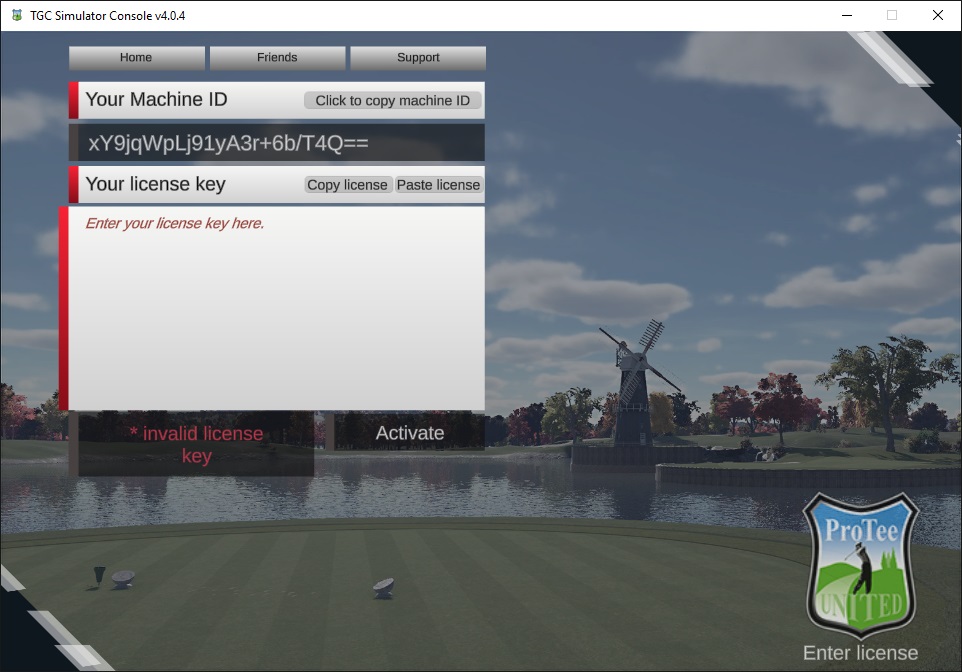
NOTE: The MACHINE ID found under LICENSES and the ACTIVATION CODE you received from the seller are required in order to receive your TGC License Key. Registration page: https://tgcsim.com/register
STEP 8:
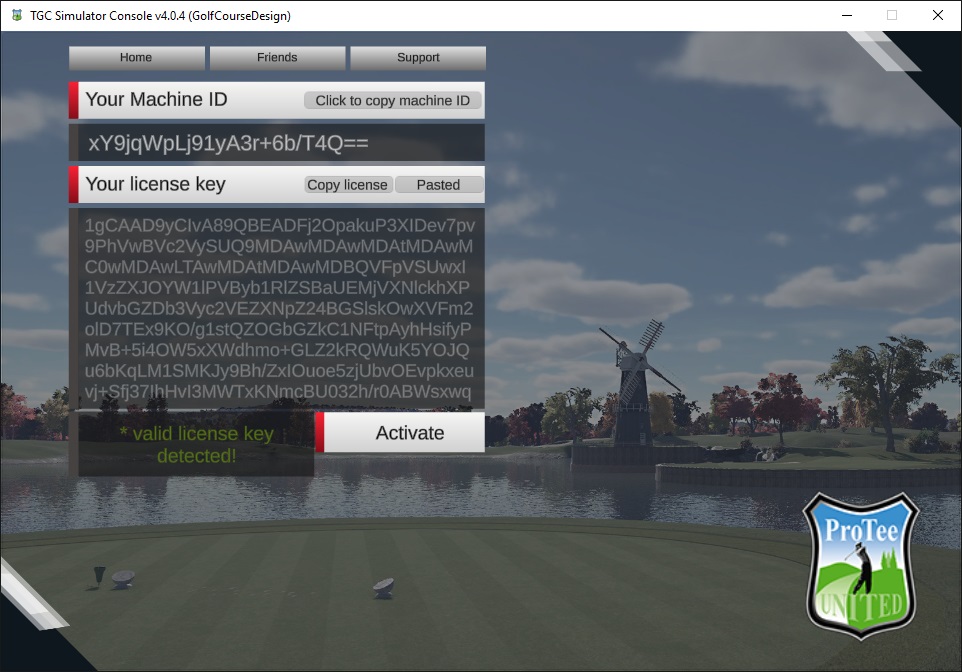
NOTE: Paste the License Key you received into the LICENSE KEY field. Use your keyboard to copy and paste your license key.
To copy, press and hold Ctrl (the control key) on the keyboard and then press the C on the keyboard. To paste, press and hold down Ctrl and then press V.
STEP 9:
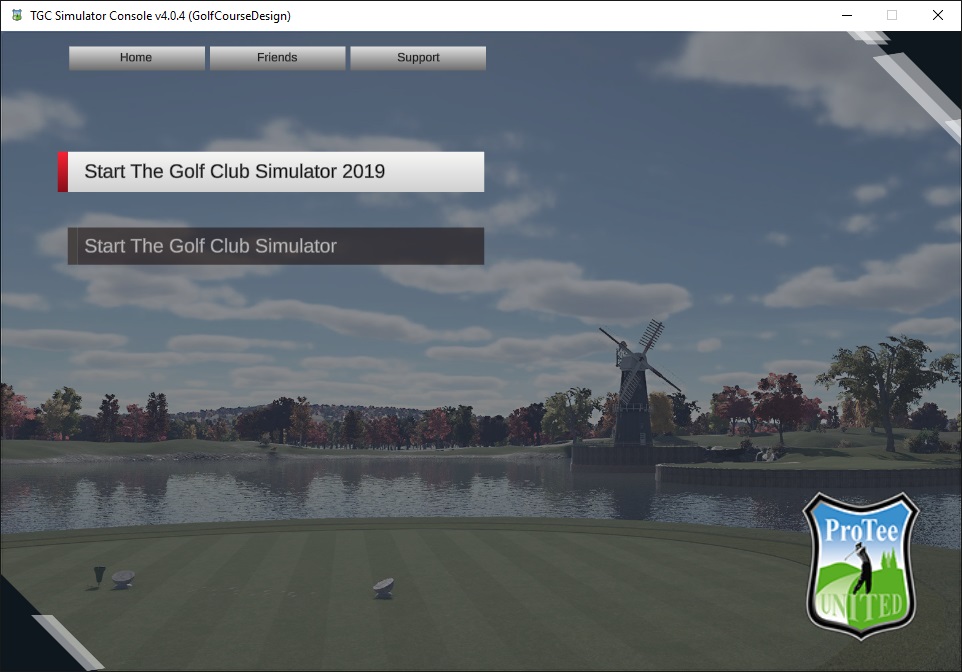
NOTE: From main menu click Start Game to find the list of available simulator options.
Product Information
Product Information
Shipping & Returns
Shipping & Returns














ProTee United - TGC 2019 Simulator Software
ProTee United - TGC 2019 Simulator Software
ProTee United TGC 2019 Simulator Software
The #1 Golf Simulation Software with loads of pre-designed courses and online play.
The most advanced and affordable 3D golf simulator software in today's market offers a unique experience for home, professional, and commercial users. This cutting-edge software allows you to enjoy the ultimate 3D golf simulation.
Using your own golf clubs, you can set up and take your shots just like you would on a real golf course. This next-generation gaming software enables you to tee off, make fairway shots, pitch, chip, and putt the ball into the hole. You'll feel the realism of your draws and slices just as you would in real golf. After each shot, the simulator takes you on a graphical journey along the ball's trajectory, preparing you for the next move. Detailed swing analyzer data is provided to help you enhance your game.
With just four clicks, you can design a brand new golf course or unleash your creativity to craft one from scratch using the included golf course designer.
Feel yourself at the golf course!
SHIPS WORLD WIDE AS DIGITAL DOWNLOAD ONLY.
IMPORTANT:
1] This software is NOT compatible with Foresight GC2 or GCQUAD.
2] SkyTrak users need to order from SkyTrak directly.
3] R-Motion users need to buy the full version through the R-Motion app.
4] This software is non-refundable.
Gaming PC required. See recommended computer specifications.
The Golf Club Simulator Features
The Golf Club Simulator Features
- Visually stunning HD graphics up to 4K
- Unlimited golf courses
- Widescreen Ultra HD
- Fully featured course editor
- Create, edit, and share golf courses
- Zero load times between holes
- Free Real-time Online play
- Live Tours and Tournaments
- Real Life Physics
- Free product lifetime updates
Recommended Computer Specifications
The Golf Club 2019 Computer Requirements
Minimum:
- Operating System: 64 Bit Windows 10
- Processor: Intel Core i7-8xxx @ 3.00GHz
- Memory: 8 GB RAM
- Graphics: NVidia RTX 3060
- Network: Broadband Internet connection
- Hard Drive: 5 GB available space
- Operating System: 64 Bit Windows 10 or 11
- Processor: Intel Core i9-9xxx @ 3.00GHz or greater
- Memory: 16 GB RAM or more
- Graphics: NVidia RTX 3080 or better
- DirectX: Version 12
- Network: Broadband Internet connection
- Hard Drive: 30 GB available space
- Sound Card: DirectX 12 compatible
IMPORTANT: THE GOLF CLUB GAME WILL NOT RUN IN HIGH RESOLUTION/HIGH DETAIL IF ABOVE RECOMMENDED REQUIREMENTS ARE NOT MET!
TGC2019 Setup Guide
Step by step video installation guide.
STEP 1:
NOTE: The TGCSETUP.EXE is saved in the Windows DOWNLOADS folder.
STEP 2:
NOTE: The Golf Club Simulator is always installed and can not be deselected.
STEP 3:
NOTE: Step through the installation procedure.
STEP 4:
NOTE: To prevent any issues do NOT change the default installation path.
STEP 5:
NOTE: Finish the installation. You will find 1 new icon on your Desktop:
- TGC Simulator Console
STEP 6:
Start the TGC Simulator Console and click Licenses.
STEP 7:
NOTE: The MACHINE ID found under LICENSES and the ACTIVATION CODE you received from the seller are required in order to receive your TGC License Key. Registration page: https://tgcsim.com/register
STEP 8:
NOTE: Paste the License Key you received into the LICENSE KEY field. Use your keyboard to copy and paste your license key.
To copy, press and hold Ctrl (the control key) on the keyboard and then press the C on the keyboard. To paste, press and hold down Ctrl and then press V.
STEP 9:
NOTE: From main menu click Start Game to find the list of available simulator options.
Original: $950.00
-65%$950.00
$332.50Product Information
Product Information
Shipping & Returns
Shipping & Returns
Description
ProTee United TGC 2019 Simulator Software
The #1 Golf Simulation Software with loads of pre-designed courses and online play.
The most advanced and affordable 3D golf simulator software in today's market offers a unique experience for home, professional, and commercial users. This cutting-edge software allows you to enjoy the ultimate 3D golf simulation.
Using your own golf clubs, you can set up and take your shots just like you would on a real golf course. This next-generation gaming software enables you to tee off, make fairway shots, pitch, chip, and putt the ball into the hole. You'll feel the realism of your draws and slices just as you would in real golf. After each shot, the simulator takes you on a graphical journey along the ball's trajectory, preparing you for the next move. Detailed swing analyzer data is provided to help you enhance your game.
With just four clicks, you can design a brand new golf course or unleash your creativity to craft one from scratch using the included golf course designer.
Feel yourself at the golf course!
SHIPS WORLD WIDE AS DIGITAL DOWNLOAD ONLY.
IMPORTANT:
1] This software is NOT compatible with Foresight GC2 or GCQUAD.
2] SkyTrak users need to order from SkyTrak directly.
3] R-Motion users need to buy the full version through the R-Motion app.
4] This software is non-refundable.
Gaming PC required. See recommended computer specifications.
The Golf Club Simulator Features
The Golf Club Simulator Features
- Visually stunning HD graphics up to 4K
- Unlimited golf courses
- Widescreen Ultra HD
- Fully featured course editor
- Create, edit, and share golf courses
- Zero load times between holes
- Free Real-time Online play
- Live Tours and Tournaments
- Real Life Physics
- Free product lifetime updates
Recommended Computer Specifications
The Golf Club 2019 Computer Requirements
Minimum:
- Operating System: 64 Bit Windows 10
- Processor: Intel Core i7-8xxx @ 3.00GHz
- Memory: 8 GB RAM
- Graphics: NVidia RTX 3060
- Network: Broadband Internet connection
- Hard Drive: 5 GB available space
- Operating System: 64 Bit Windows 10 or 11
- Processor: Intel Core i9-9xxx @ 3.00GHz or greater
- Memory: 16 GB RAM or more
- Graphics: NVidia RTX 3080 or better
- DirectX: Version 12
- Network: Broadband Internet connection
- Hard Drive: 30 GB available space
- Sound Card: DirectX 12 compatible
IMPORTANT: THE GOLF CLUB GAME WILL NOT RUN IN HIGH RESOLUTION/HIGH DETAIL IF ABOVE RECOMMENDED REQUIREMENTS ARE NOT MET!
TGC2019 Setup Guide
Step by step video installation guide.
STEP 1:
NOTE: The TGCSETUP.EXE is saved in the Windows DOWNLOADS folder.
STEP 2:
NOTE: The Golf Club Simulator is always installed and can not be deselected.
STEP 3:
NOTE: Step through the installation procedure.
STEP 4:
NOTE: To prevent any issues do NOT change the default installation path.
STEP 5:
NOTE: Finish the installation. You will find 1 new icon on your Desktop:
- TGC Simulator Console
STEP 6:
Start the TGC Simulator Console and click Licenses.
STEP 7:
NOTE: The MACHINE ID found under LICENSES and the ACTIVATION CODE you received from the seller are required in order to receive your TGC License Key. Registration page: https://tgcsim.com/register
STEP 8:
NOTE: Paste the License Key you received into the LICENSE KEY field. Use your keyboard to copy and paste your license key.
To copy, press and hold Ctrl (the control key) on the keyboard and then press the C on the keyboard. To paste, press and hold down Ctrl and then press V.
STEP 9:
NOTE: From main menu click Start Game to find the list of available simulator options.