HomeCourse Retractable Golf ProScreen 180
HomeCourse Golf ProScreen 180
The HomeCourse ProScreen is currently out of stock. New inventory is expected to arrive in early to mid-October.
The Premier Indoor Golf Simulator Enclosure
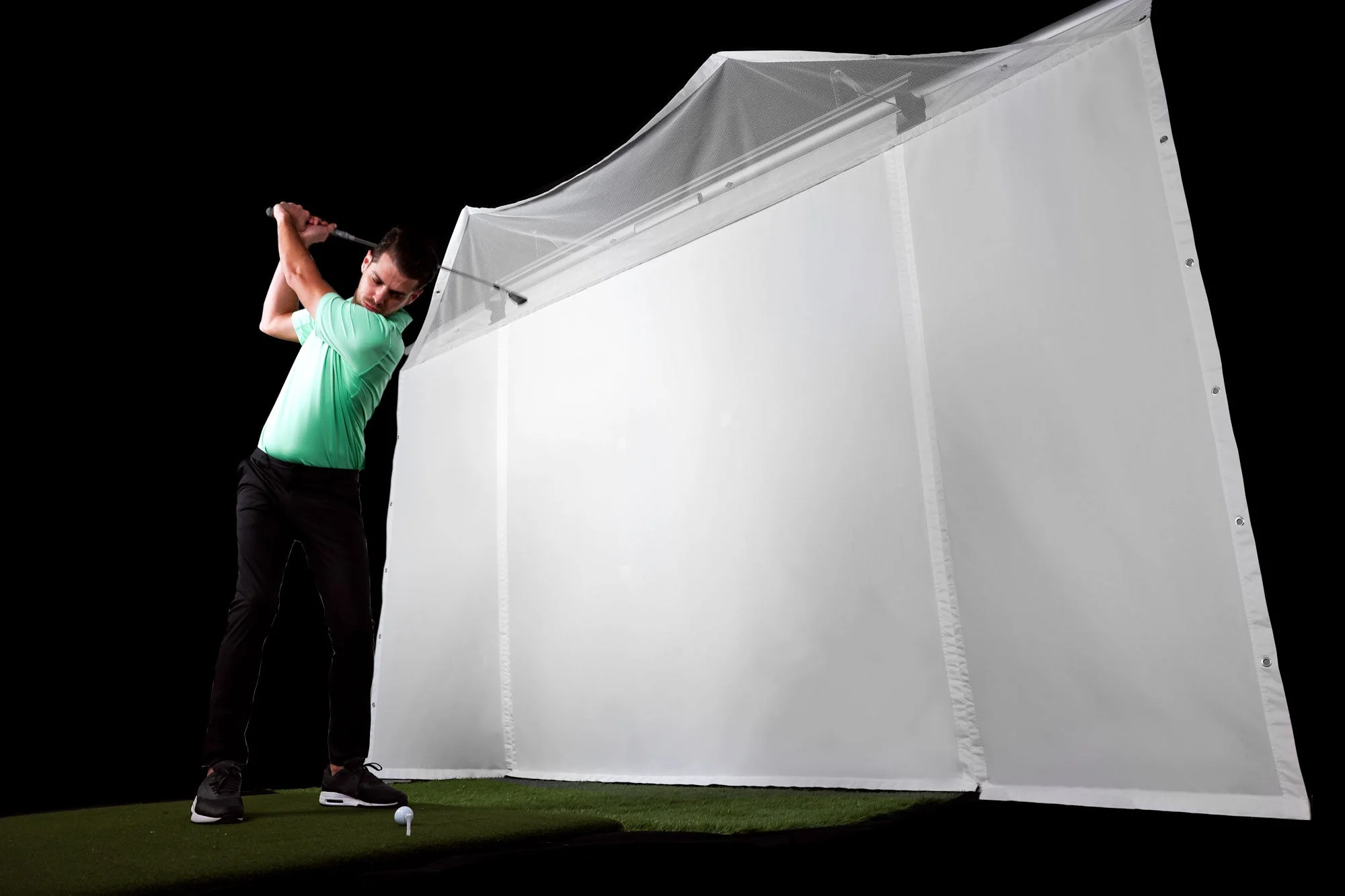
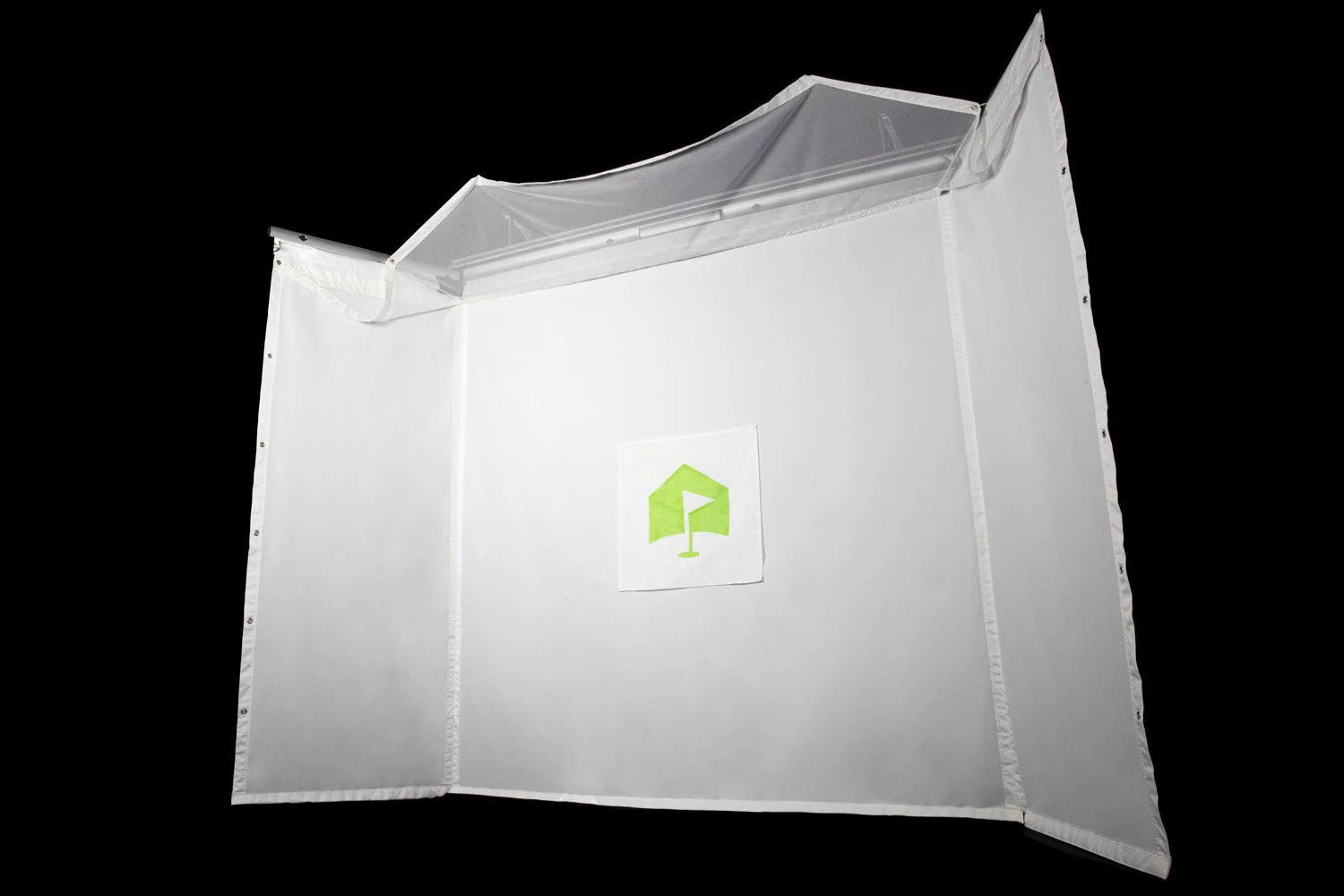
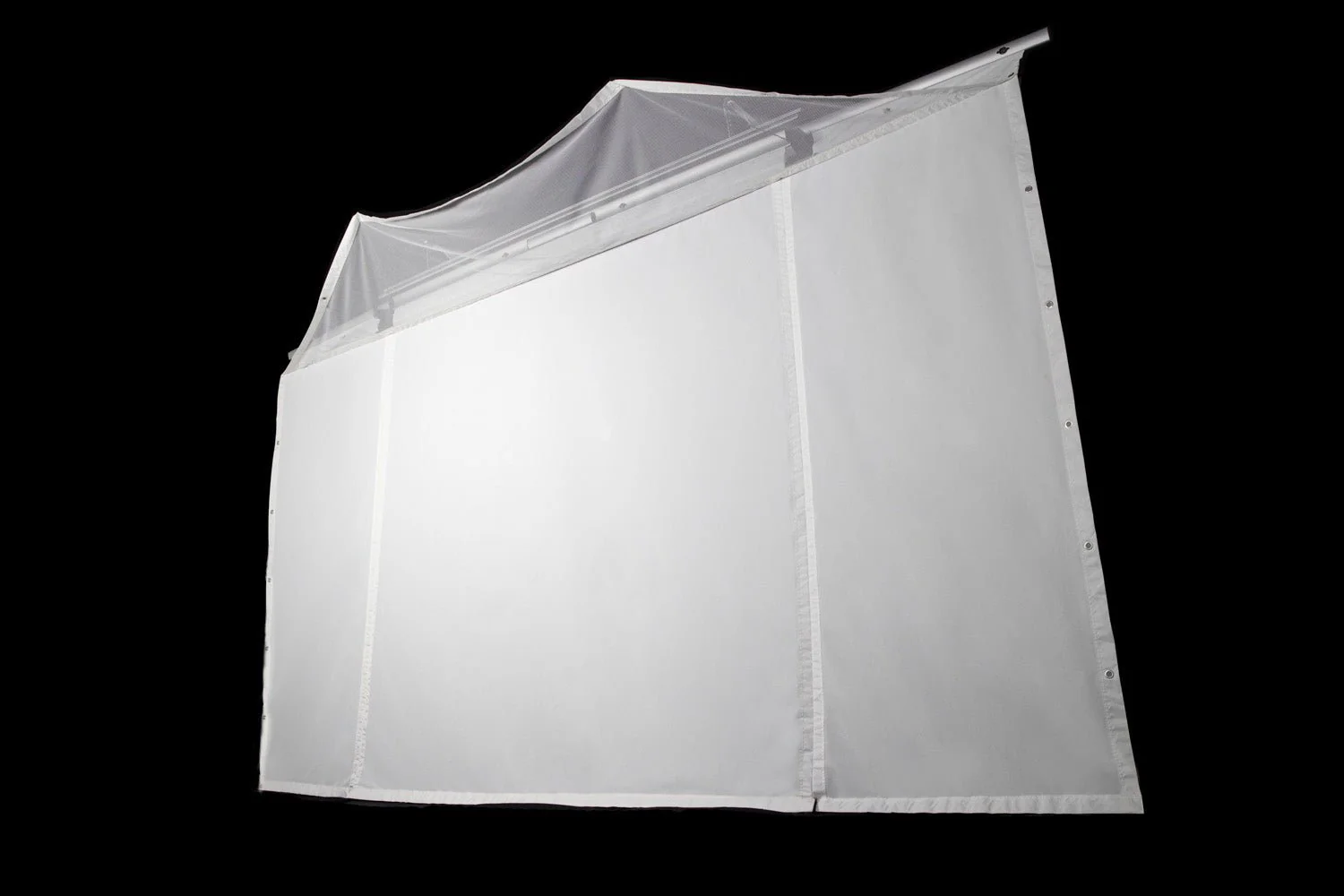
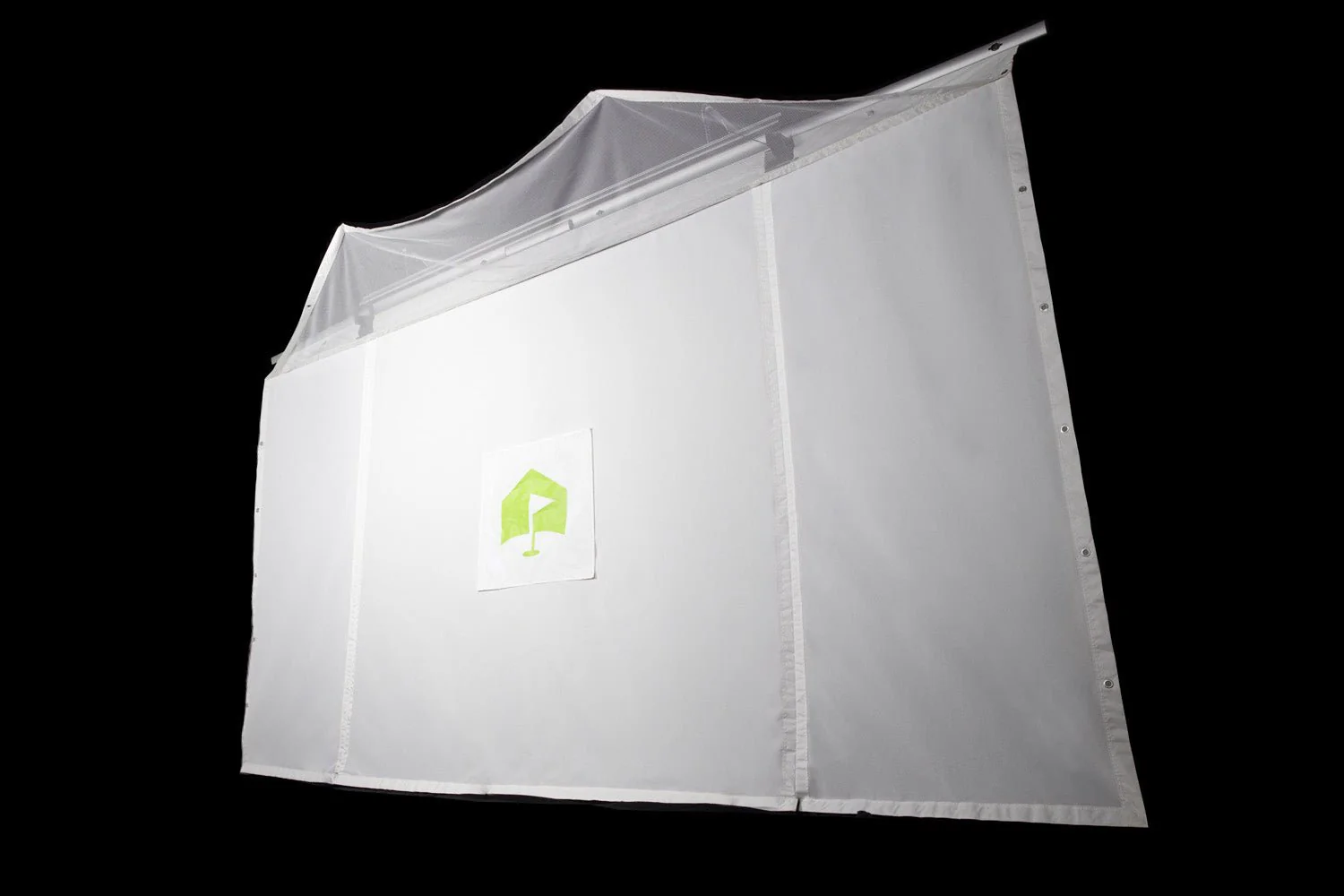
Create an indoor driving range effortlessly using the enhanced HomeCourse® Golf ProScreen 180. This top-notch golf simulator enclosure, meticulously crafted by professionals, provides a secure indoor playing experience for golf enthusiasts, whether at home or in the office. For retail establishments or training facilities, the HomeCourse® Golf ProScreen 180 stands out as the ultimate teaching, training, and practice apparatus, setting itself apart in a league of its own. (Simulator NOT included.)
The HomeCourse screen is 8' wide x 8' high.
Serious upgrades for serious players
Introducing the New HomeCourse® Golf ProScreen 180°
All the performance of the original HomeCourse® design, coupled with an increased incorporation of our exclusive ballistic-grade material and an expansive projectable area, render the newly launched HomeCourse® Golf ProScreen 180 the ultimate retractable complement for any golfer's home configuration.
Features
Features
Safety
Mishit? Sh**k?
No Problem.
Pro Arms & Sky Net keep you in play
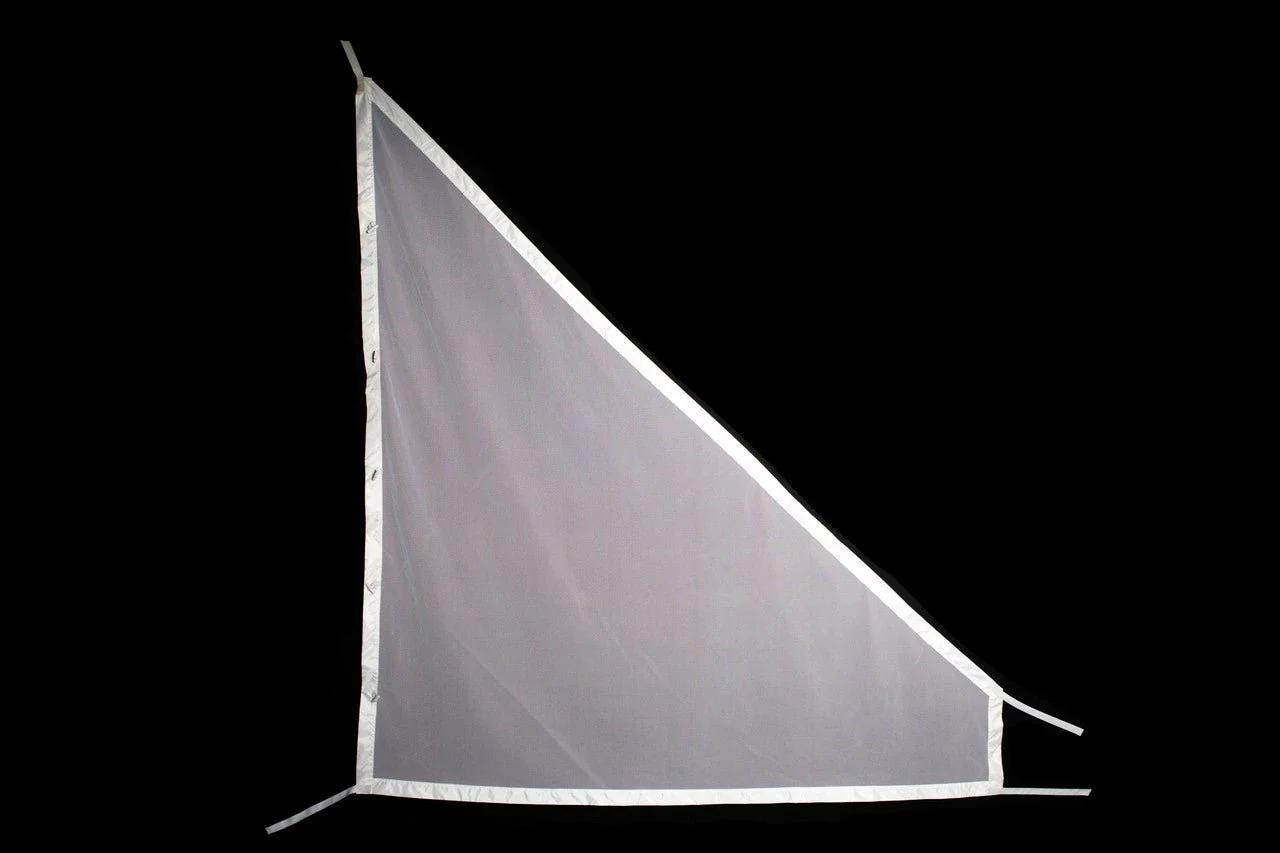
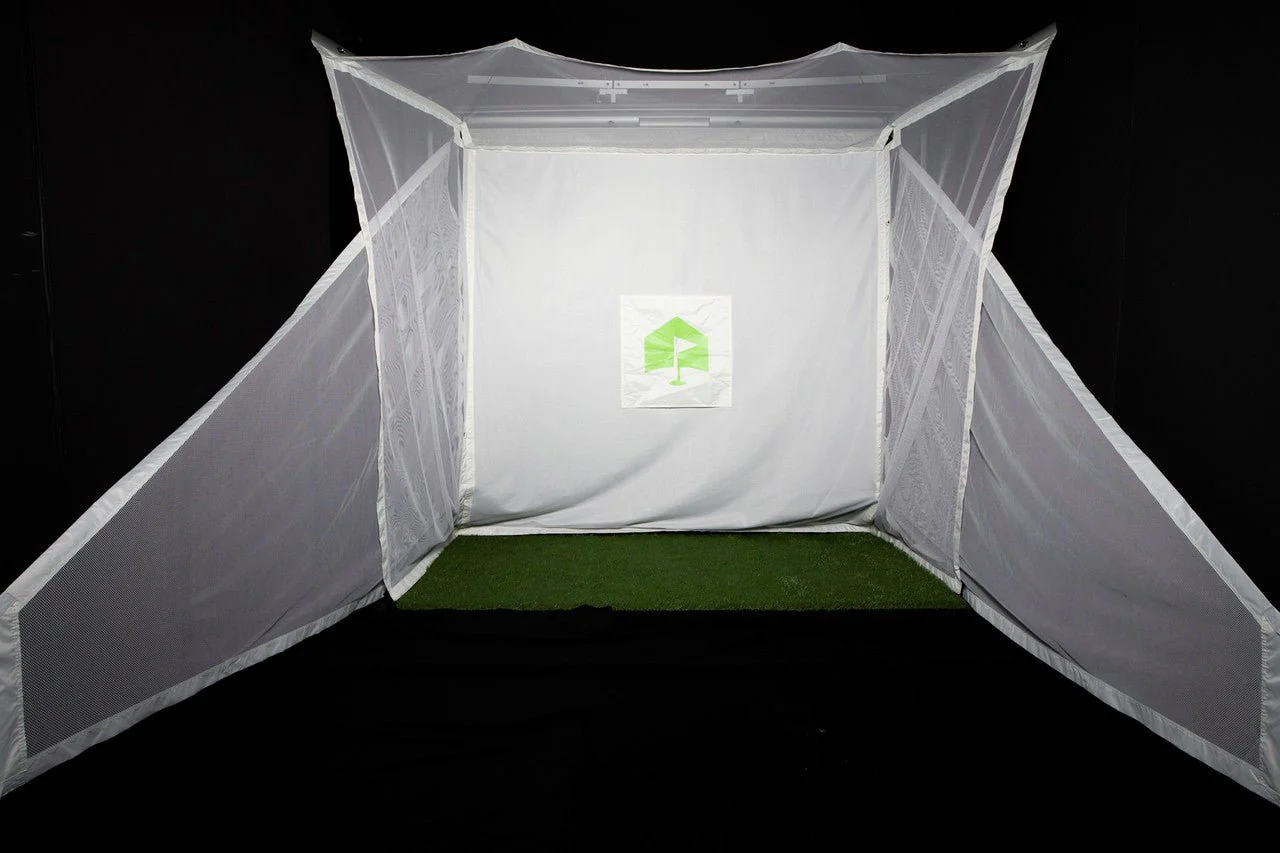
Only HomeCourse® Golf ProScreen 180 lets you use a real golf ball — worry free — when playing or practicing indoors. The Sky Net and Pro Arms create a three-sided, topped enclosure to help contain errant shots or sh**ks (we dare not say it) – protecting you, your space, and everyone in it. And with the included Pro Arm Extender tool, you can easily fold out both or one of the enclosure’s sides (and close one for righties or lefties). When you’re done, the sides fold right back in.

Ballistic-Grade Screen
Hit a live ball, then let it roll back to your feet
Both the screen and side netting of the Pro Arms are made of specialized ballistic-grade material that’s specially designed to absorb the impact of a golf ball hit by a full-swing shot at point-blank distance. Built for extended durability, the ProScreen 180’s screen ingeniously flexes at the bottom so the ball rolls back to your feet. All you need is enough room to swing freely, and you’re good to let it fly.

Convenience
Retractable
Get your room back
Don’t have the dedicated space for a virtual golf practice setup? No sweat — HomeCourse® Golf ProScreen 180 is fully retractable. Tap the included wireless remote and in less than thirty seconds you — or your significant other — have got the room back. (Although, if you can get away with a golf enclosure as a permanent fixture in your living room, we salute you.)

Projectable
Play Your Favorite Course
Get the full experience of a virtual round of solo golf, or get competitive with your buddies and family, all for a fraction of the cost of other professional‑caliber stand alone simulators when you combine HomeCourse® Golf ProScreen 180 with a projector + golf simulator. The ProScreen 180’s Pro Arm side nets can be extended to create an ultra-wide 14ft projectable area — ideal for projectors that cast a 16:9 ratio.

Wireless
No messy cables, ever
A powerful lithium-ion battery and a fully wireless design make the HomeCourse® Golf ProScreen 180 sleek as ever. Operating for months on a single charge, the wireless screen retracts with one touch from its — also wireless — remote.

Mounting Options
HomeCourse® is made to fit your space
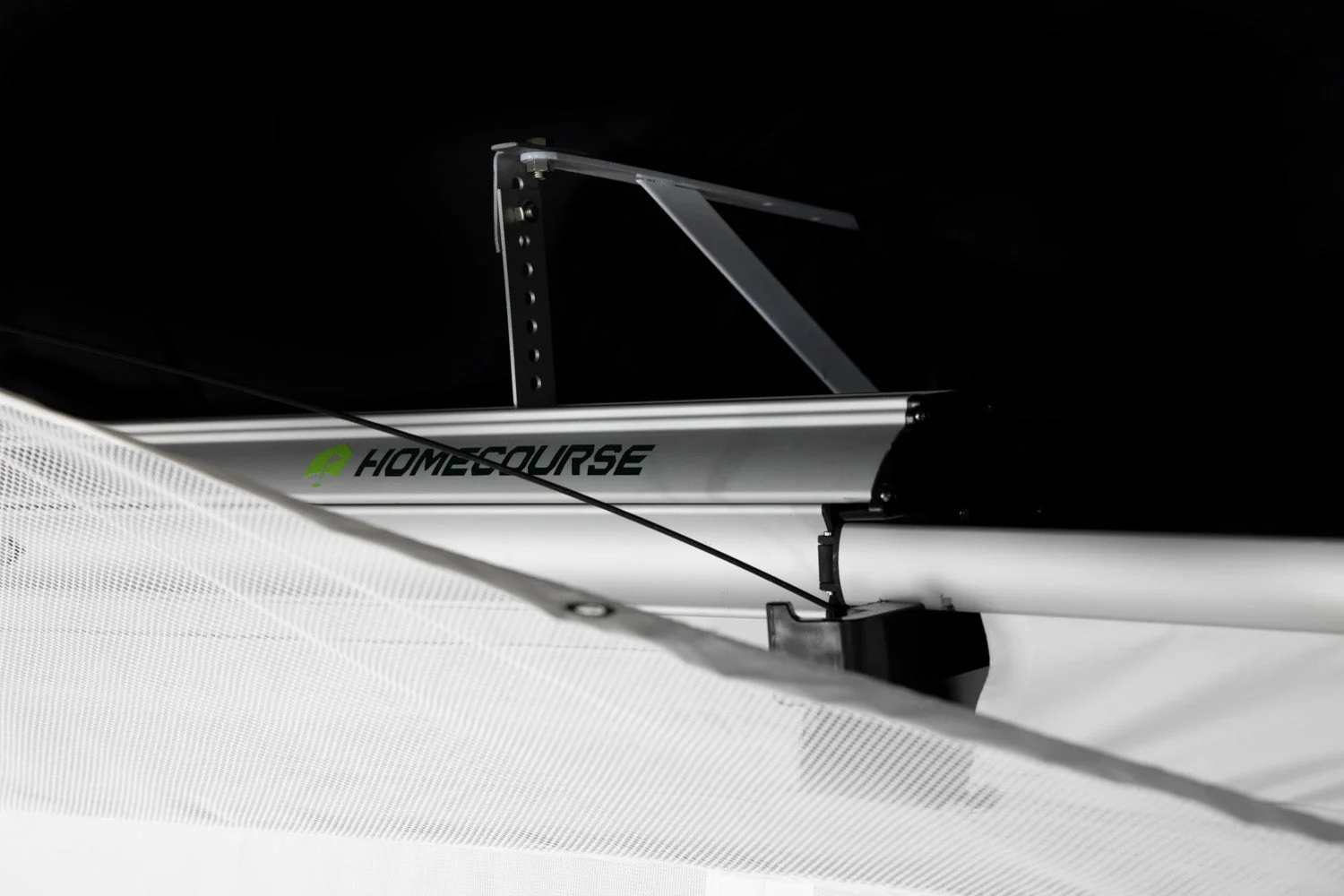
Mount it on your ceiling, wall, or on our Pro Rack. All you need is 8 feet of clearance and the mounting option that works best for you.

Specs
Dimensions & Requirements
The HomeCourse® Golf ProScreen 180 must be installed at approximately 8 1/2 feet from the floor. It’s okay to have a little bit of slack so the ball can roll towards you after you hit it. You can stand as close to the screen as you can where your club won’t hit the ballistic-grade screen or anything behind you (we recommend 10 to 12 feet front to back). Choose a mounting option and you can turn virtually any space that’s 8’ 6" H x 10’ W x 8’ D into a home golf experience.

What's Included
What's Included
Includes retractable screen/enclosure, ceiling mount kit, charging cable, remote control and easy reach pole.
Space Requirements
Space Requirements
You need a minimum width of 10ft. 6in. to fit HomeCourse® with its Pro-Arms fully extended. It is recommended to mount the screen 18 inches from a wall to provide space for impact absorption. Beyond that, you just need room to swing a club freely–front, back and above. Typically, an area with 10ft. 6in. (W) x 12 ft (D) x 8ft. (H). is sufficient, but everybody is different, and so are their swings, so you must test your space before installing HomeCourse®. The unit must be installed no more than 8 feet from the ground, so the bottom of the screen touches the ground. It can be mounted lower, as well, which provides some extra slack at the bottom and is okay.
Installation Video
Installation Video
FAQs
FAQs
Basic / Setup
What is HomeCourse®?
HomeCourse® is a retractable golf screen and enclosure. HomeCourse®'s ballistic grade screen can handle the impact of a live golf ball, and provides netting over head and to the sides to contain errant shots, so you feel confident about the safety of your surroundings. The screen is projectable, so it can be used with or without a simulator and projector.
How much space do I need to install HomeCourse®?
You need a minimum width of 10ft. 6in. to fit HomeCourse® with its Pro-Arms fully extended. It is recommended to mount the screen 18 inches from a wall to provide space for impact absorption. Beyond that, you just need room to swing a club freely–front, back and above. Typically, an area with 10ft. 6in. (W) x 12 ft (D) x 8ft. (H). is sufficient, but everybody is different, and so are their swings, so you must test your space before installing HomeCourse®. The unit must be installed no more than 8 feet from the ground, so the bottom of the screen touches the ground. It can be mounted lower, as well, which provides some extra slack at the bottom and is okay.
What is a good place to set up my HomeCourse®?
Anywhere you have the space for it. Recommended examples include: Game rooms or media rooms where you want to create a golf simulator environment without dedicating a room permanently; Garages allow for a great simulator environment, and after the HomeCourse® rolls up, a car fits perfectly under it; Offices make a great practice environment so you can work on your game without having to leave and break up your work day.
Can I install HomeCourse® myself?
If you have experience drilling walls, locating studs and mounting hardware, HomeCourse® can be installed yourself. It is recommended to have somebody help with two ladders, as it makes it easier to hoist the unit without special equipment.
What does HomeCourse® include?
HomeCourse® includes the ProScreen, remote control, charger, easy reach arm for Pro-Arms, and a Ceiling Mount Kit.
What else might I need to maximize my HomeCourse® experience?
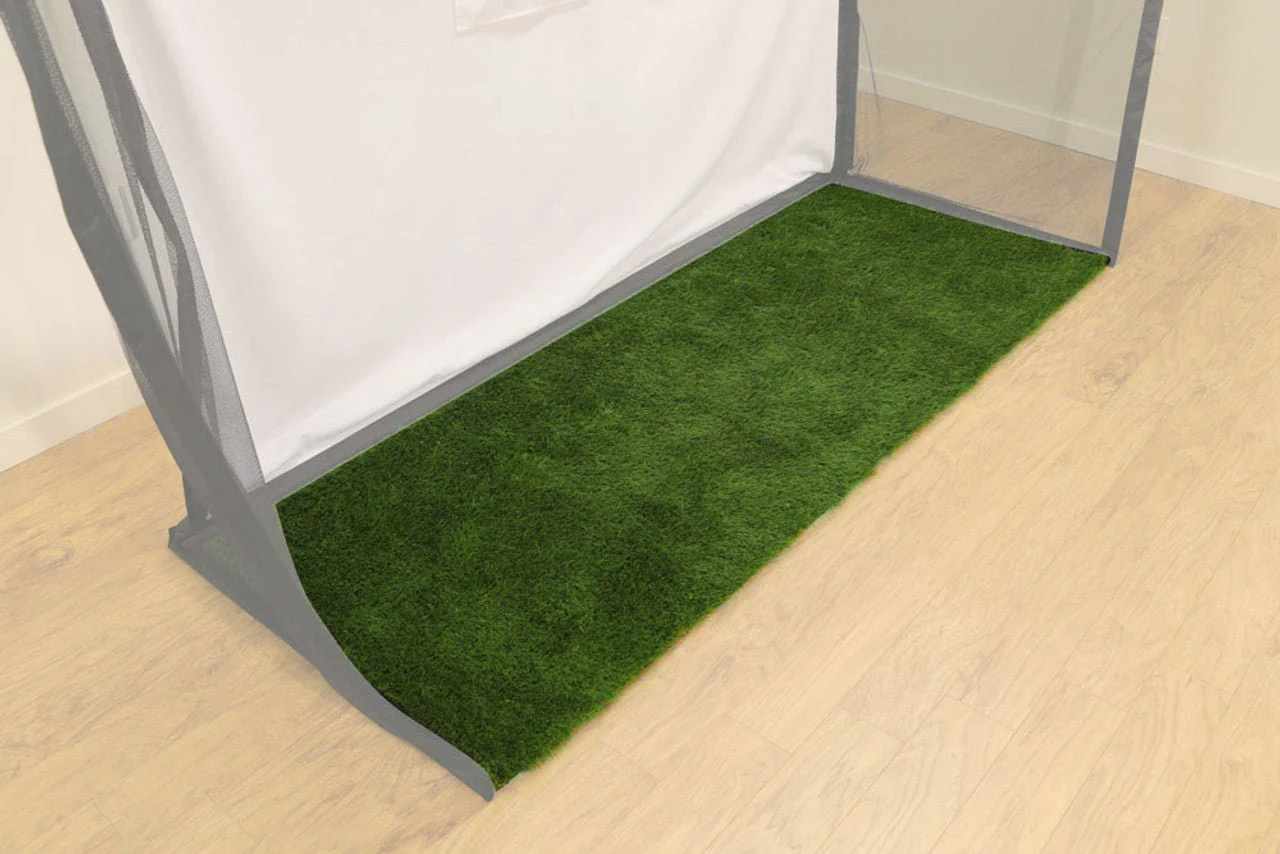
If you need to mount to a wall, you will need to purchase the HomeCourse® Wall Mount Kit. After the ball makes impact with the screen, you will want it to land on a soft surface, so we recommend using artificial grass or another soft material. Additionally, third-party hitting mats, simulators and launch monitors, projectors, computers, and software can maximize your custom HomeCourse® experience.
Does HomeCourse® include a hitting mat?
No, there are many third-party hitting mats available depending on your needs, and some launch monitors which include a hitting surface.
What mounting options are available for HomeCourse®?
HomeCourse® includes a Ceiling Mount Kit and there is an optional Wall Mount Kit available.
Can I install HomeCourse® outdoors?
HomeCourse® is designed to be installed indoors, and should never be put in contact with water.
Use
Is HomeCourse® a simulator?
No, HomeCourse® is a projectable screen and enclosure that can work with a launch monitor and simulator software. It makes the possibility of having a golf simulator in your home easy and affordable.
What simulators work with HomeCourse®?
Any projected image works on HomeCourse®, so any simulator that can be connected to a projector will work well.
What kind of Projector should I use with HomeCourse®?
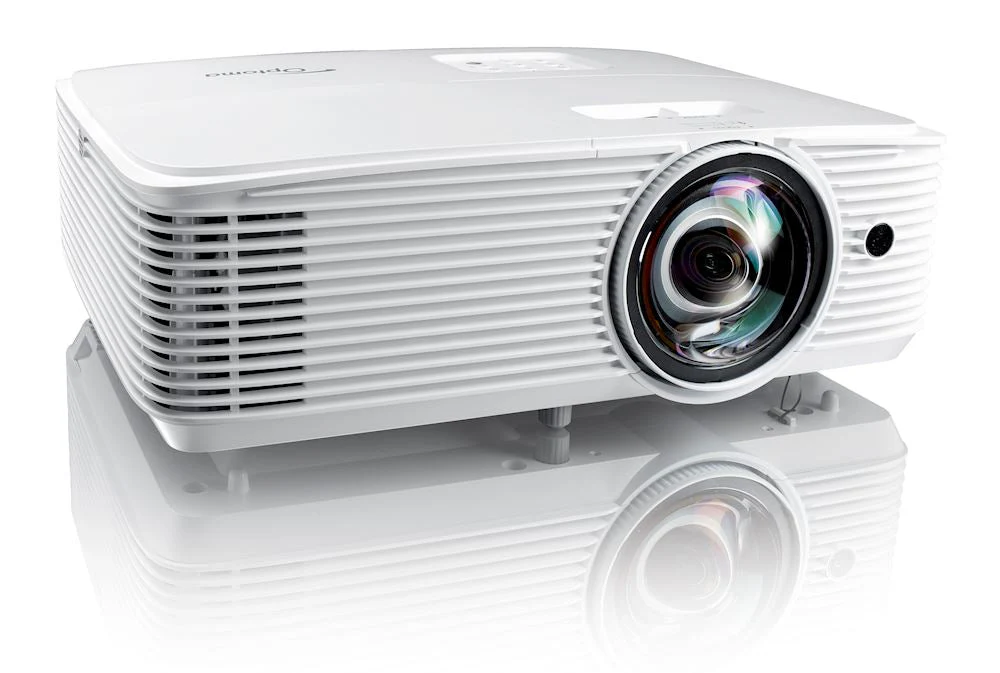
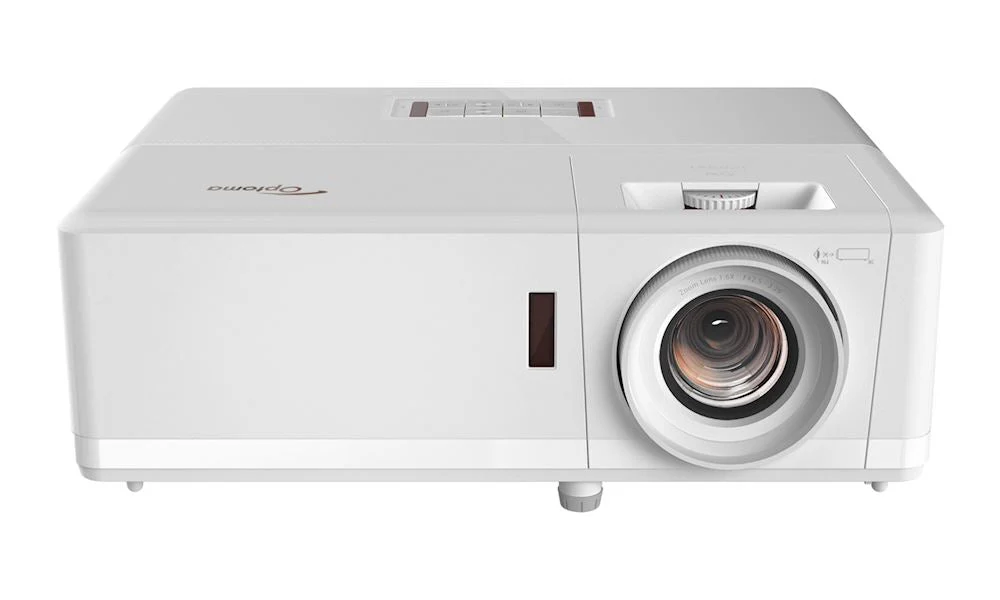
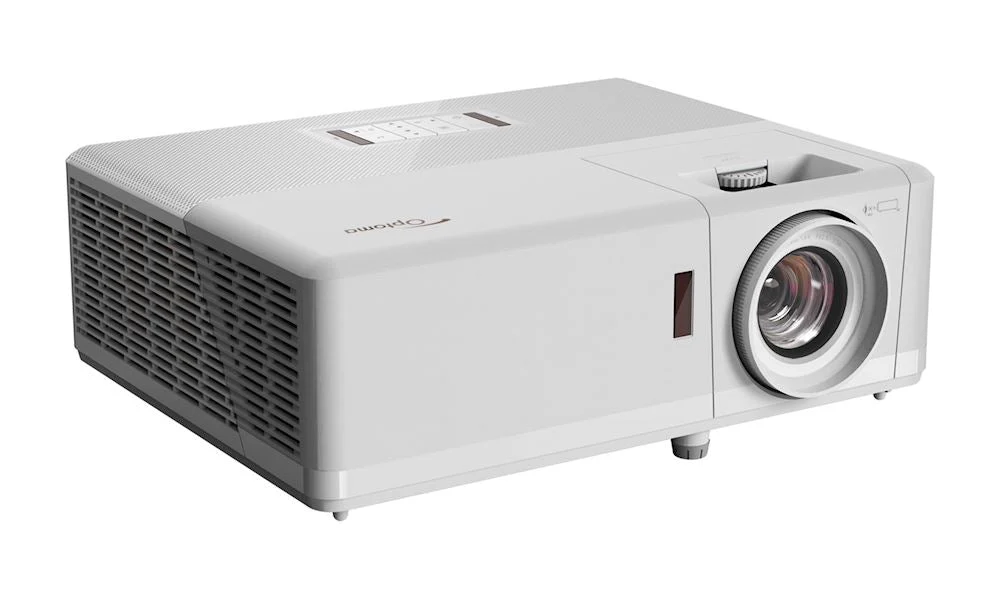
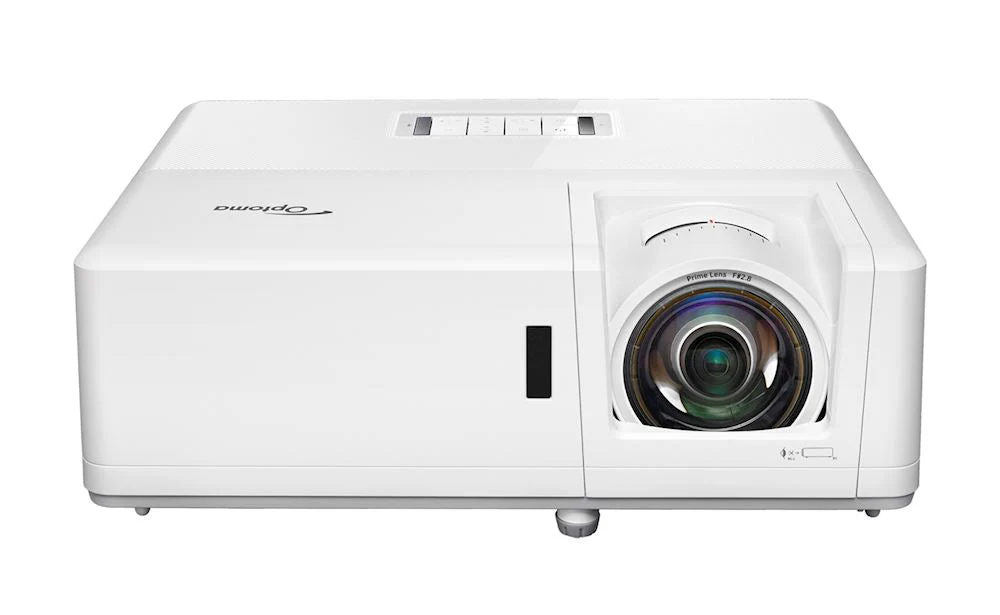
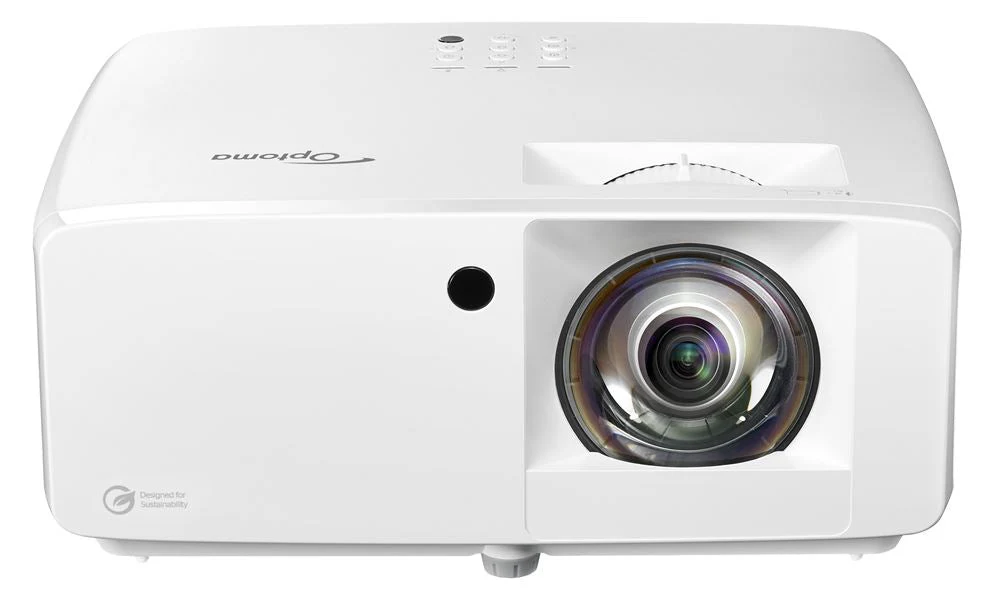
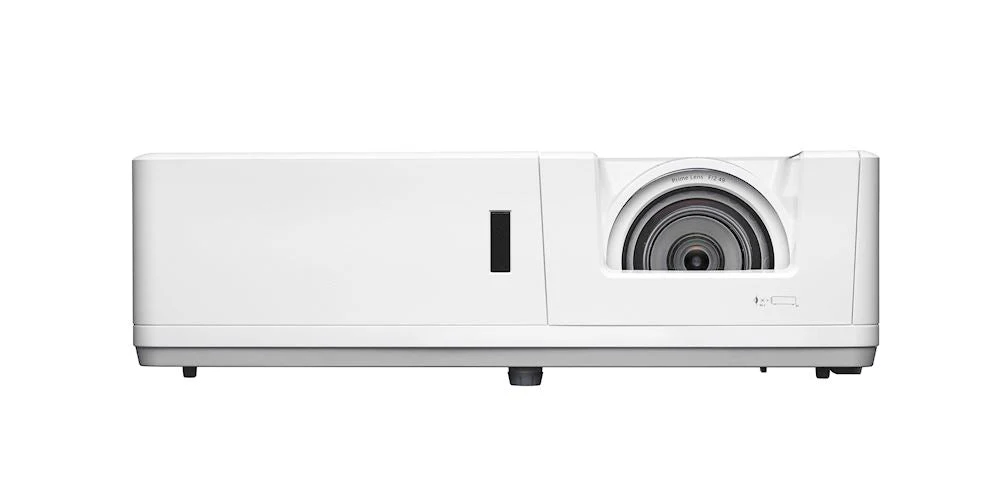
Various options are available depending on your space. Short-Throw projectors work easily as they only need a few feet to produce a large image. If you have a larger room, or don’t mind a smaller picture, standard or hd projectors work.
Can I hit a real golf ball into HomeCourse®?
Yes.
Can I take full swings at HomeCourse®?
Yes, just make sure you have space to clear your club.
Are there any shots I should avoid when using HomeCourse®?
Get a feeling for your surroundings. Try to hit well within the boundaries of the screen, and avoid unusually high shot, like flop shots, or low shots when using HomeCourse®.
Are there any safety precautions I should consider before using HomeCourse®?
Though HomeCourse® is designed to maximize safety, you are still playing golf indoors. Be aware of your surroundings at all times, and understand that unforeseen accidents can occur.
Product Information
Product Information
Shipping & Returns
Shipping & Returns







HomeCourse Retractable Golf ProScreen 180
HomeCourse Retractable Golf ProScreen 180
HomeCourse Golf ProScreen 180
The HomeCourse ProScreen is currently out of stock. New inventory is expected to arrive in early to mid-October.
The Premier Indoor Golf Simulator Enclosure
Create an indoor driving range effortlessly using the enhanced HomeCourse® Golf ProScreen 180. This top-notch golf simulator enclosure, meticulously crafted by professionals, provides a secure indoor playing experience for golf enthusiasts, whether at home or in the office. For retail establishments or training facilities, the HomeCourse® Golf ProScreen 180 stands out as the ultimate teaching, training, and practice apparatus, setting itself apart in a league of its own. (Simulator NOT included.)
The HomeCourse screen is 8' wide x 8' high.
Serious upgrades for serious players
Introducing the New HomeCourse® Golf ProScreen 180°
All the performance of the original HomeCourse® design, coupled with an increased incorporation of our exclusive ballistic-grade material and an expansive projectable area, render the newly launched HomeCourse® Golf ProScreen 180 the ultimate retractable complement for any golfer's home configuration.
Features
Features
Safety
Mishit? Sh**k?
No Problem.
Pro Arms & Sky Net keep you in play
Only HomeCourse® Golf ProScreen 180 lets you use a real golf ball — worry free — when playing or practicing indoors. The Sky Net and Pro Arms create a three-sided, topped enclosure to help contain errant shots or sh**ks (we dare not say it) – protecting you, your space, and everyone in it. And with the included Pro Arm Extender tool, you can easily fold out both or one of the enclosure’s sides (and close one for righties or lefties). When you’re done, the sides fold right back in.
Ballistic-Grade Screen
Hit a live ball, then let it roll back to your feet
Both the screen and side netting of the Pro Arms are made of specialized ballistic-grade material that’s specially designed to absorb the impact of a golf ball hit by a full-swing shot at point-blank distance. Built for extended durability, the ProScreen 180’s screen ingeniously flexes at the bottom so the ball rolls back to your feet. All you need is enough room to swing freely, and you’re good to let it fly.
Convenience
Retractable
Get your room back
Don’t have the dedicated space for a virtual golf practice setup? No sweat — HomeCourse® Golf ProScreen 180 is fully retractable. Tap the included wireless remote and in less than thirty seconds you — or your significant other — have got the room back. (Although, if you can get away with a golf enclosure as a permanent fixture in your living room, we salute you.)
Projectable
Play Your Favorite Course
Get the full experience of a virtual round of solo golf, or get competitive with your buddies and family, all for a fraction of the cost of other professional‑caliber stand alone simulators when you combine HomeCourse® Golf ProScreen 180 with a projector + golf simulator. The ProScreen 180’s Pro Arm side nets can be extended to create an ultra-wide 14ft projectable area — ideal for projectors that cast a 16:9 ratio.
Wireless
No messy cables, ever
A powerful lithium-ion battery and a fully wireless design make the HomeCourse® Golf ProScreen 180 sleek as ever. Operating for months on a single charge, the wireless screen retracts with one touch from its — also wireless — remote.
Mounting Options
HomeCourse® is made to fit your space
Mount it on your ceiling, wall, or on our Pro Rack. All you need is 8 feet of clearance and the mounting option that works best for you.
Specs
Dimensions & Requirements
The HomeCourse® Golf ProScreen 180 must be installed at approximately 8 1/2 feet from the floor. It’s okay to have a little bit of slack so the ball can roll towards you after you hit it. You can stand as close to the screen as you can where your club won’t hit the ballistic-grade screen or anything behind you (we recommend 10 to 12 feet front to back). Choose a mounting option and you can turn virtually any space that’s 8’ 6" H x 10’ W x 8’ D into a home golf experience.
What's Included
What's Included
Includes retractable screen/enclosure, ceiling mount kit, charging cable, remote control and easy reach pole.
Space Requirements
Space Requirements
You need a minimum width of 10ft. 6in. to fit HomeCourse® with its Pro-Arms fully extended. It is recommended to mount the screen 18 inches from a wall to provide space for impact absorption. Beyond that, you just need room to swing a club freely–front, back and above. Typically, an area with 10ft. 6in. (W) x 12 ft (D) x 8ft. (H). is sufficient, but everybody is different, and so are their swings, so you must test your space before installing HomeCourse®. The unit must be installed no more than 8 feet from the ground, so the bottom of the screen touches the ground. It can be mounted lower, as well, which provides some extra slack at the bottom and is okay.
Installation Video
Installation Video
FAQs
FAQs
Basic / Setup
What is HomeCourse®?
HomeCourse® is a retractable golf screen and enclosure. HomeCourse®'s ballistic grade screen can handle the impact of a live golf ball, and provides netting over head and to the sides to contain errant shots, so you feel confident about the safety of your surroundings. The screen is projectable, so it can be used with or without a simulator and projector.
How much space do I need to install HomeCourse®?
You need a minimum width of 10ft. 6in. to fit HomeCourse® with its Pro-Arms fully extended. It is recommended to mount the screen 18 inches from a wall to provide space for impact absorption. Beyond that, you just need room to swing a club freely–front, back and above. Typically, an area with 10ft. 6in. (W) x 12 ft (D) x 8ft. (H). is sufficient, but everybody is different, and so are their swings, so you must test your space before installing HomeCourse®. The unit must be installed no more than 8 feet from the ground, so the bottom of the screen touches the ground. It can be mounted lower, as well, which provides some extra slack at the bottom and is okay.
What is a good place to set up my HomeCourse®?
Anywhere you have the space for it. Recommended examples include: Game rooms or media rooms where you want to create a golf simulator environment without dedicating a room permanently; Garages allow for a great simulator environment, and after the HomeCourse® rolls up, a car fits perfectly under it; Offices make a great practice environment so you can work on your game without having to leave and break up your work day.
Can I install HomeCourse® myself?
If you have experience drilling walls, locating studs and mounting hardware, HomeCourse® can be installed yourself. It is recommended to have somebody help with two ladders, as it makes it easier to hoist the unit without special equipment.
What does HomeCourse® include?
HomeCourse® includes the ProScreen, remote control, charger, easy reach arm for Pro-Arms, and a Ceiling Mount Kit.
What else might I need to maximize my HomeCourse® experience?
If you need to mount to a wall, you will need to purchase the HomeCourse® Wall Mount Kit. After the ball makes impact with the screen, you will want it to land on a soft surface, so we recommend using artificial grass or another soft material. Additionally, third-party hitting mats, simulators and launch monitors, projectors, computers, and software can maximize your custom HomeCourse® experience.
Does HomeCourse® include a hitting mat?
No, there are many third-party hitting mats available depending on your needs, and some launch monitors which include a hitting surface.
What mounting options are available for HomeCourse®?
HomeCourse® includes a Ceiling Mount Kit and there is an optional Wall Mount Kit available.
Can I install HomeCourse® outdoors?
HomeCourse® is designed to be installed indoors, and should never be put in contact with water.
Use
Is HomeCourse® a simulator?
No, HomeCourse® is a projectable screen and enclosure that can work with a launch monitor and simulator software. It makes the possibility of having a golf simulator in your home easy and affordable.
What simulators work with HomeCourse®?
Any projected image works on HomeCourse®, so any simulator that can be connected to a projector will work well.
What kind of Projector should I use with HomeCourse®?
Various options are available depending on your space. Short-Throw projectors work easily as they only need a few feet to produce a large image. If you have a larger room, or don’t mind a smaller picture, standard or hd projectors work.
Can I hit a real golf ball into HomeCourse®?
Yes.
Can I take full swings at HomeCourse®?
Yes, just make sure you have space to clear your club.
Are there any shots I should avoid when using HomeCourse®?
Get a feeling for your surroundings. Try to hit well within the boundaries of the screen, and avoid unusually high shot, like flop shots, or low shots when using HomeCourse®.
Are there any safety precautions I should consider before using HomeCourse®?
Though HomeCourse® is designed to maximize safety, you are still playing golf indoors. Be aware of your surroundings at all times, and understand that unforeseen accidents can occur.
Original: $2,299.00
-65%$2,299.00
$804.65Product Information
Product Information
Shipping & Returns
Shipping & Returns
Description
HomeCourse Golf ProScreen 180
The HomeCourse ProScreen is currently out of stock. New inventory is expected to arrive in early to mid-October.
The Premier Indoor Golf Simulator Enclosure
Create an indoor driving range effortlessly using the enhanced HomeCourse® Golf ProScreen 180. This top-notch golf simulator enclosure, meticulously crafted by professionals, provides a secure indoor playing experience for golf enthusiasts, whether at home or in the office. For retail establishments or training facilities, the HomeCourse® Golf ProScreen 180 stands out as the ultimate teaching, training, and practice apparatus, setting itself apart in a league of its own. (Simulator NOT included.)
The HomeCourse screen is 8' wide x 8' high.
Serious upgrades for serious players
Introducing the New HomeCourse® Golf ProScreen 180°
All the performance of the original HomeCourse® design, coupled with an increased incorporation of our exclusive ballistic-grade material and an expansive projectable area, render the newly launched HomeCourse® Golf ProScreen 180 the ultimate retractable complement for any golfer's home configuration.
Features
Features
Safety
Mishit? Sh**k?
No Problem.
Pro Arms & Sky Net keep you in play
Only HomeCourse® Golf ProScreen 180 lets you use a real golf ball — worry free — when playing or practicing indoors. The Sky Net and Pro Arms create a three-sided, topped enclosure to help contain errant shots or sh**ks (we dare not say it) – protecting you, your space, and everyone in it. And with the included Pro Arm Extender tool, you can easily fold out both or one of the enclosure’s sides (and close one for righties or lefties). When you’re done, the sides fold right back in.
Ballistic-Grade Screen
Hit a live ball, then let it roll back to your feet
Both the screen and side netting of the Pro Arms are made of specialized ballistic-grade material that’s specially designed to absorb the impact of a golf ball hit by a full-swing shot at point-blank distance. Built for extended durability, the ProScreen 180’s screen ingeniously flexes at the bottom so the ball rolls back to your feet. All you need is enough room to swing freely, and you’re good to let it fly.
Convenience
Retractable
Get your room back
Don’t have the dedicated space for a virtual golf practice setup? No sweat — HomeCourse® Golf ProScreen 180 is fully retractable. Tap the included wireless remote and in less than thirty seconds you — or your significant other — have got the room back. (Although, if you can get away with a golf enclosure as a permanent fixture in your living room, we salute you.)
Projectable
Play Your Favorite Course
Get the full experience of a virtual round of solo golf, or get competitive with your buddies and family, all for a fraction of the cost of other professional‑caliber stand alone simulators when you combine HomeCourse® Golf ProScreen 180 with a projector + golf simulator. The ProScreen 180’s Pro Arm side nets can be extended to create an ultra-wide 14ft projectable area — ideal for projectors that cast a 16:9 ratio.
Wireless
No messy cables, ever
A powerful lithium-ion battery and a fully wireless design make the HomeCourse® Golf ProScreen 180 sleek as ever. Operating for months on a single charge, the wireless screen retracts with one touch from its — also wireless — remote.
Mounting Options
HomeCourse® is made to fit your space
Mount it on your ceiling, wall, or on our Pro Rack. All you need is 8 feet of clearance and the mounting option that works best for you.
Specs
Dimensions & Requirements
The HomeCourse® Golf ProScreen 180 must be installed at approximately 8 1/2 feet from the floor. It’s okay to have a little bit of slack so the ball can roll towards you after you hit it. You can stand as close to the screen as you can where your club won’t hit the ballistic-grade screen or anything behind you (we recommend 10 to 12 feet front to back). Choose a mounting option and you can turn virtually any space that’s 8’ 6" H x 10’ W x 8’ D into a home golf experience.
What's Included
What's Included
Includes retractable screen/enclosure, ceiling mount kit, charging cable, remote control and easy reach pole.
Space Requirements
Space Requirements
You need a minimum width of 10ft. 6in. to fit HomeCourse® with its Pro-Arms fully extended. It is recommended to mount the screen 18 inches from a wall to provide space for impact absorption. Beyond that, you just need room to swing a club freely–front, back and above. Typically, an area with 10ft. 6in. (W) x 12 ft (D) x 8ft. (H). is sufficient, but everybody is different, and so are their swings, so you must test your space before installing HomeCourse®. The unit must be installed no more than 8 feet from the ground, so the bottom of the screen touches the ground. It can be mounted lower, as well, which provides some extra slack at the bottom and is okay.
Installation Video
Installation Video
FAQs
FAQs
Basic / Setup
What is HomeCourse®?
HomeCourse® is a retractable golf screen and enclosure. HomeCourse®'s ballistic grade screen can handle the impact of a live golf ball, and provides netting over head and to the sides to contain errant shots, so you feel confident about the safety of your surroundings. The screen is projectable, so it can be used with or without a simulator and projector.
How much space do I need to install HomeCourse®?
You need a minimum width of 10ft. 6in. to fit HomeCourse® with its Pro-Arms fully extended. It is recommended to mount the screen 18 inches from a wall to provide space for impact absorption. Beyond that, you just need room to swing a club freely–front, back and above. Typically, an area with 10ft. 6in. (W) x 12 ft (D) x 8ft. (H). is sufficient, but everybody is different, and so are their swings, so you must test your space before installing HomeCourse®. The unit must be installed no more than 8 feet from the ground, so the bottom of the screen touches the ground. It can be mounted lower, as well, which provides some extra slack at the bottom and is okay.
What is a good place to set up my HomeCourse®?
Anywhere you have the space for it. Recommended examples include: Game rooms or media rooms where you want to create a golf simulator environment without dedicating a room permanently; Garages allow for a great simulator environment, and after the HomeCourse® rolls up, a car fits perfectly under it; Offices make a great practice environment so you can work on your game without having to leave and break up your work day.
Can I install HomeCourse® myself?
If you have experience drilling walls, locating studs and mounting hardware, HomeCourse® can be installed yourself. It is recommended to have somebody help with two ladders, as it makes it easier to hoist the unit without special equipment.
What does HomeCourse® include?
HomeCourse® includes the ProScreen, remote control, charger, easy reach arm for Pro-Arms, and a Ceiling Mount Kit.
What else might I need to maximize my HomeCourse® experience?
If you need to mount to a wall, you will need to purchase the HomeCourse® Wall Mount Kit. After the ball makes impact with the screen, you will want it to land on a soft surface, so we recommend using artificial grass or another soft material. Additionally, third-party hitting mats, simulators and launch monitors, projectors, computers, and software can maximize your custom HomeCourse® experience.
Does HomeCourse® include a hitting mat?
No, there are many third-party hitting mats available depending on your needs, and some launch monitors which include a hitting surface.
What mounting options are available for HomeCourse®?
HomeCourse® includes a Ceiling Mount Kit and there is an optional Wall Mount Kit available.
Can I install HomeCourse® outdoors?
HomeCourse® is designed to be installed indoors, and should never be put in contact with water.
Use
Is HomeCourse® a simulator?
No, HomeCourse® is a projectable screen and enclosure that can work with a launch monitor and simulator software. It makes the possibility of having a golf simulator in your home easy and affordable.
What simulators work with HomeCourse®?
Any projected image works on HomeCourse®, so any simulator that can be connected to a projector will work well.
What kind of Projector should I use with HomeCourse®?
Various options are available depending on your space. Short-Throw projectors work easily as they only need a few feet to produce a large image. If you have a larger room, or don’t mind a smaller picture, standard or hd projectors work.
Can I hit a real golf ball into HomeCourse®?
Yes.
Can I take full swings at HomeCourse®?
Yes, just make sure you have space to clear your club.
Are there any shots I should avoid when using HomeCourse®?
Get a feeling for your surroundings. Try to hit well within the boundaries of the screen, and avoid unusually high shot, like flop shots, or low shots when using HomeCourse®.
Are there any safety precautions I should consider before using HomeCourse®?
Though HomeCourse® is designed to maximize safety, you are still playing golf indoors. Be aware of your surroundings at all times, and understand that unforeseen accidents can occur.