OptiShot Golf - BallFlight Golf In A Box 3
OptiShot Golf BallFlight Golf In A Box 3
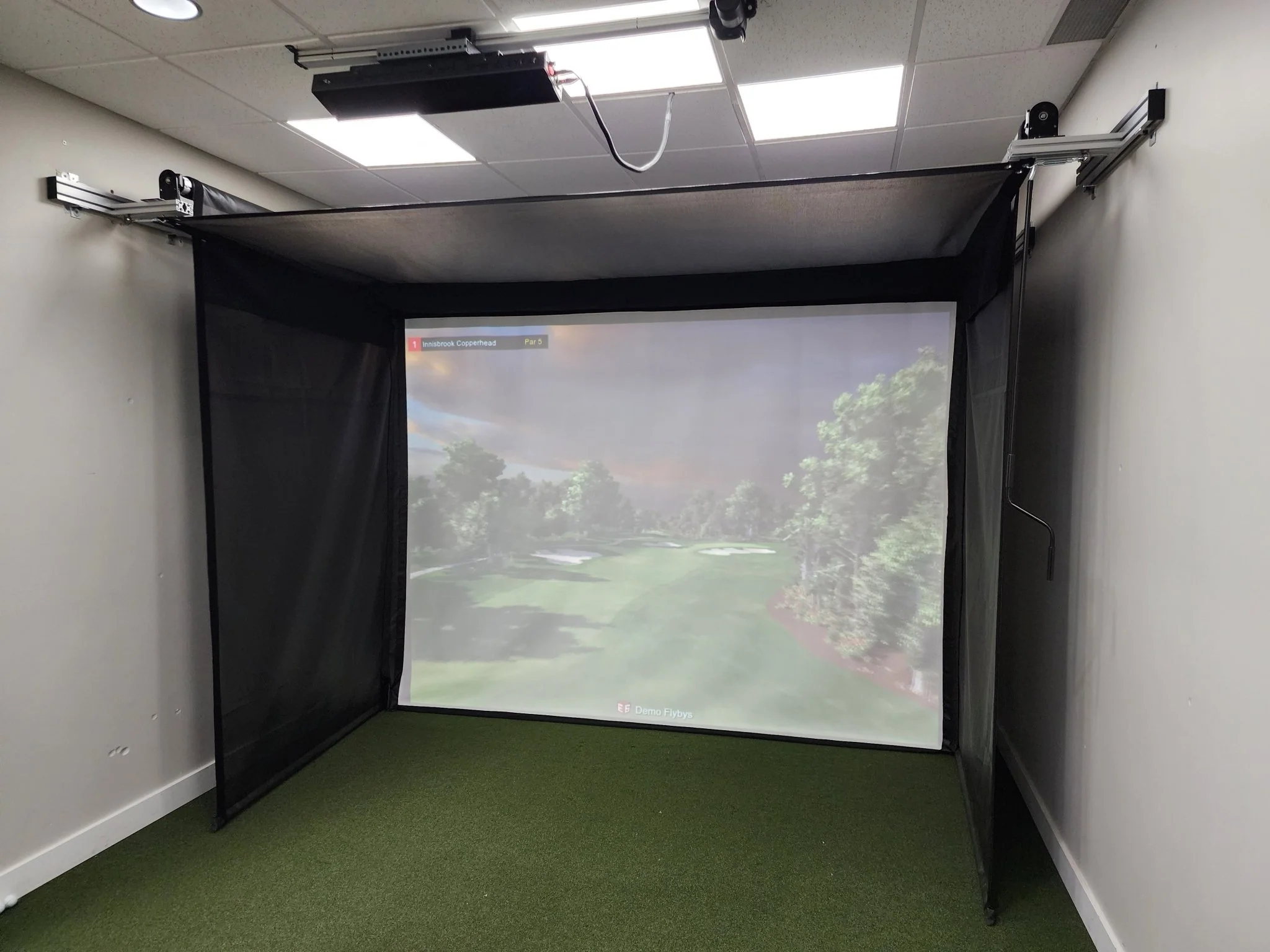
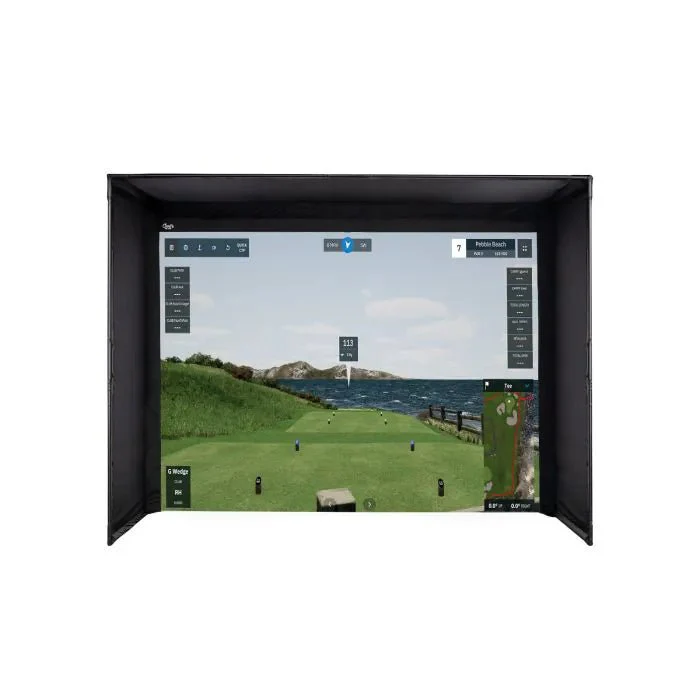
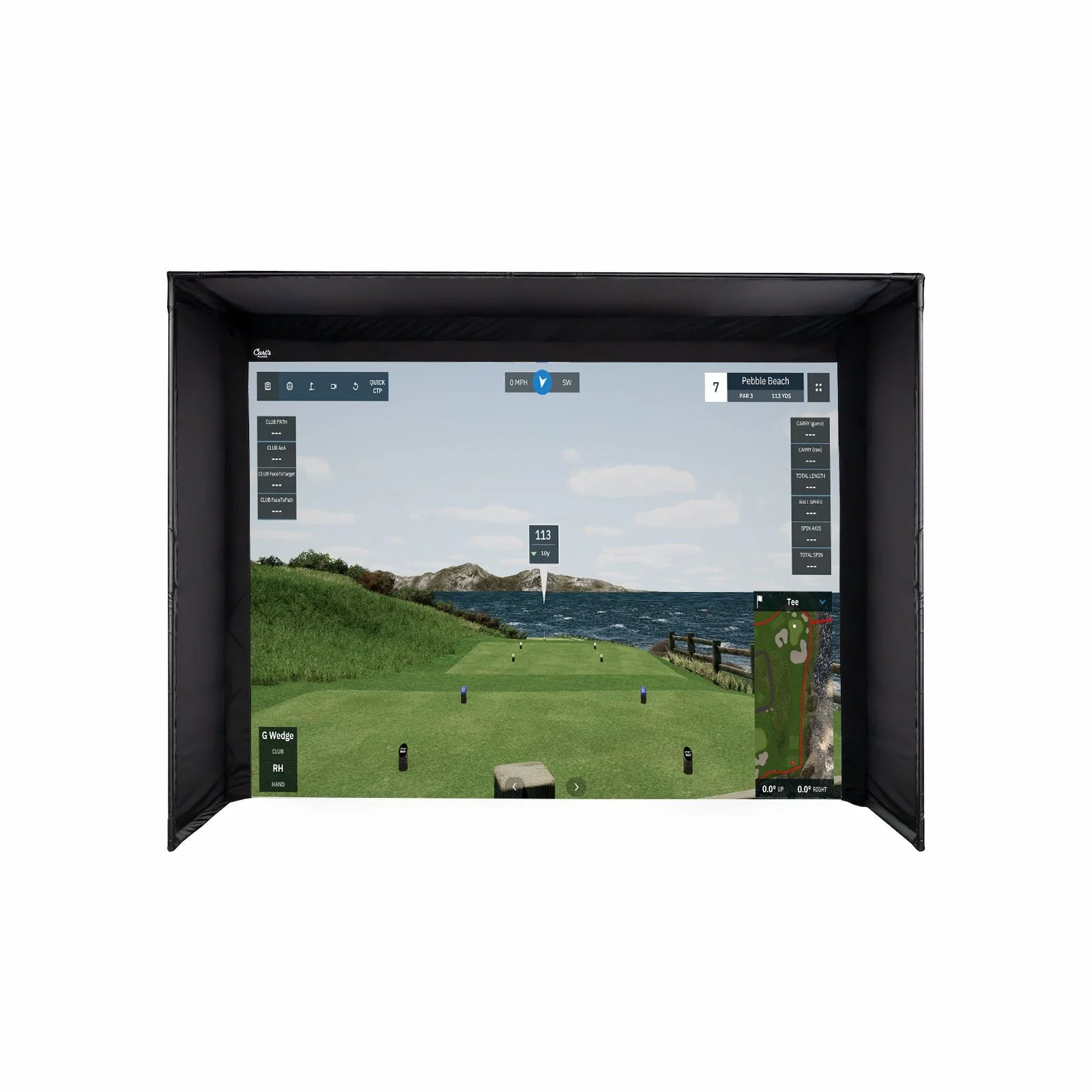
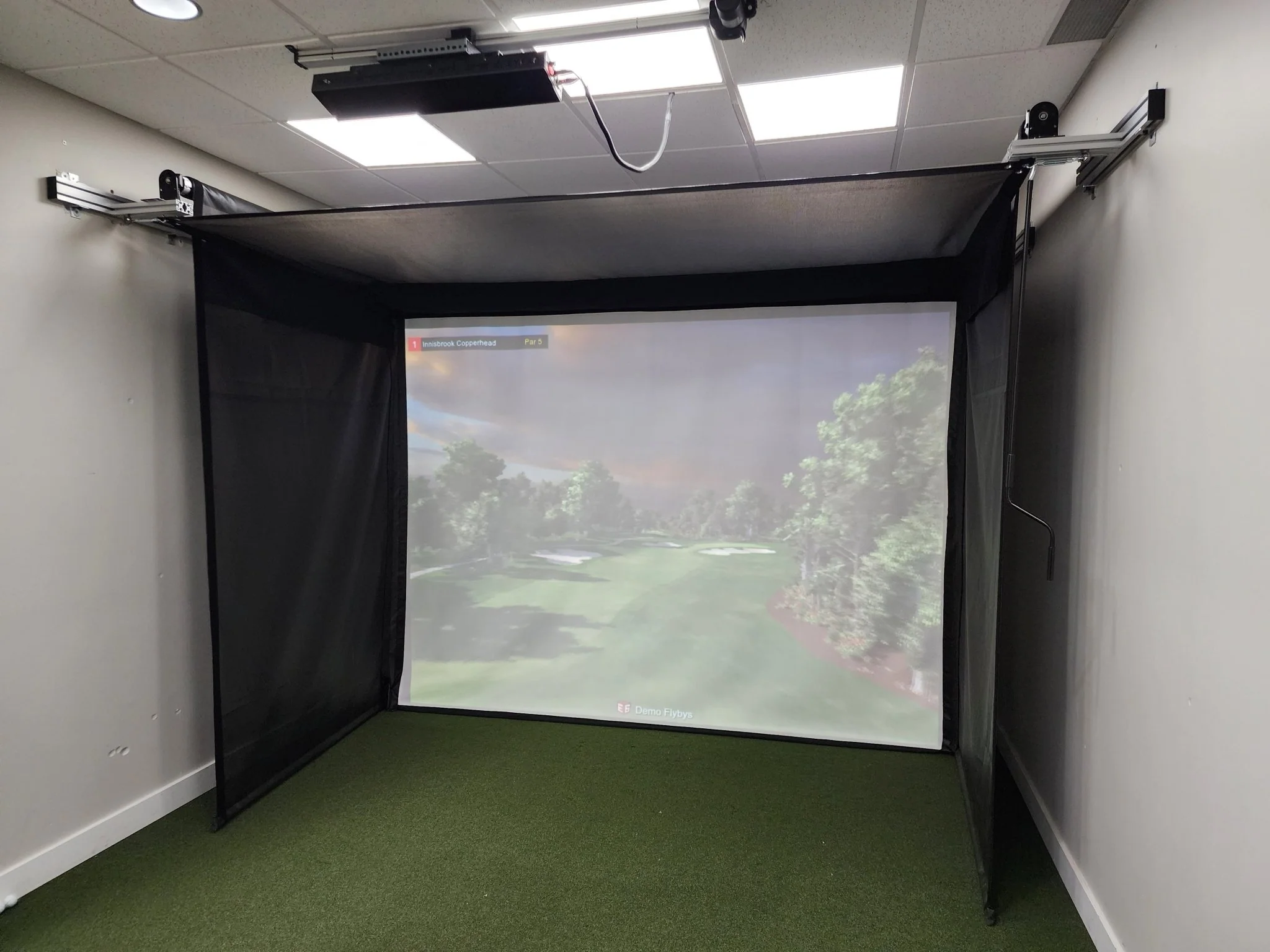
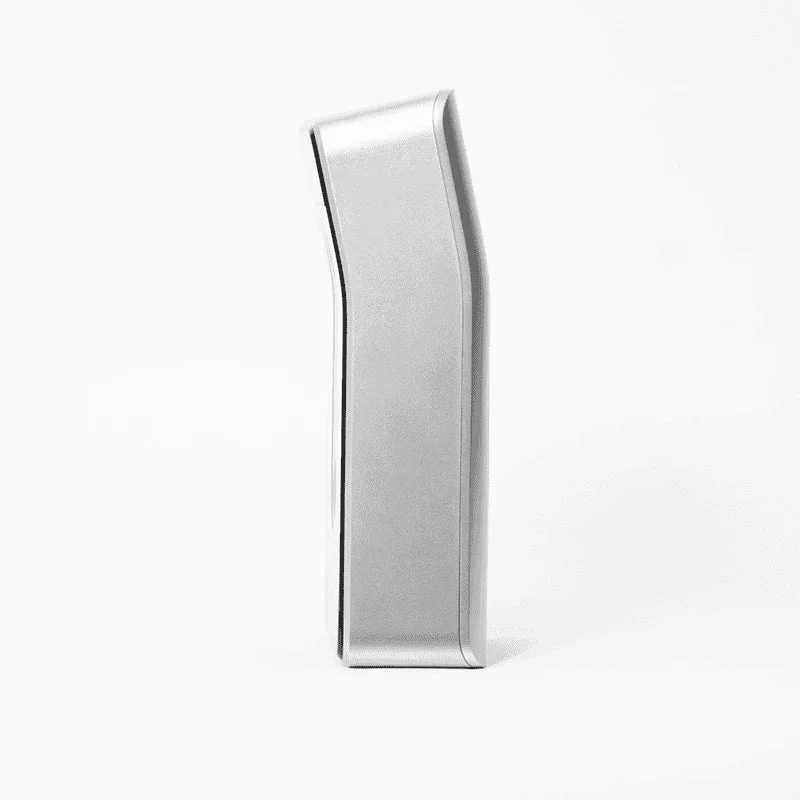
This is our Golf in a Box 3. This comprehensive package includes the BallFlight launch monitor, a stance mat, an Elite golf net with ball return feature, the Orion software system, an impact screen, and your choice of projector. You can select your desired size and projector type, and further details are provided below.
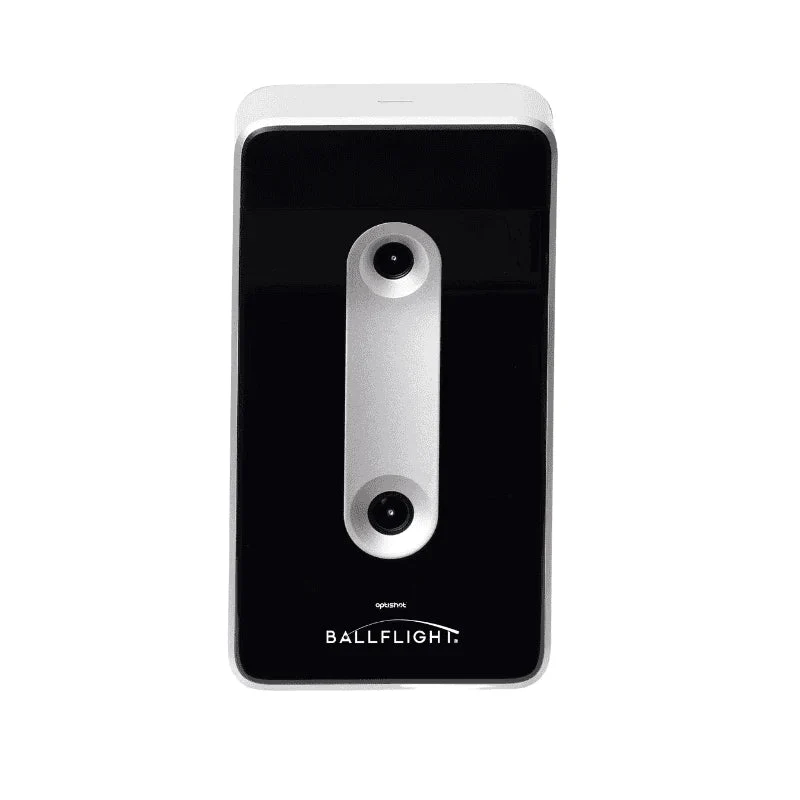
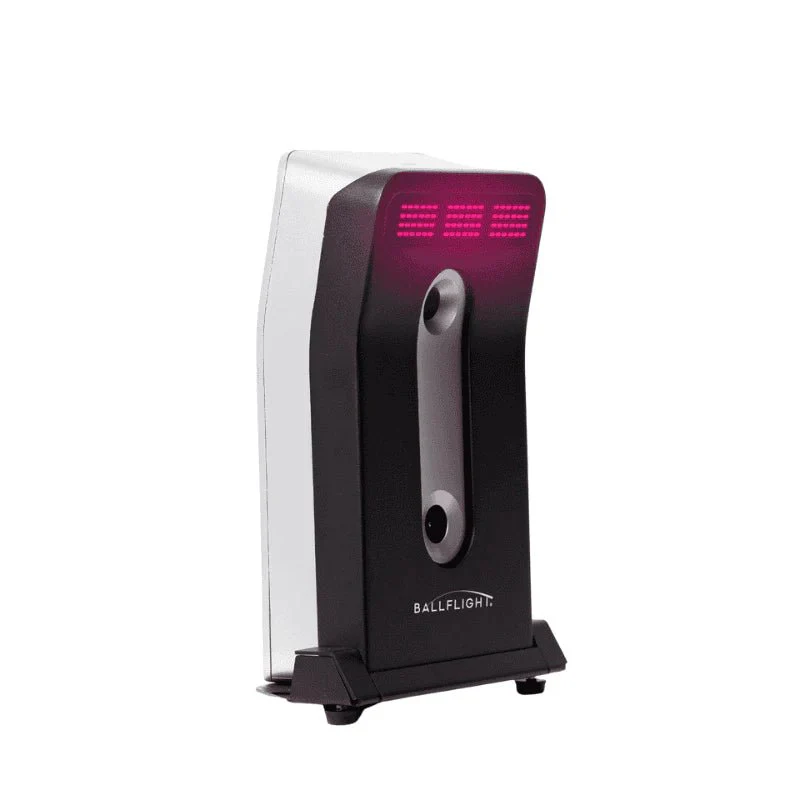
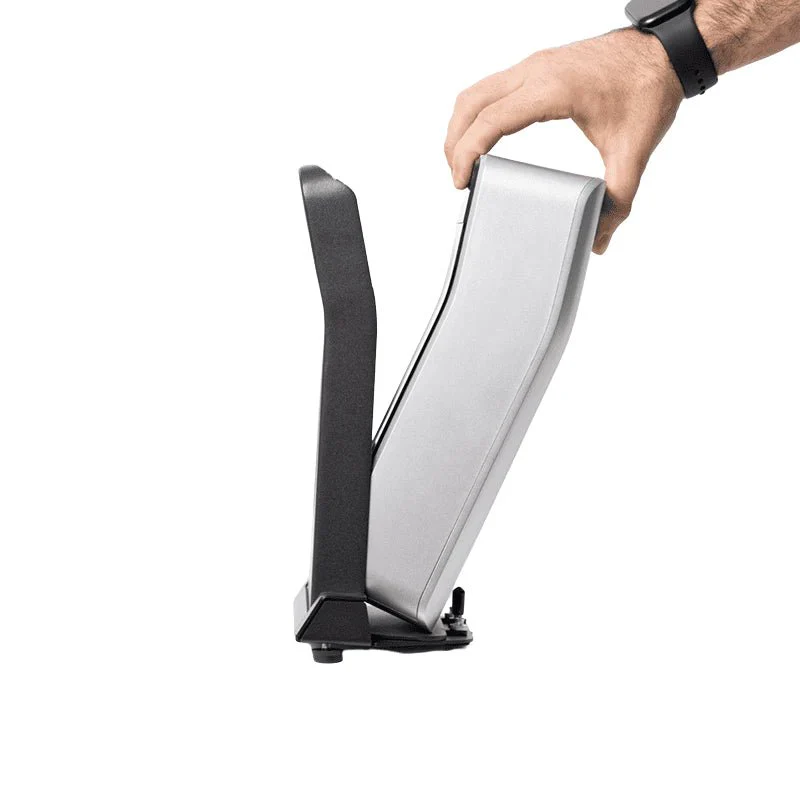
BallFlight® golf simulator
OptiShot 5' x 4' stance mat
Net Return hitting net
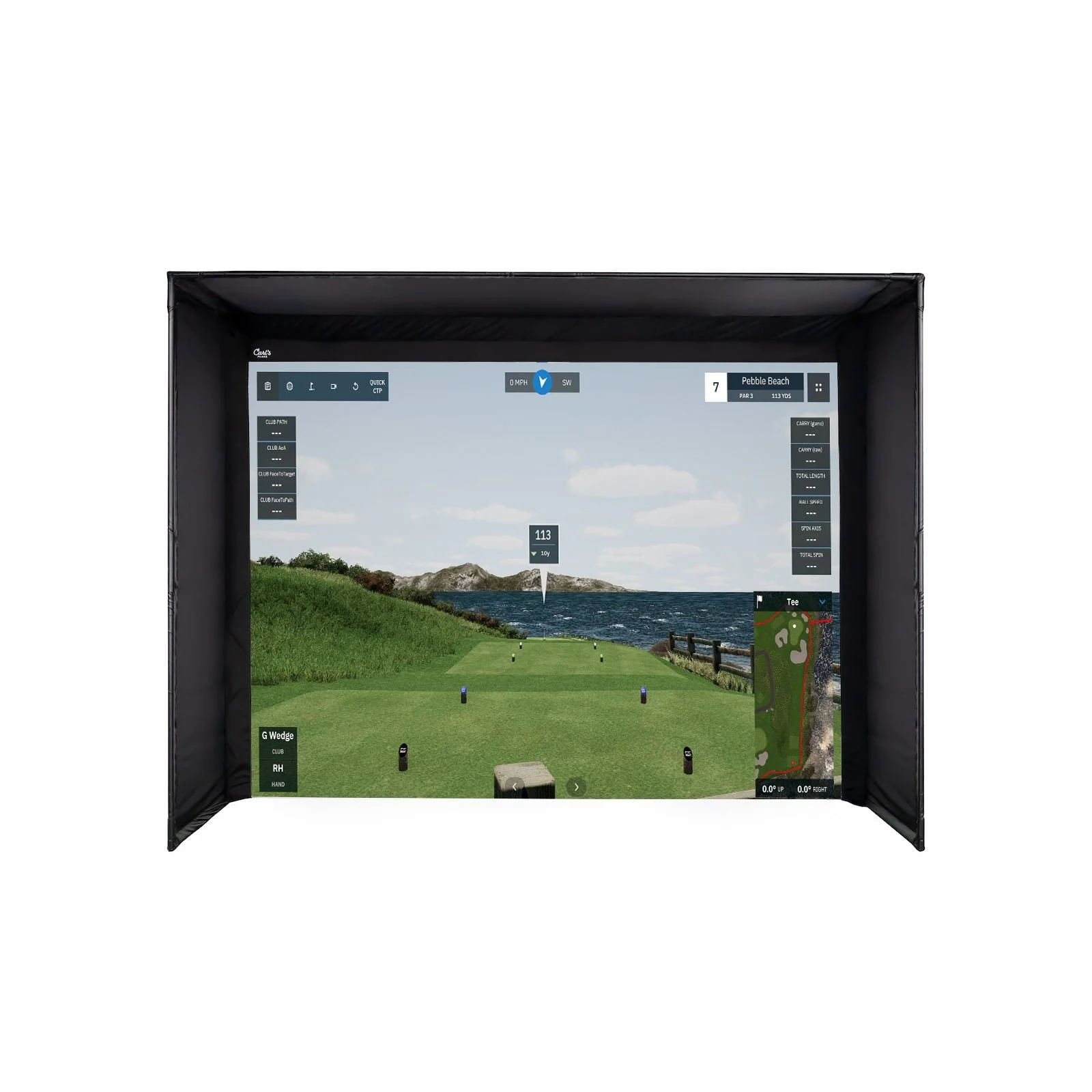
Attachable impact screen
HD Short throw projector
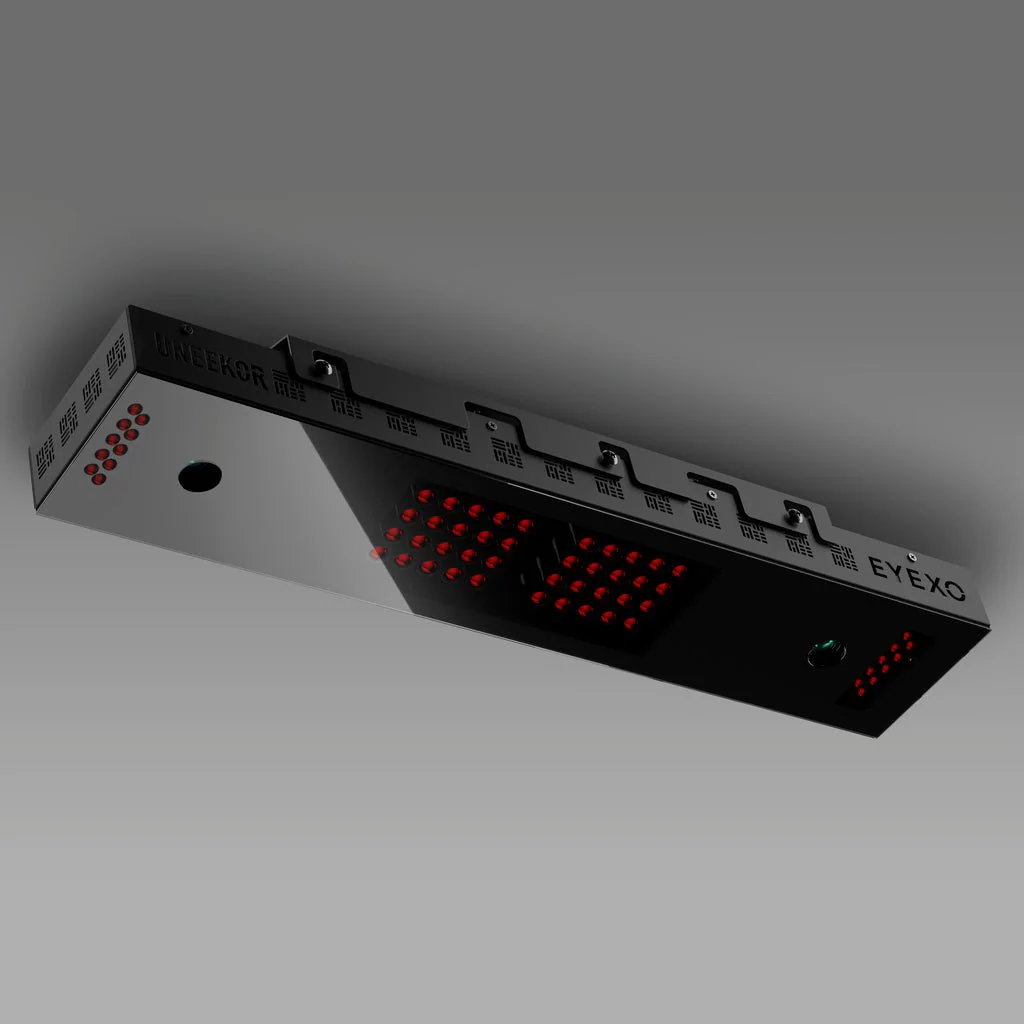
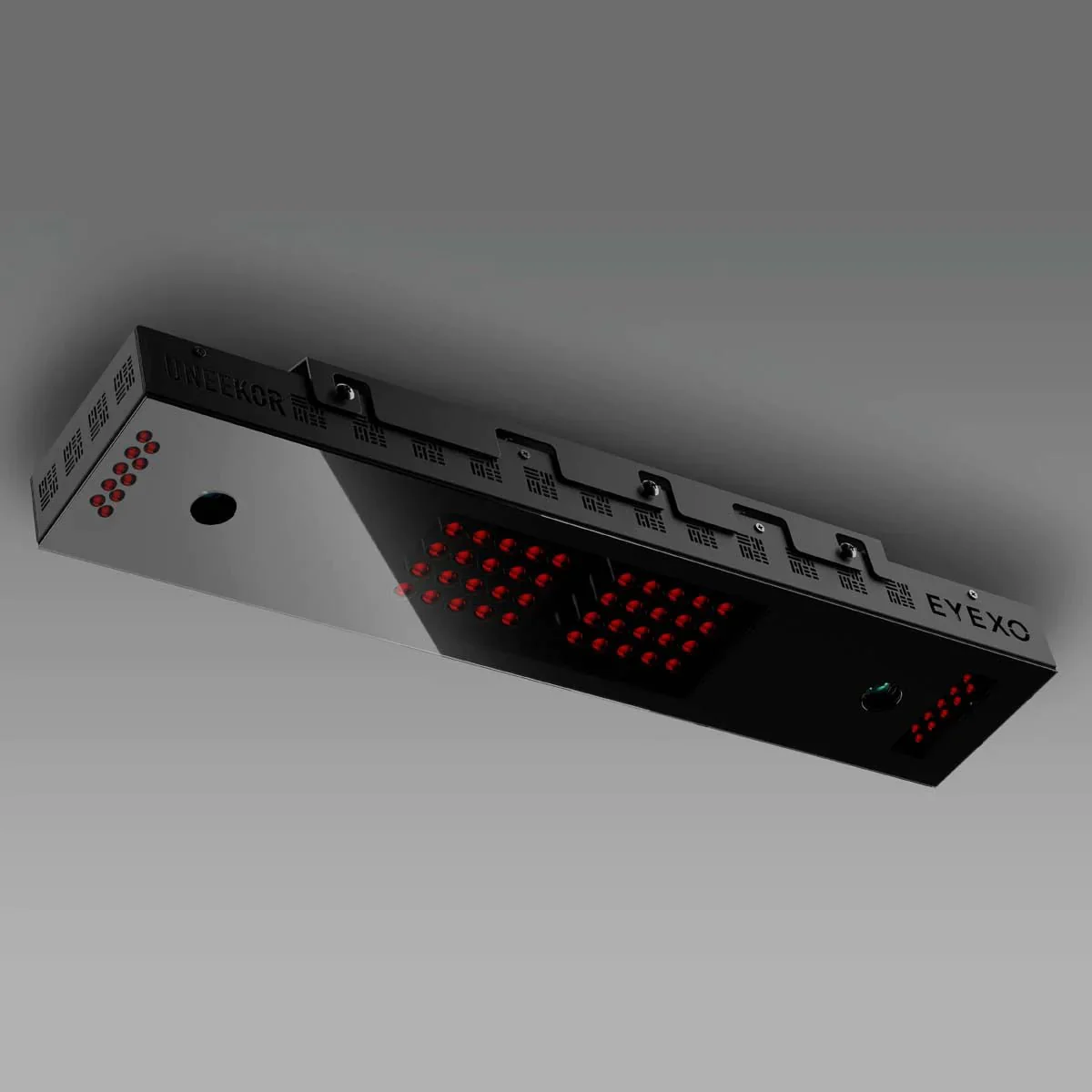
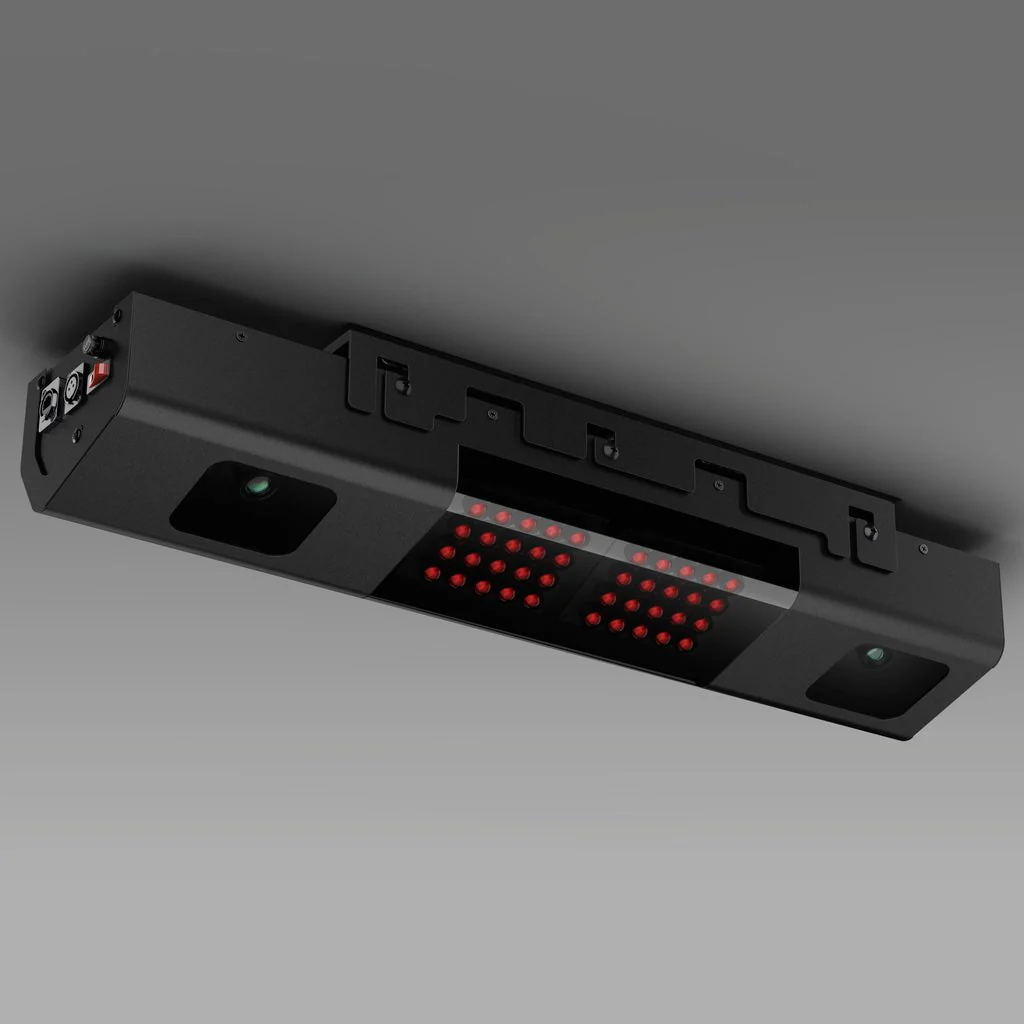
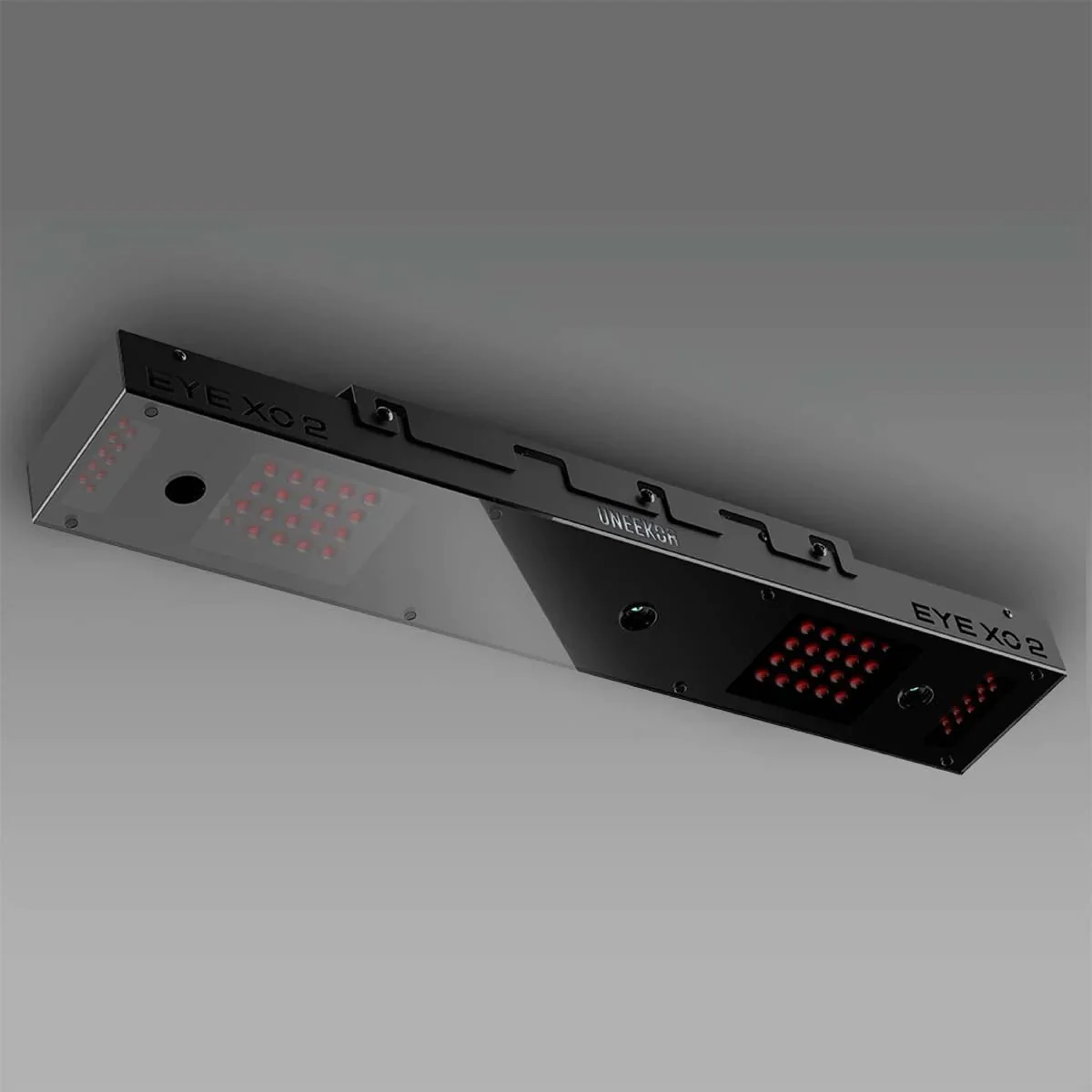
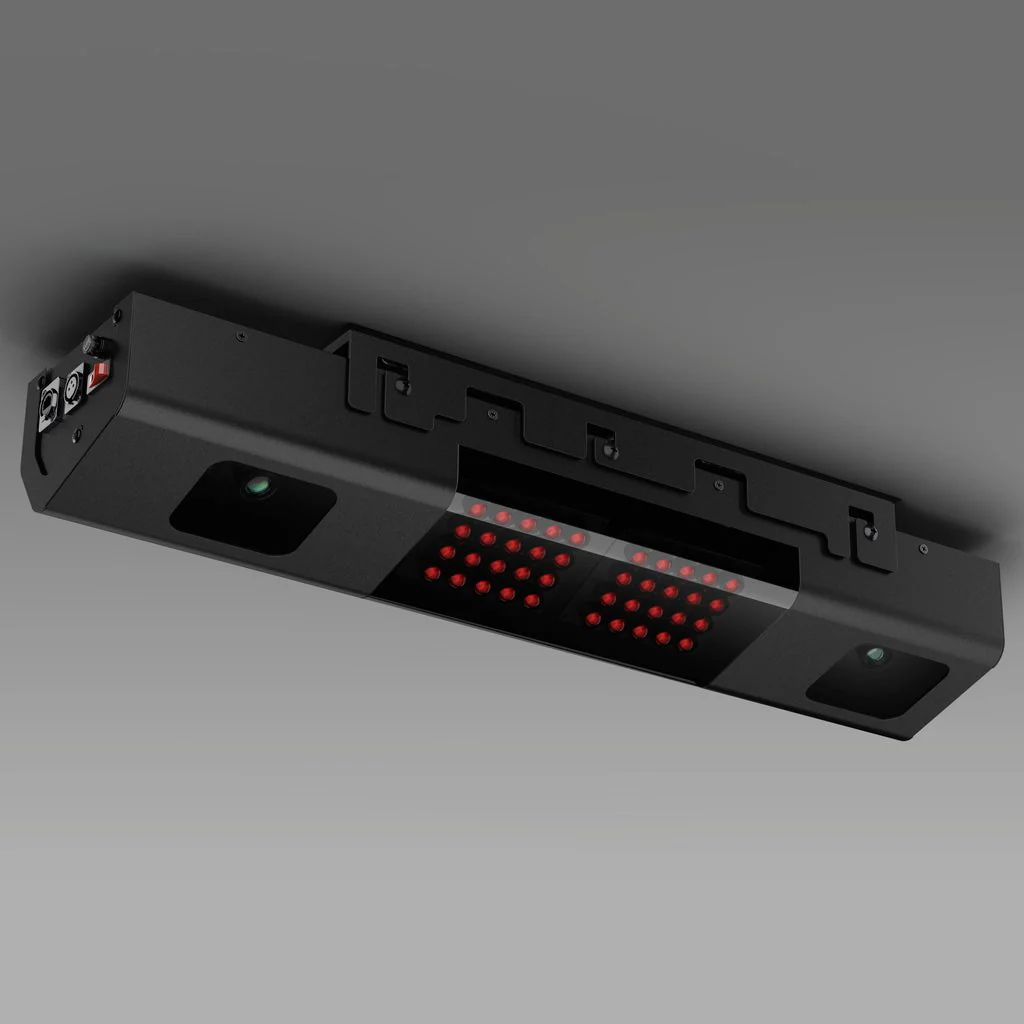
High intensity infrared sensors
2 Camera Technology
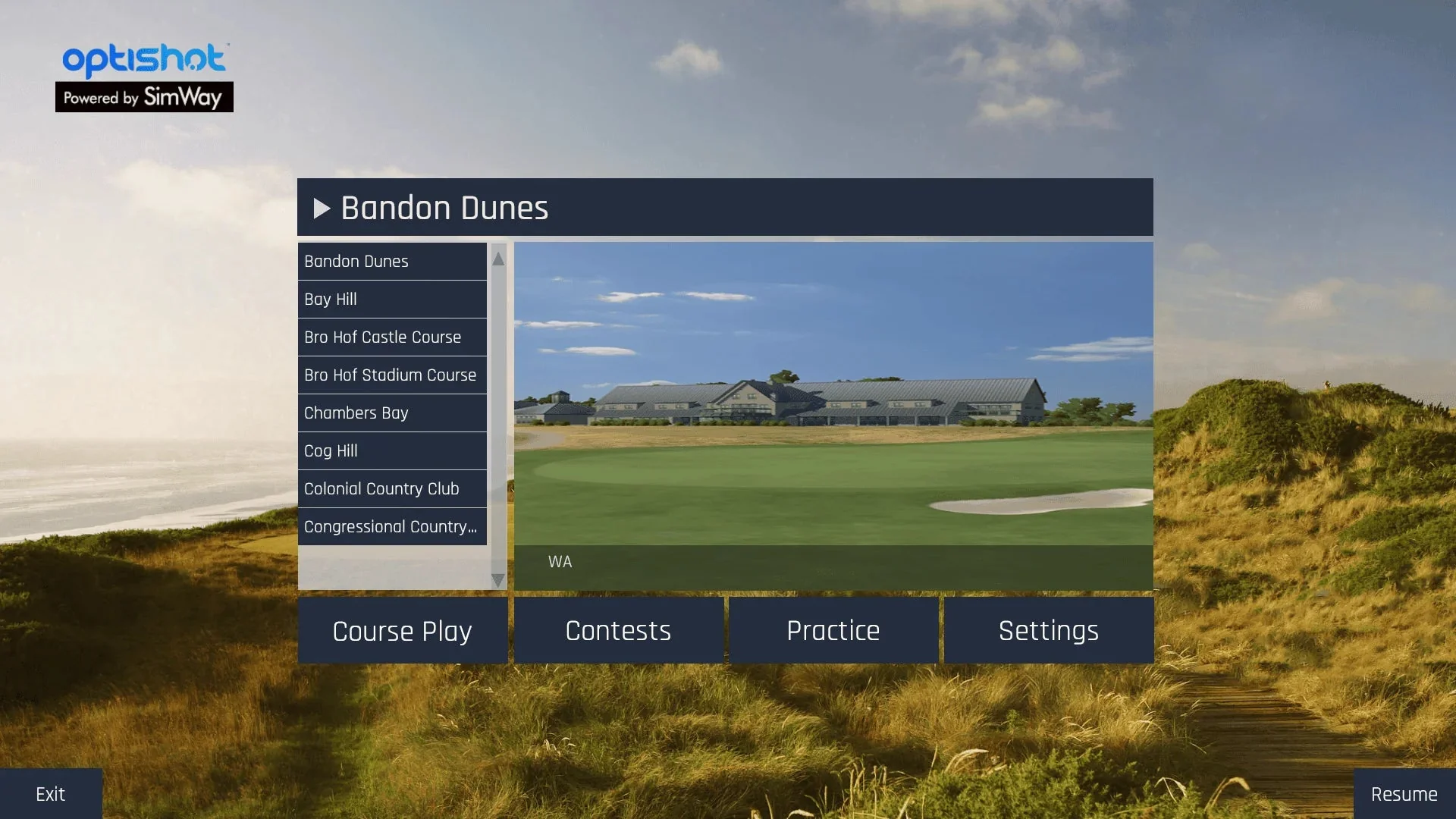
20 included courses
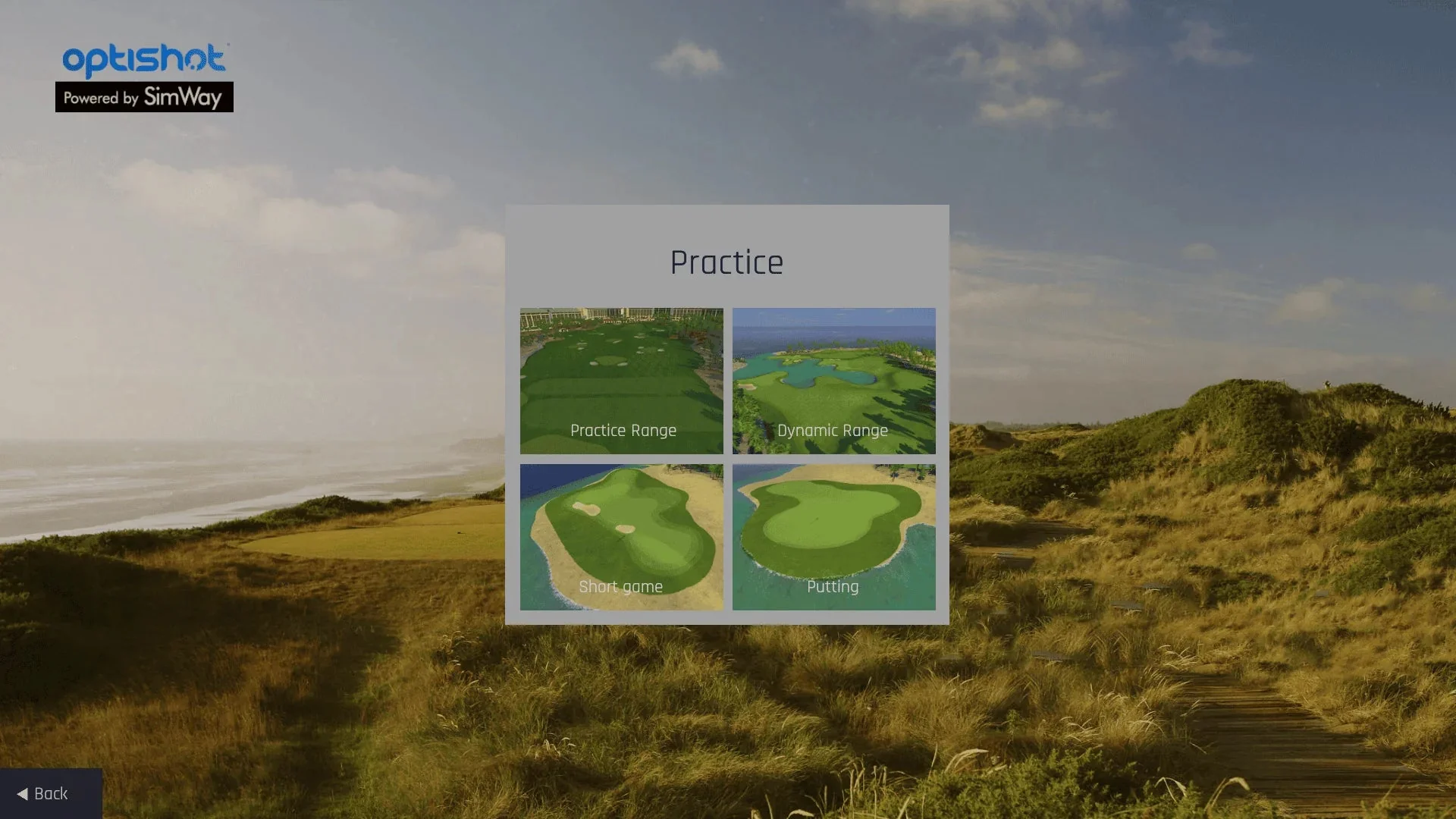
Driving range

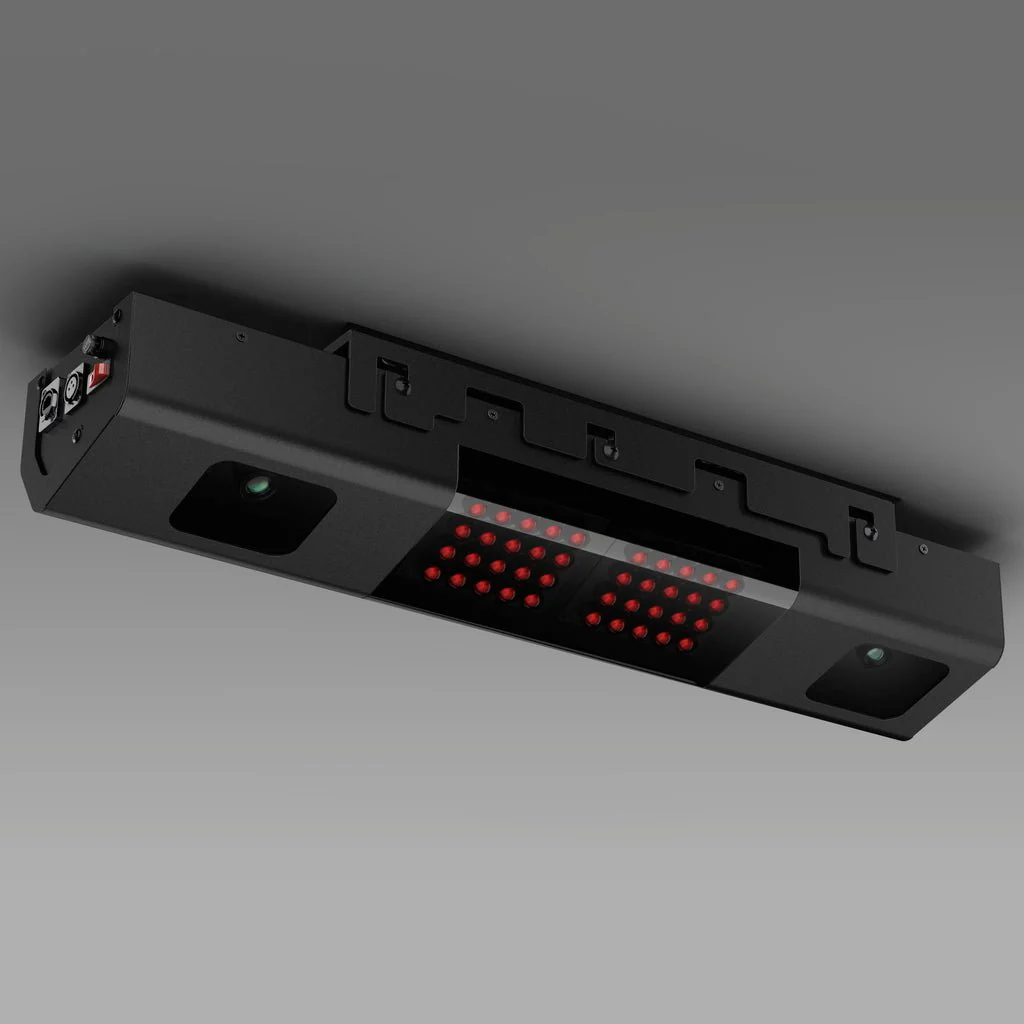
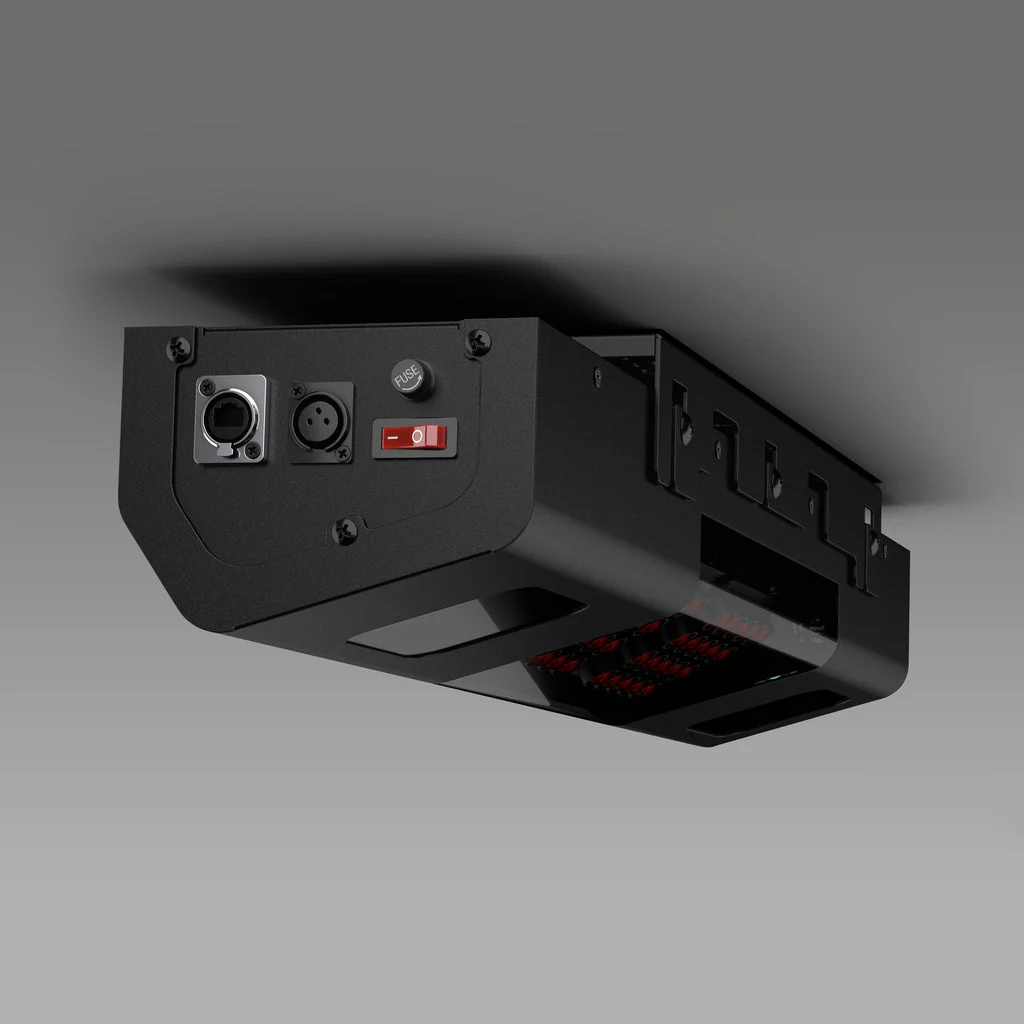
Introducing OptiShot BallFlight® – The next generation overhead simulator

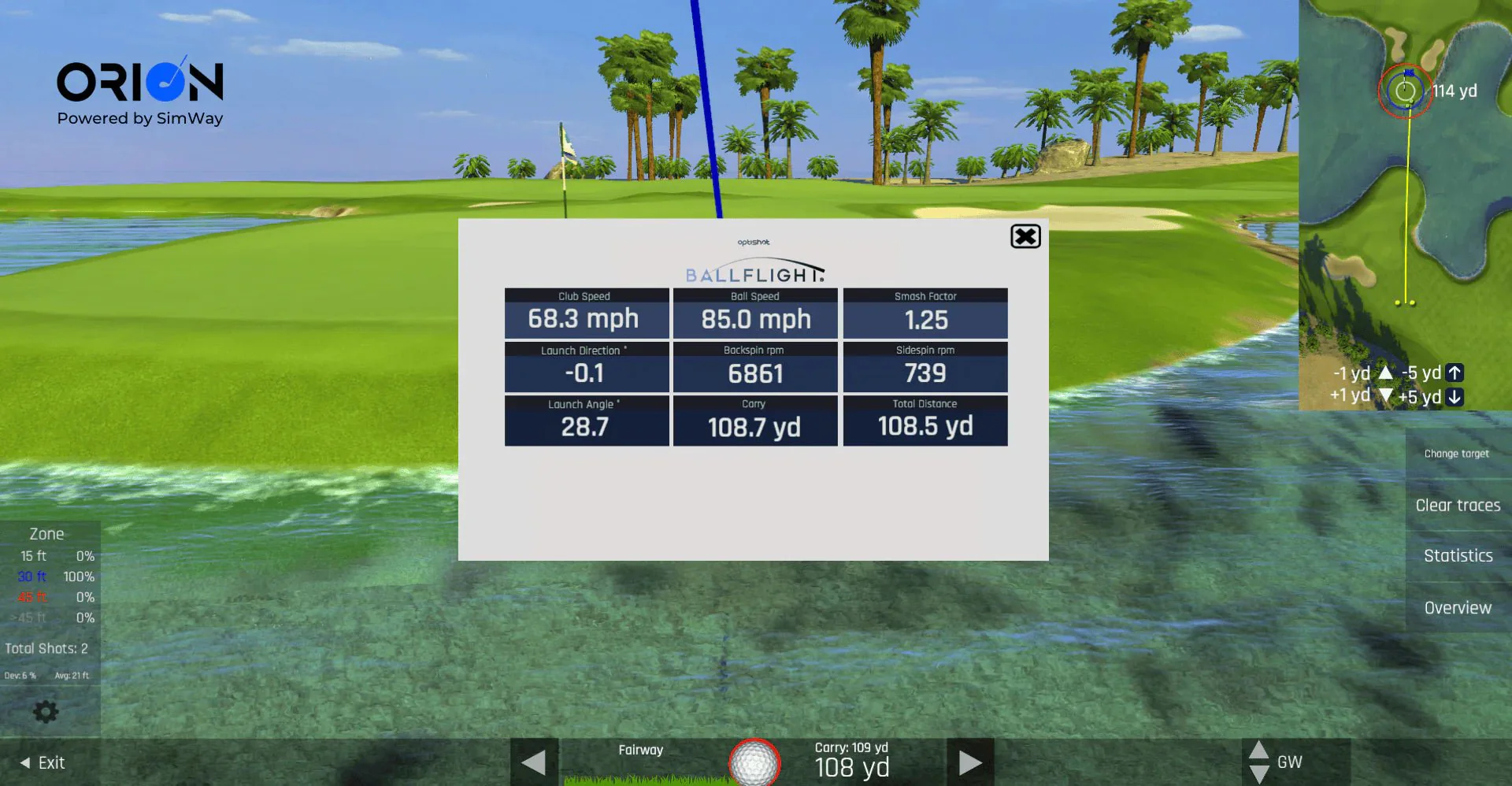
Our new Orion Game Software
Camera and Infrared Technology
With high-speed dual cameras and infrared sensor technology, BallFlight measures your club and ball data on every shot.
Play and Improve Your Golf Game
Play full rounds with up to 8 players on 20 included real-world courses. Or dial-in your game at one of the four practice ranges, all in your own home or office.
Stance Mat
The OptiShot stance mat gives the full golf like experience. The high density foam and high-quality turf delivers the lifelike golf experience right in your home. Select between 4'(L) x 5'(W) or 4'(L) x 10'(W).
Golf Net + Impact Screen
GoSports Elite Golf net is made with a steel frame that is designed for 10,000+ hits at any swing speed. The attachable impact screen easily converts your net into a simulator screen in minutes! Velcro tabs make installation a snap! Allowing you to easily switch between simulator and ball return mode.
No Annual Subscription Fees
With BallFlight, get access to the 20 included real-world courses and 4 practice ranges with no added annual software fees.
Allow up to 5 weeks for delivery.
Key Components
Key Components
-
BallFlight Golf Simulator
-
Projector
-
Impact Screen
-
Return Hitting Net
-
Hitting Mat
-
20 Included Courses
-
4 Practice Ranges
-
Ball Data
-
Club Data
-
Putting Included
- Shot Shape
Software
Orion Software
Right out of the box, get access to 20 real-world courses and multiple practice ranges with zero annual subscription fees.
Enjoy a wide range of customizable settings, online play, realistic course simulations, and engaging gameplay options. Fine-tune your skills, track your progress, and compete with up to 9 friends in a virtual golfing world like no other.
Data & Analytics
Data & Analytics
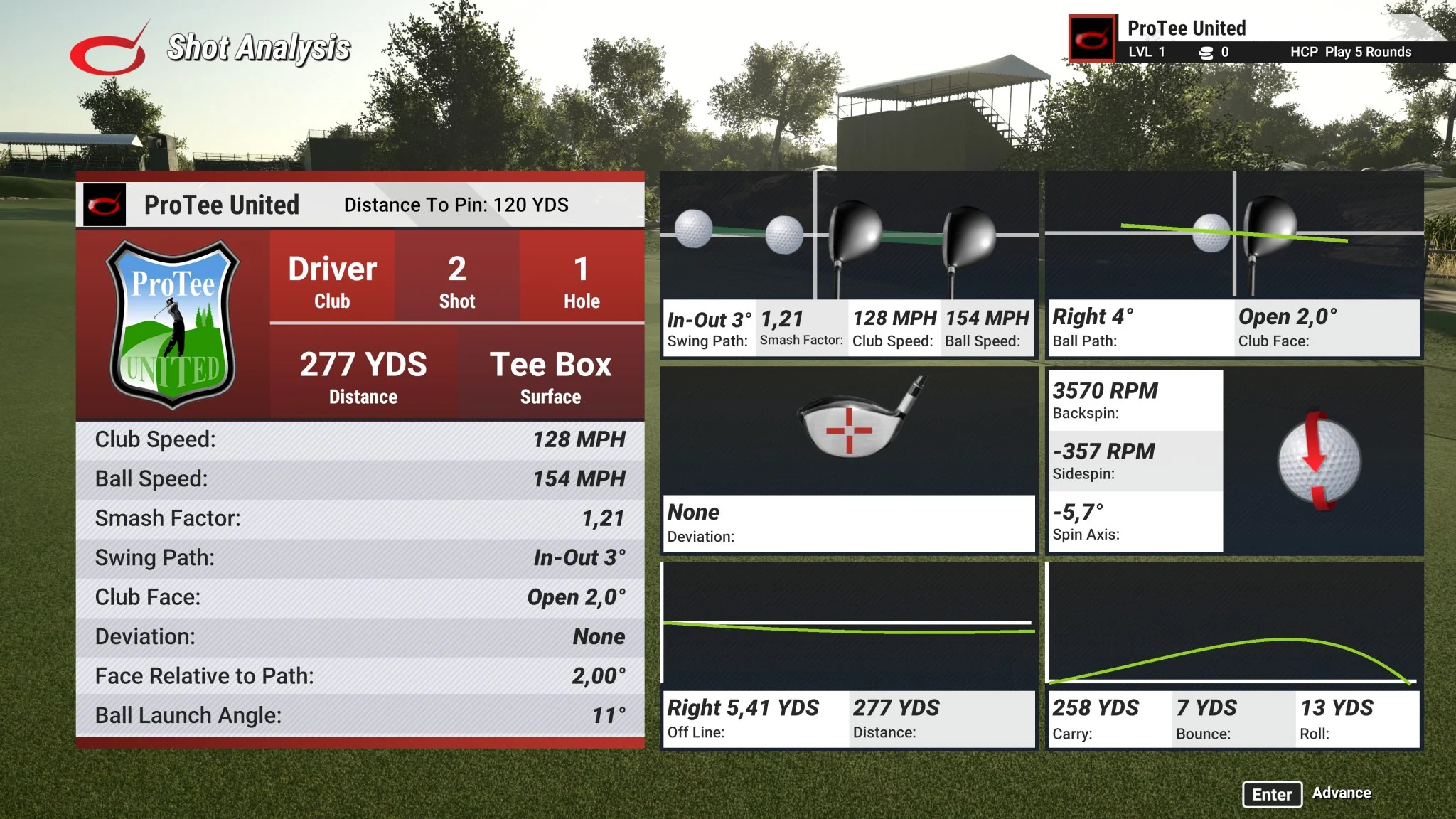
BallFlight tracks key information on every shot such as club speed, ball speed, smash factor, launch direction, launch angle, side spin, back spin, club path, vertical attack angle, center face contact, face angle, carry distance, and total distance.
Installation & Space Requirements
Installation & Space Requirements
We recommend a minimum of 9 feet of ceiling clearance and enough space for you to comfortably and safely swing your club.
If you're comfortable swinging your golf clubs, you can fit our golf technology.
We have made installation a quick and easy process for the end user to set up. If you have any questions, you can reach our team of experts at 412-567-4390 or [email protected]
Minimum Computer Requirements
Minimum Computer Requirements
Operating System: Windows® 10 64 bit Intel Core i5 Quad-Core S Mode disabled.
Graphics Card: Dedicated GPU (Graphics Card): OpenGL 4.6 compatible card with 4GB GDDR5 RAM and latest Video Drivers (no more than 6 months old)
Storage: 6GB Hard Disk Drive free storage space
RAM: 16GB RAM (Memory)
Connections: Ethernet port or Ethernet to USB Adapter
Internet: Persistent Internet connection of 5Mbps for software installation, updates, Premium course delivery, and online play
Bundle Comparison
BUNDLE COMPARISON
See the differences between our Golf-in-a-Box Bundles.

FAQ
FAQs
How is BallFlight different from the Optishot2 simulator?
The OptiShot2 Indoor Simulator is the core piece of technical equipment in any OptiShot setup. It leverages front and rear infrared sensors to view your swing in real time and translates this data into accurate gameplay calculations for things like ball trajectory, total distance, face angle, speed, and more.
The BallFlight system is our newest piece of technology that measures both your ball and club data, giving you more data on every shot (Ex. ball speed, launch angle, spin rate etc.). Play and practice your game indoors or outdoors, as well as access our newest game engine and graphics with BallFlight.
How much room do I need to use BallFlight?
We recommend a minimum of 9 feet of ceiling clearance and enough space for you to comfortably and safely swing your club.
Can I use BallFlight outside?
Yes, you can use the BallFlight indoors and outdoors.
Must I use real golf balls?
Yes, real golf balls are required.
Golf balls will be included in your BallFlight order.
Can I play online with BallFlight?
Online play is included with BallFlight and its software. Challenge friends and family to online rounds of closest-to-the-pin competitions.
How many courses does BallFlight come with?
BallFlight comes with 20 courses that you get for life. More are available for purchase for a one-time fee.
Does BallFlight run on Macs?
Ballflight and its Orion software will only run on a compatible Windows computer.
Product Information
Product Information
Shipping & Returns
Shipping & Returns

OptiShot Golf - BallFlight Golf In A Box 3
OptiShot Golf - BallFlight Golf In A Box 3
OptiShot Golf BallFlight Golf In A Box 3
This is our Golf in a Box 3. This comprehensive package includes the BallFlight launch monitor, a stance mat, an Elite golf net with ball return feature, the Orion software system, an impact screen, and your choice of projector. You can select your desired size and projector type, and further details are provided below.
BallFlight® golf simulator
OptiShot 5' x 4' stance mat
Net Return hitting net
Attachable impact screen
HD Short throw projector
High intensity infrared sensors
2 Camera Technology
20 included courses
Driving range
Introducing OptiShot BallFlight® – The next generation overhead simulator
Our new Orion Game Software
Camera and Infrared Technology
With high-speed dual cameras and infrared sensor technology, BallFlight measures your club and ball data on every shot.
Play and Improve Your Golf Game
Play full rounds with up to 8 players on 20 included real-world courses. Or dial-in your game at one of the four practice ranges, all in your own home or office.
Stance Mat
The OptiShot stance mat gives the full golf like experience. The high density foam and high-quality turf delivers the lifelike golf experience right in your home. Select between 4'(L) x 5'(W) or 4'(L) x 10'(W).
Golf Net + Impact Screen
GoSports Elite Golf net is made with a steel frame that is designed for 10,000+ hits at any swing speed. The attachable impact screen easily converts your net into a simulator screen in minutes! Velcro tabs make installation a snap! Allowing you to easily switch between simulator and ball return mode.
No Annual Subscription Fees
With BallFlight, get access to the 20 included real-world courses and 4 practice ranges with no added annual software fees.
Allow up to 5 weeks for delivery.
Key Components
Key Components
-
BallFlight Golf Simulator
-
Projector
-
Impact Screen
-
Return Hitting Net
-
Hitting Mat
-
20 Included Courses
-
4 Practice Ranges
-
Ball Data
-
Club Data
-
Putting Included
- Shot Shape
Software
Orion Software
Right out of the box, get access to 20 real-world courses and multiple practice ranges with zero annual subscription fees.
Enjoy a wide range of customizable settings, online play, realistic course simulations, and engaging gameplay options. Fine-tune your skills, track your progress, and compete with up to 9 friends in a virtual golfing world like no other.
Data & Analytics
Data & Analytics
BallFlight tracks key information on every shot such as club speed, ball speed, smash factor, launch direction, launch angle, side spin, back spin, club path, vertical attack angle, center face contact, face angle, carry distance, and total distance.
Installation & Space Requirements
Installation & Space Requirements
We recommend a minimum of 9 feet of ceiling clearance and enough space for you to comfortably and safely swing your club.
If you're comfortable swinging your golf clubs, you can fit our golf technology.
We have made installation a quick and easy process for the end user to set up. If you have any questions, you can reach our team of experts at 412-567-4390 or [email protected]
Minimum Computer Requirements
Minimum Computer Requirements
Operating System: Windows® 10 64 bit Intel Core i5 Quad-Core S Mode disabled.
Graphics Card: Dedicated GPU (Graphics Card): OpenGL 4.6 compatible card with 4GB GDDR5 RAM and latest Video Drivers (no more than 6 months old)
Storage: 6GB Hard Disk Drive free storage space
RAM: 16GB RAM (Memory)
Connections: Ethernet port or Ethernet to USB Adapter
Internet: Persistent Internet connection of 5Mbps for software installation, updates, Premium course delivery, and online play
Bundle Comparison
BUNDLE COMPARISON
See the differences between our Golf-in-a-Box Bundles.
FAQ
FAQs
How is BallFlight different from the Optishot2 simulator?
The OptiShot2 Indoor Simulator is the core piece of technical equipment in any OptiShot setup. It leverages front and rear infrared sensors to view your swing in real time and translates this data into accurate gameplay calculations for things like ball trajectory, total distance, face angle, speed, and more.
The BallFlight system is our newest piece of technology that measures both your ball and club data, giving you more data on every shot (Ex. ball speed, launch angle, spin rate etc.). Play and practice your game indoors or outdoors, as well as access our newest game engine and graphics with BallFlight.
How much room do I need to use BallFlight?
We recommend a minimum of 9 feet of ceiling clearance and enough space for you to comfortably and safely swing your club.
Can I use BallFlight outside?
Yes, you can use the BallFlight indoors and outdoors.
Must I use real golf balls?
Yes, real golf balls are required.
Golf balls will be included in your BallFlight order.
Can I play online with BallFlight?
Online play is included with BallFlight and its software. Challenge friends and family to online rounds of closest-to-the-pin competitions.
How many courses does BallFlight come with?
BallFlight comes with 20 courses that you get for life. More are available for purchase for a one-time fee.
Does BallFlight run on Macs?
Ballflight and its Orion software will only run on a compatible Windows computer.
Original: $7,499.99
-65%$7,499.99
$2,625.00Product Information
Product Information
Shipping & Returns
Shipping & Returns
Description
OptiShot Golf BallFlight Golf In A Box 3
This is our Golf in a Box 3. This comprehensive package includes the BallFlight launch monitor, a stance mat, an Elite golf net with ball return feature, the Orion software system, an impact screen, and your choice of projector. You can select your desired size and projector type, and further details are provided below.
BallFlight® golf simulator
OptiShot 5' x 4' stance mat
Net Return hitting net
Attachable impact screen
HD Short throw projector
High intensity infrared sensors
2 Camera Technology
20 included courses
Driving range
Introducing OptiShot BallFlight® – The next generation overhead simulator
Our new Orion Game Software
Camera and Infrared Technology
With high-speed dual cameras and infrared sensor technology, BallFlight measures your club and ball data on every shot.
Play and Improve Your Golf Game
Play full rounds with up to 8 players on 20 included real-world courses. Or dial-in your game at one of the four practice ranges, all in your own home or office.
Stance Mat
The OptiShot stance mat gives the full golf like experience. The high density foam and high-quality turf delivers the lifelike golf experience right in your home. Select between 4'(L) x 5'(W) or 4'(L) x 10'(W).
Golf Net + Impact Screen
GoSports Elite Golf net is made with a steel frame that is designed for 10,000+ hits at any swing speed. The attachable impact screen easily converts your net into a simulator screen in minutes! Velcro tabs make installation a snap! Allowing you to easily switch between simulator and ball return mode.
No Annual Subscription Fees
With BallFlight, get access to the 20 included real-world courses and 4 practice ranges with no added annual software fees.
Allow up to 5 weeks for delivery.
Key Components
Key Components
-
BallFlight Golf Simulator
-
Projector
-
Impact Screen
-
Return Hitting Net
-
Hitting Mat
-
20 Included Courses
-
4 Practice Ranges
-
Ball Data
-
Club Data
-
Putting Included
- Shot Shape
Software
Orion Software
Right out of the box, get access to 20 real-world courses and multiple practice ranges with zero annual subscription fees.
Enjoy a wide range of customizable settings, online play, realistic course simulations, and engaging gameplay options. Fine-tune your skills, track your progress, and compete with up to 9 friends in a virtual golfing world like no other.
Data & Analytics
Data & Analytics
BallFlight tracks key information on every shot such as club speed, ball speed, smash factor, launch direction, launch angle, side spin, back spin, club path, vertical attack angle, center face contact, face angle, carry distance, and total distance.
Installation & Space Requirements
Installation & Space Requirements
We recommend a minimum of 9 feet of ceiling clearance and enough space for you to comfortably and safely swing your club.
If you're comfortable swinging your golf clubs, you can fit our golf technology.
We have made installation a quick and easy process for the end user to set up. If you have any questions, you can reach our team of experts at 412-567-4390 or [email protected]
Minimum Computer Requirements
Minimum Computer Requirements
Operating System: Windows® 10 64 bit Intel Core i5 Quad-Core S Mode disabled.
Graphics Card: Dedicated GPU (Graphics Card): OpenGL 4.6 compatible card with 4GB GDDR5 RAM and latest Video Drivers (no more than 6 months old)
Storage: 6GB Hard Disk Drive free storage space
RAM: 16GB RAM (Memory)
Connections: Ethernet port or Ethernet to USB Adapter
Internet: Persistent Internet connection of 5Mbps for software installation, updates, Premium course delivery, and online play
Bundle Comparison
BUNDLE COMPARISON
See the differences between our Golf-in-a-Box Bundles.
FAQ
FAQs
How is BallFlight different from the Optishot2 simulator?
The OptiShot2 Indoor Simulator is the core piece of technical equipment in any OptiShot setup. It leverages front and rear infrared sensors to view your swing in real time and translates this data into accurate gameplay calculations for things like ball trajectory, total distance, face angle, speed, and more.
The BallFlight system is our newest piece of technology that measures both your ball and club data, giving you more data on every shot (Ex. ball speed, launch angle, spin rate etc.). Play and practice your game indoors or outdoors, as well as access our newest game engine and graphics with BallFlight.
How much room do I need to use BallFlight?
We recommend a minimum of 9 feet of ceiling clearance and enough space for you to comfortably and safely swing your club.
Can I use BallFlight outside?
Yes, you can use the BallFlight indoors and outdoors.
Must I use real golf balls?
Yes, real golf balls are required.
Golf balls will be included in your BallFlight order.
Can I play online with BallFlight?
Online play is included with BallFlight and its software. Challenge friends and family to online rounds of closest-to-the-pin competitions.
How many courses does BallFlight come with?
BallFlight comes with 20 courses that you get for life. More are available for purchase for a one-time fee.
Does BallFlight run on Macs?
Ballflight and its Orion software will only run on a compatible Windows computer.