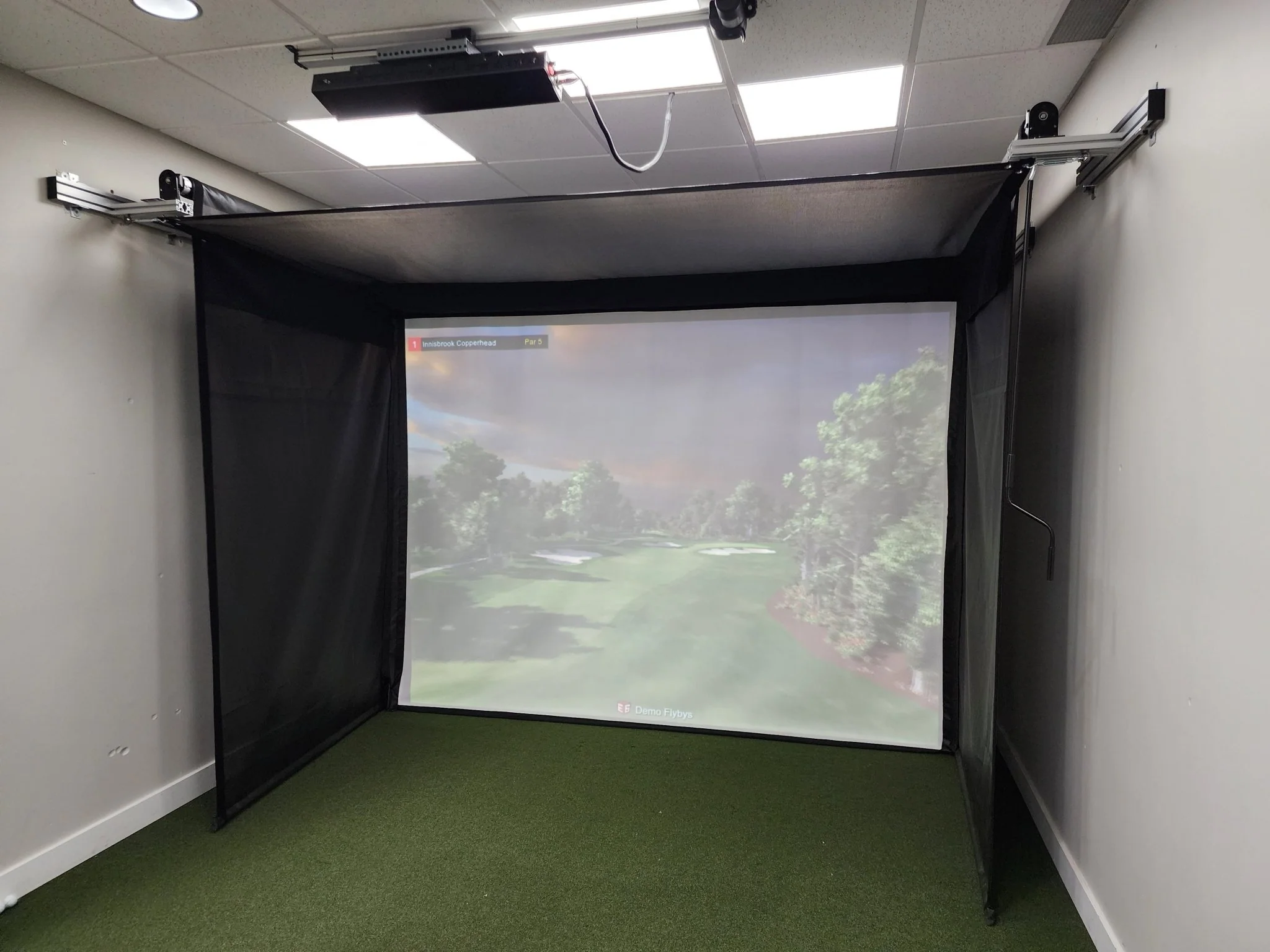
OptiShot Golf - Orbit Golf Simulator
Orbit Golf Simulator
Orbit delivers professional-grade swing and ball flight metrics. Play your game indoors or outdoors.
- Orbit Golf Simulator
- Indoor and Outdoor
- 20 Included Courses
- 2 Practice Ranges
- Ball Data
- Club Speed
- Wireless | Bluetooth Connection
- No Putting or Chipping
- No Shot Shape
Orbit: Allow 2 weeks for delivery.
HYBRID LAUNCH MONITOR
Wireless Simulator and Portable Launch Monitor
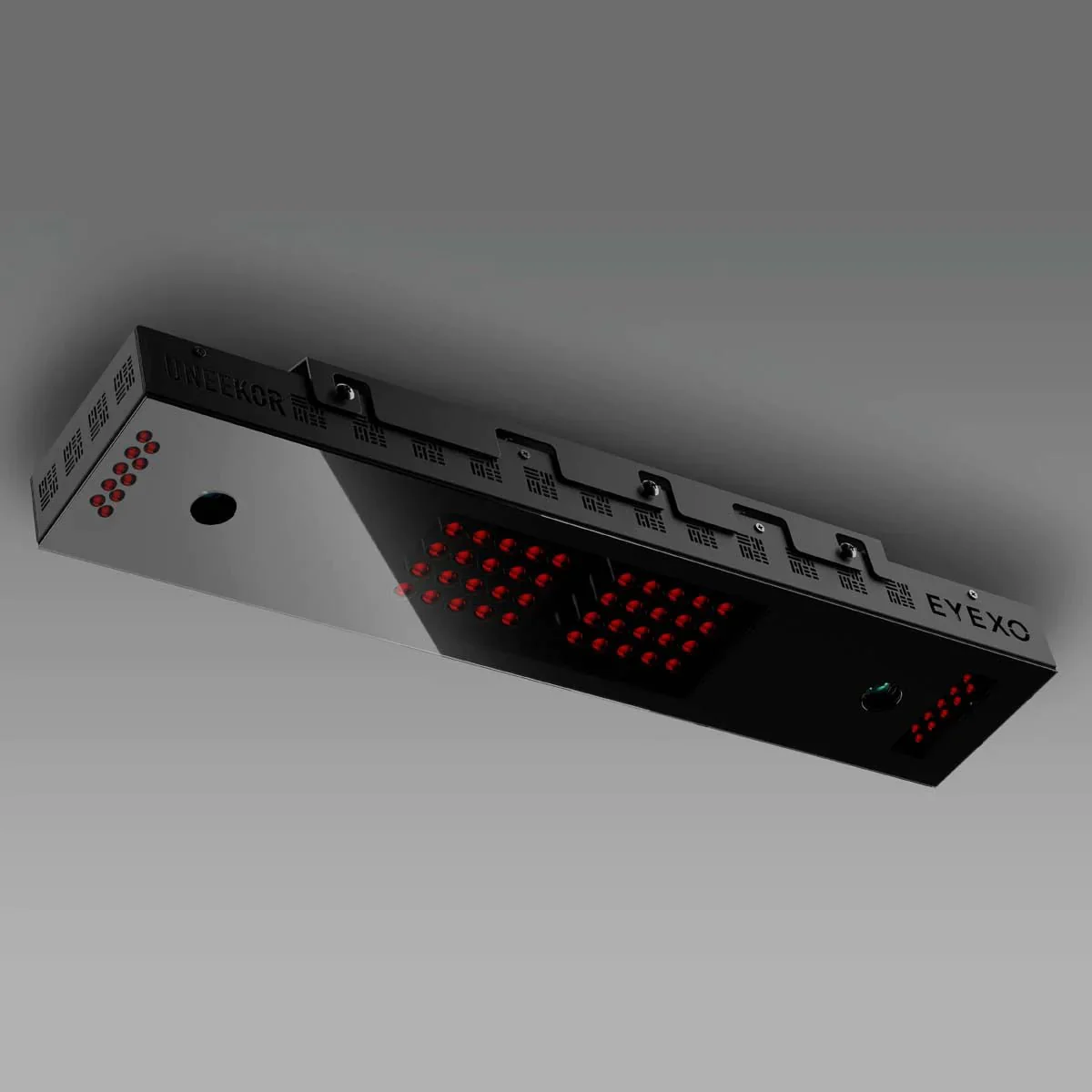
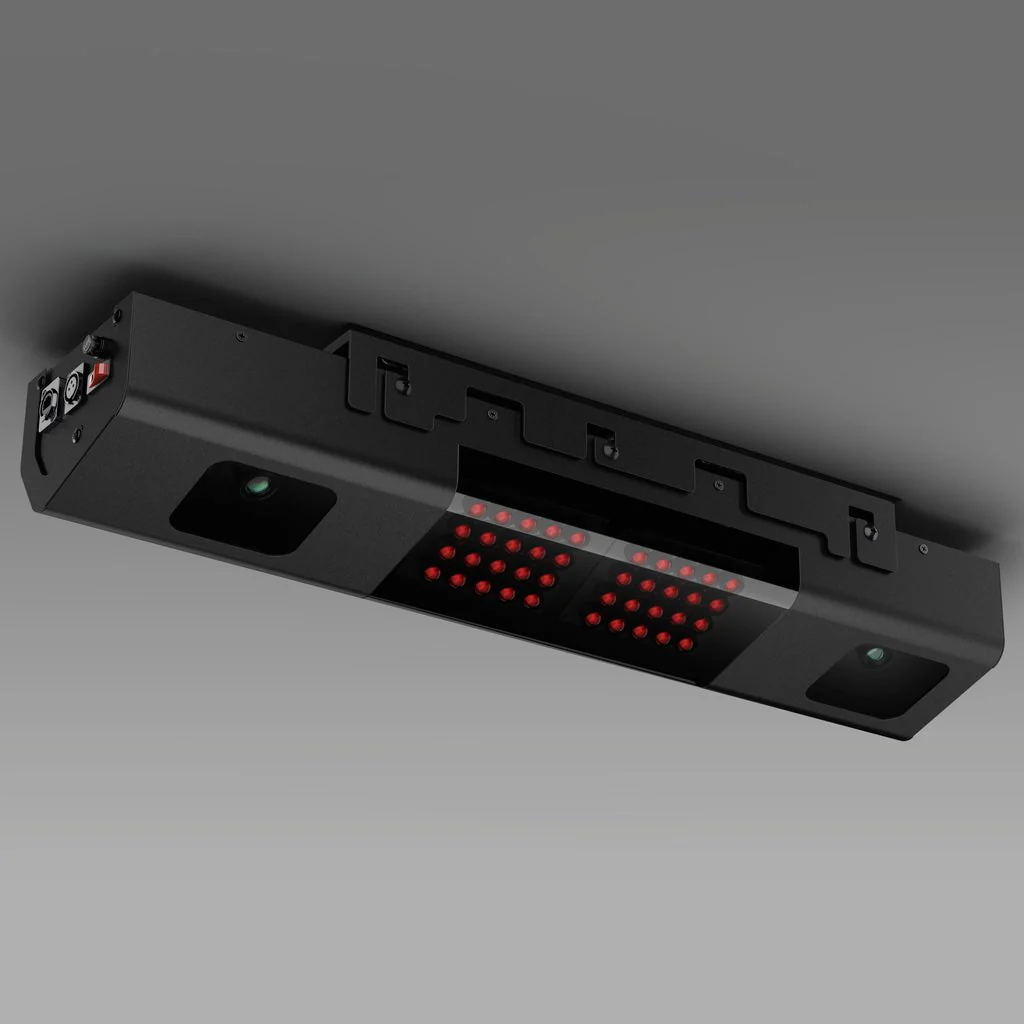
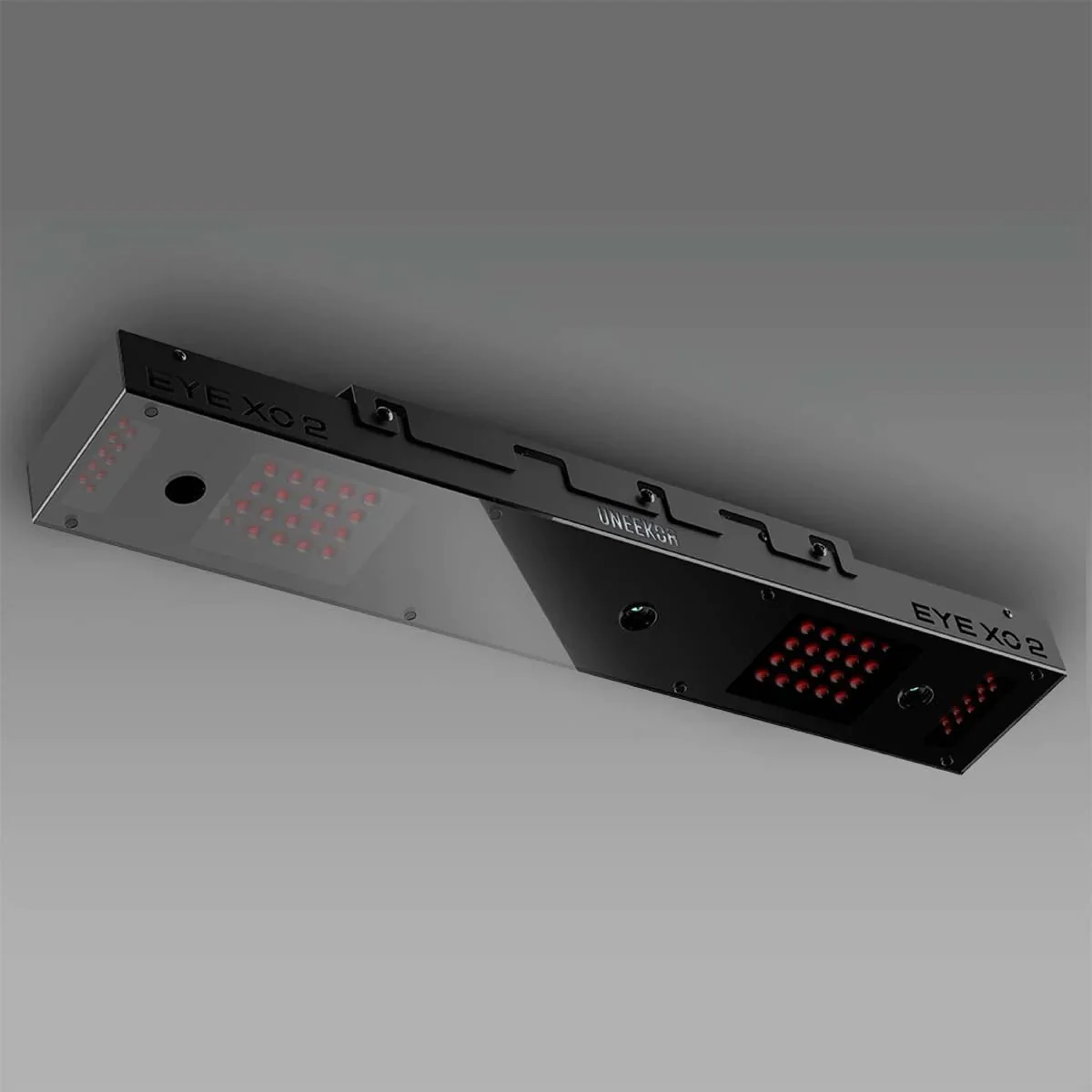
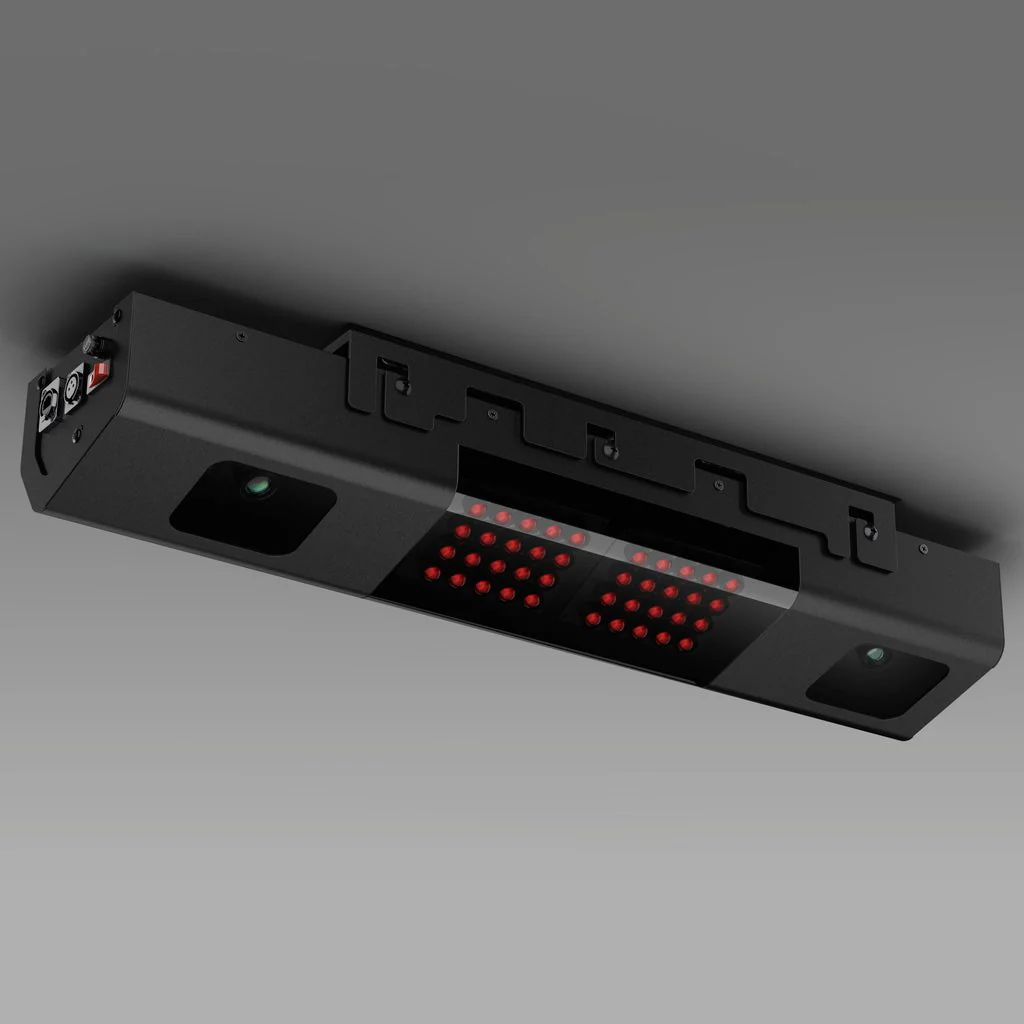
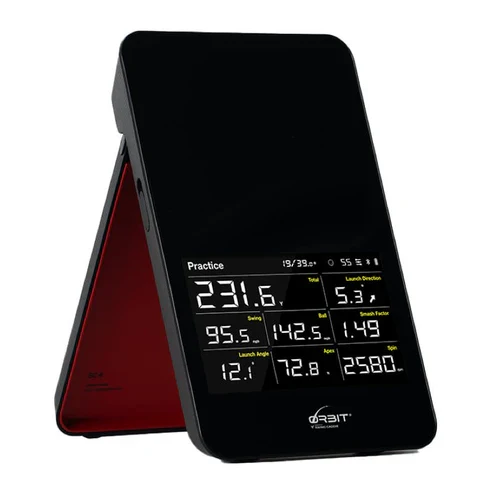
Orbit uses radar technology that provides valuable insights into your performance with precise ball data measurements. Use this information to refine your technique, identify areas for improvement, and elevate your golf game to the next level.
INDOOR AND OUTDOOR
Improve Your Game Both Indoor and Outdoor
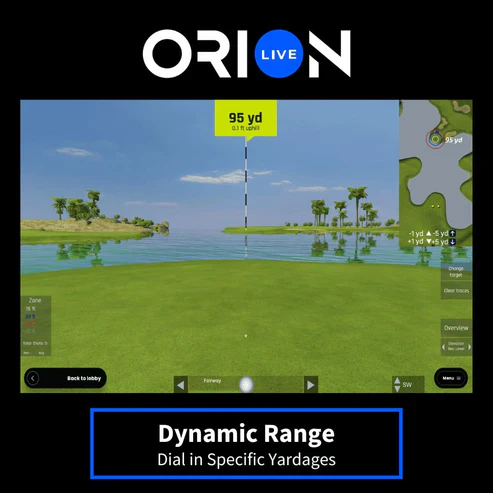
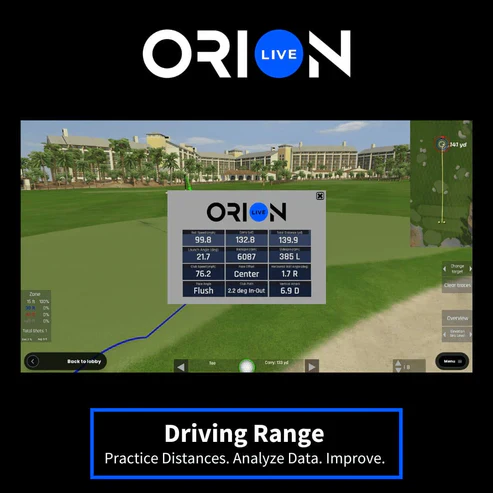
Take Orbit outdoors to the range or the course as a standalone system, offering up to 10 hours of battery life. Or bring the course home with our new Orion software, featuring 20 real-world courses and 2 practice ranges (Driving and Dynamic).
ABSOLUTELY NO FEES
Year Round Fun – No Subscription Fees
Enjoy uninterrupted access to OptiShot Orion – our gaming platform with a comprehensive library of premium content and no annual subscription fees.
COMPANION APP
MySwingCaddie Mobile Application
The Orbit connects with the included MySwingCaddie App, offering a complete virtual display with metrics and stats. The app features swing video recording, practice/target mode, shot analysis, shot statistics, and is compatible with both iOS and Android.
Orion Software
Orion Software
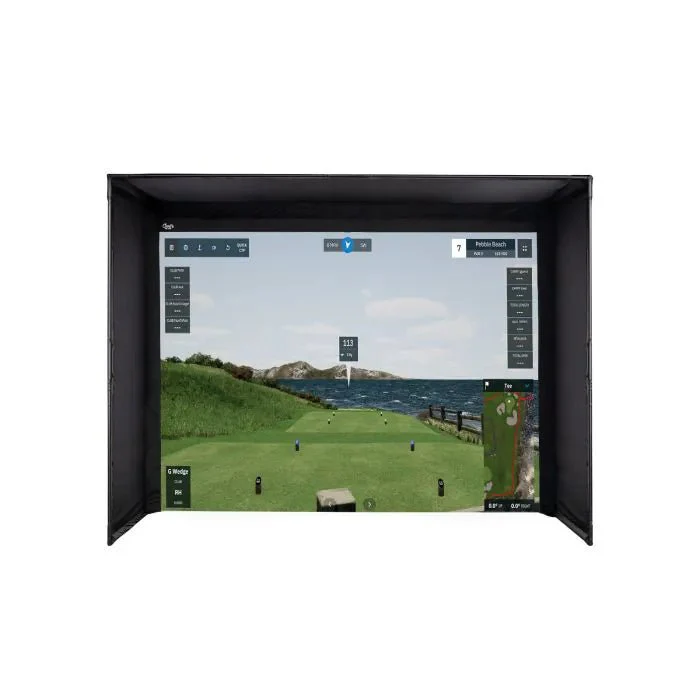
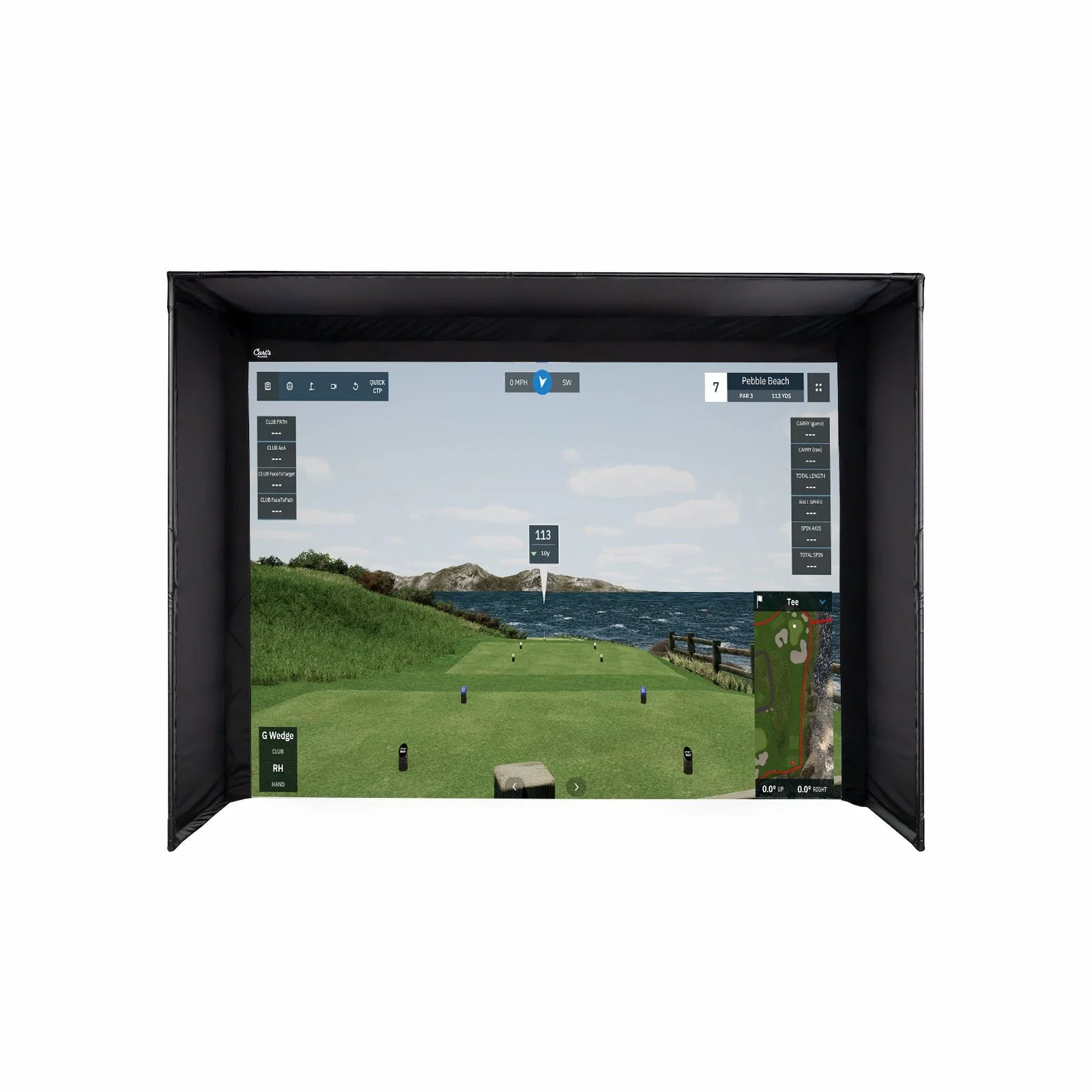
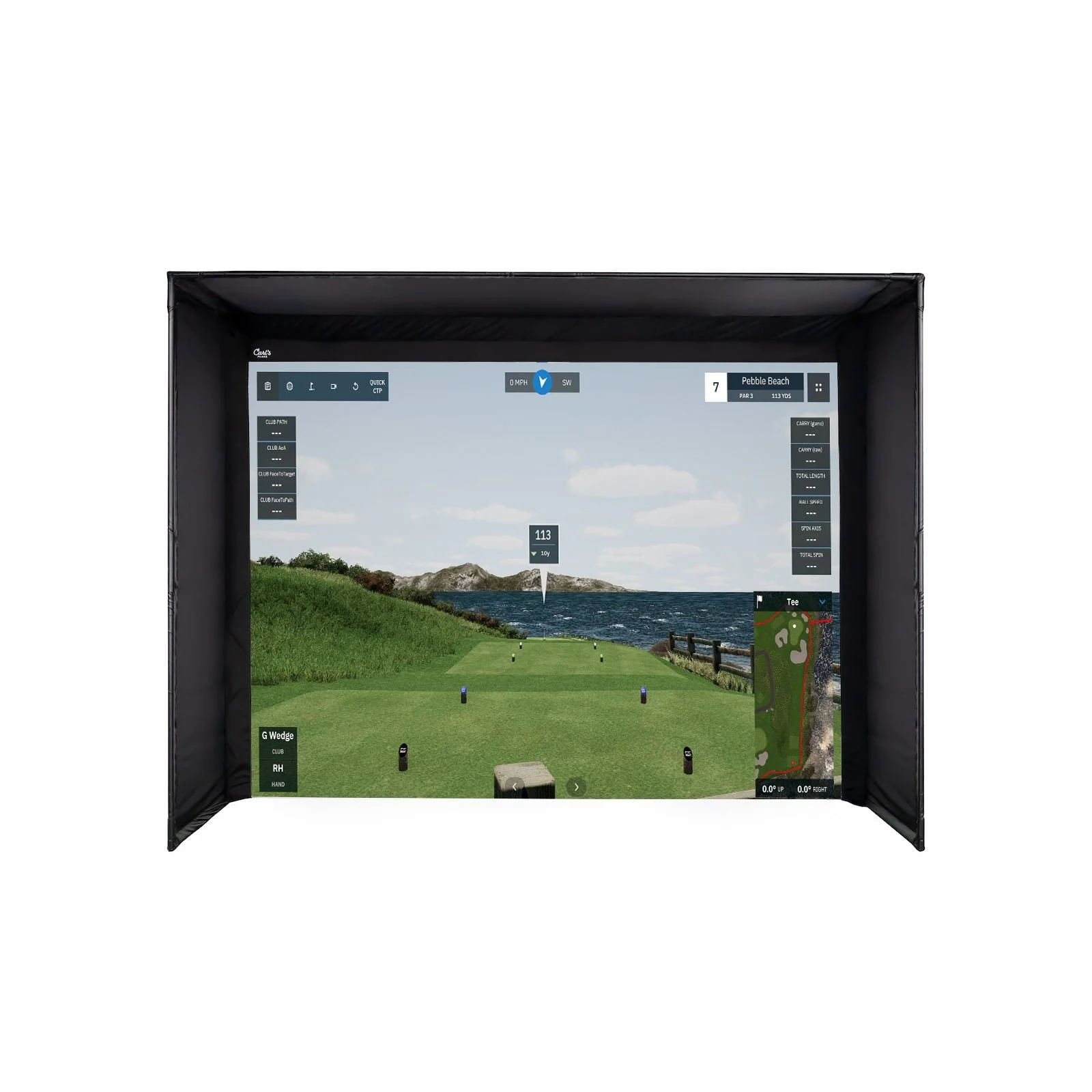
Right out of the box, get access to 20 real-world courses and multiple practice ranges with zero annual subscription fees.
Enjoy a wide range of customizable settings, online play, realistic course simulations, and engaging gameplay options. Fine-tune your skills, track your progress, and compete with up to 9 friends in a virtual golfing world like no other.
Data & Analytics
Data & Analytics
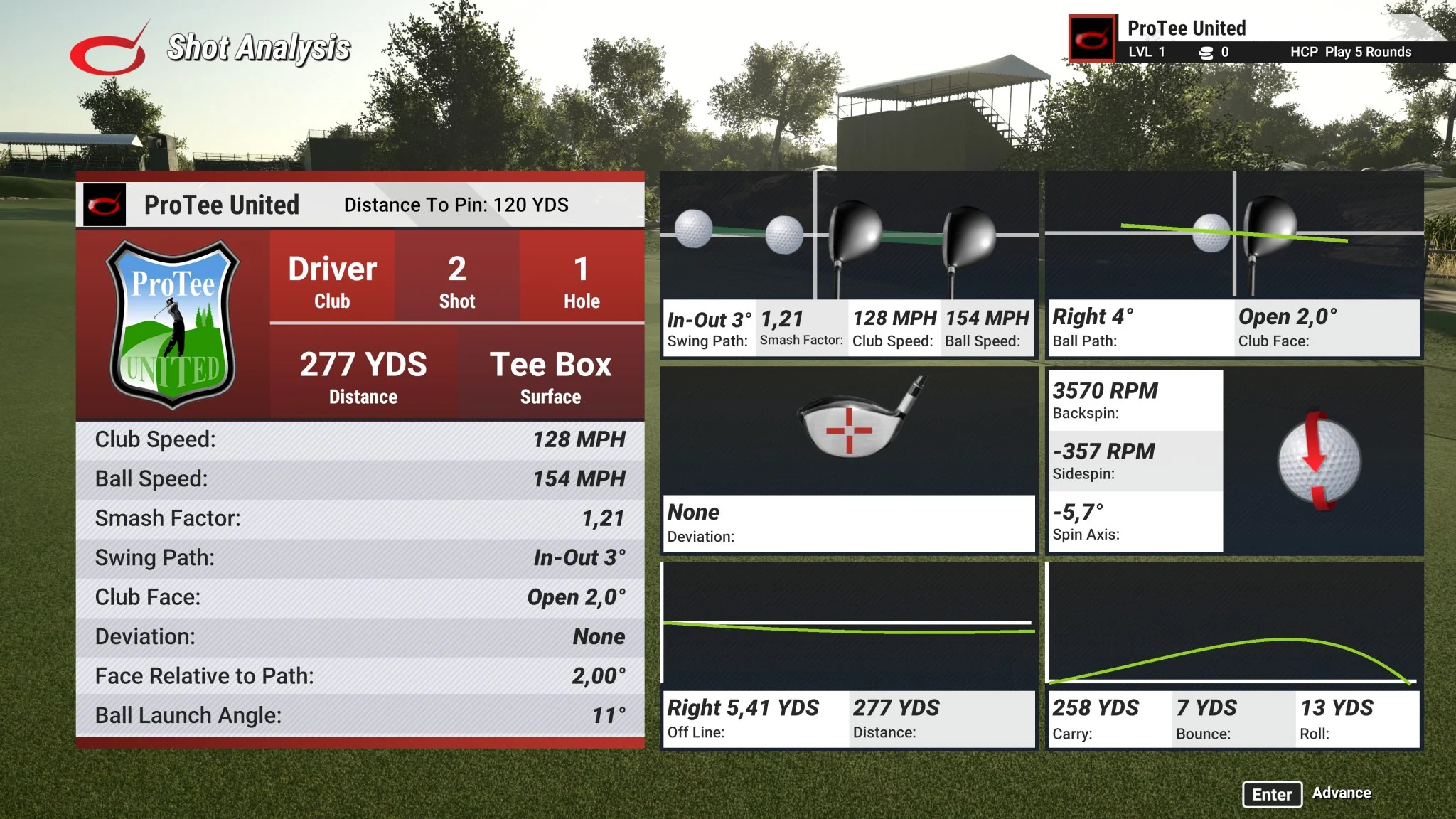
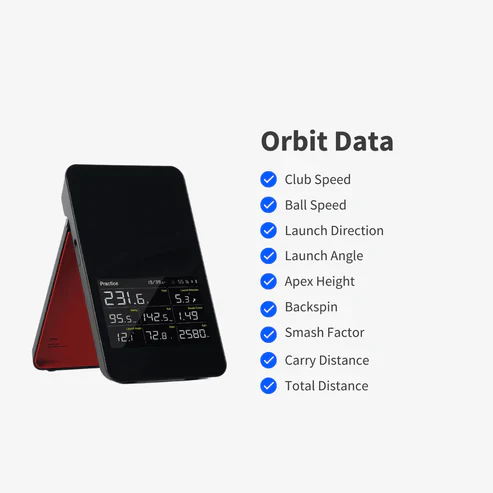
Orbit tracks key information on every shot such as club speed, ball speed, smash factor, launch direction, launch angle, backspin, carry distance, and total distance.
For a more realistic experience that includes putting and shot shape view our Nova, BallFlight, or Galaxy simulator.
Installation
Installation
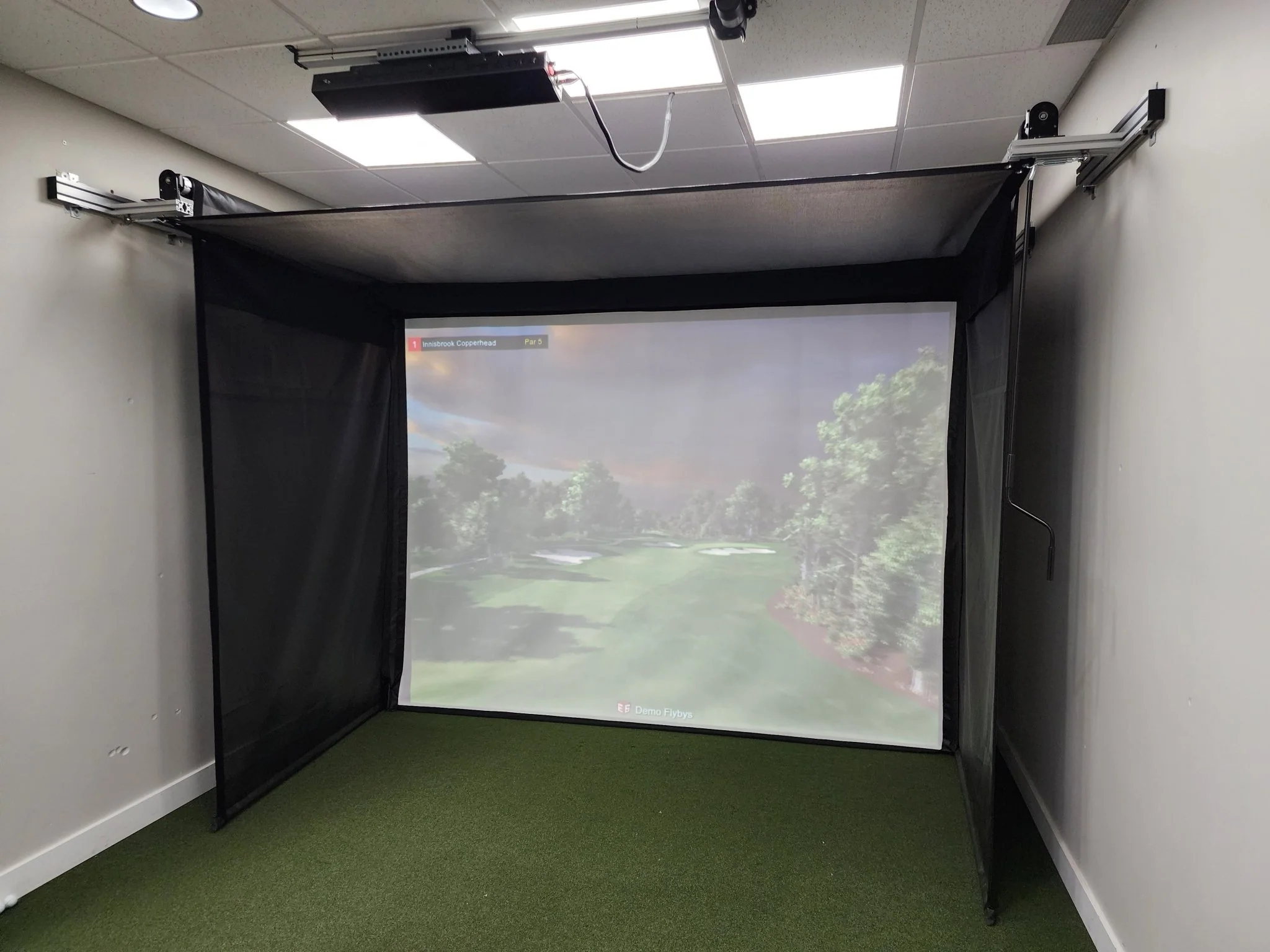
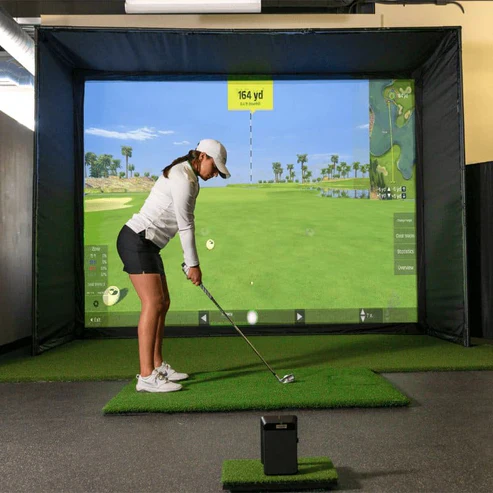
For optimal performance and a seamless right/left-handed golf experience, Orbit needs to sit 5ft directly behind the golfer. In addition, there needs to be at least 10ft of depth between the ball and the screen/net.
We have made installation a quick and easy process for the end user to set up. If you have any questions, you can reach our team of experts at 412-567-4390 or [email protected]
Minimum System Requirements
Minimum System Requirements
Operating System: Windows® 10 64 bit Intel Core i5 Quad-Core S Mode disabled.
Graphics Card: Dedicated GPU (Graphics Card): OpenGL 4.6 compatible card with 4GB GDDR5 RAM and latest Video Drivers (no more than 6 months old)
Storage: 6GB Hard Disk Drive free storage space
RAM: 16GB RAM (Memory)
Connections: Native Bluetooth (No adapter)
Internet: Native Bluetooth (No adapter). Persistent Internet connection of 5Mbps for software installation, updates, Premium course delivery, and online play
Simulator Comparison
See the differences between our four golf simulators.

FAQ
FAQ
How large does my space need to be in order to install OptiShot Orbit?
The optimal space needed to fit a simulator for both right and left-handed golfers is 10' (H) x 15' (W) x 20' (D).
What accessories are required to get started?
To get up and running you will need a computer that meets the minimum requirements (see below), golf clubs, real golf balls, something to hit into whether that be a net or screen/enclosure, and a mat.
What data points does Orbit measure?
Orbit tracks key information on every shot such as club speed, ball speed, smash factor, launch direction, launch angle, back spin, carry distance, and total distance.
How many courses come with Orbit?
Orbit includes 20 real-world courses. Additional courses will be released for purchase.
Does Orbit have online play?
Yes, Orbit does include an online play feature with our new Orion Live software. There will be featured online tournaments. You can also create your own online tournaments or closest to the pin competitions.
Can I use Orbit outdoors?
Yes, you can use Orbit indoors or outdoors.
How long is the battery life?
Orbit has a battery life of 10 hours.
Where do I position the Orbit Launch Monitor?
Orbit should be placed 5ft directly behind the ball.
Product Information
Product Information
Shipping & Returns
Shipping & Returns


OptiShot Golf - Orbit Golf Simulator
OptiShot Golf - Orbit Golf Simulator
Orbit Golf Simulator
Orbit delivers professional-grade swing and ball flight metrics. Play your game indoors or outdoors.
- Orbit Golf Simulator
- Indoor and Outdoor
- 20 Included Courses
- 2 Practice Ranges
- Ball Data
- Club Speed
- Wireless | Bluetooth Connection
- No Putting or Chipping
- No Shot Shape
Orbit: Allow 2 weeks for delivery.
HYBRID LAUNCH MONITOR
Wireless Simulator and Portable Launch Monitor
Orbit uses radar technology that provides valuable insights into your performance with precise ball data measurements. Use this information to refine your technique, identify areas for improvement, and elevate your golf game to the next level.
INDOOR AND OUTDOOR
Improve Your Game Both Indoor and Outdoor
Take Orbit outdoors to the range or the course as a standalone system, offering up to 10 hours of battery life. Or bring the course home with our new Orion software, featuring 20 real-world courses and 2 practice ranges (Driving and Dynamic).
ABSOLUTELY NO FEES
Year Round Fun – No Subscription Fees
Enjoy uninterrupted access to OptiShot Orion – our gaming platform with a comprehensive library of premium content and no annual subscription fees.
COMPANION APP
MySwingCaddie Mobile Application
The Orbit connects with the included MySwingCaddie App, offering a complete virtual display with metrics and stats. The app features swing video recording, practice/target mode, shot analysis, shot statistics, and is compatible with both iOS and Android.
Orion Software
Orion Software
Right out of the box, get access to 20 real-world courses and multiple practice ranges with zero annual subscription fees.
Enjoy a wide range of customizable settings, online play, realistic course simulations, and engaging gameplay options. Fine-tune your skills, track your progress, and compete with up to 9 friends in a virtual golfing world like no other.
Data & Analytics
Data & Analytics
Orbit tracks key information on every shot such as club speed, ball speed, smash factor, launch direction, launch angle, backspin, carry distance, and total distance.
For a more realistic experience that includes putting and shot shape view our Nova, BallFlight, or Galaxy simulator.
Installation
Installation
For optimal performance and a seamless right/left-handed golf experience, Orbit needs to sit 5ft directly behind the golfer. In addition, there needs to be at least 10ft of depth between the ball and the screen/net.
We have made installation a quick and easy process for the end user to set up. If you have any questions, you can reach our team of experts at 412-567-4390 or [email protected]
Minimum System Requirements
Minimum System Requirements
Operating System: Windows® 10 64 bit Intel Core i5 Quad-Core S Mode disabled.
Graphics Card: Dedicated GPU (Graphics Card): OpenGL 4.6 compatible card with 4GB GDDR5 RAM and latest Video Drivers (no more than 6 months old)
Storage: 6GB Hard Disk Drive free storage space
RAM: 16GB RAM (Memory)
Connections: Native Bluetooth (No adapter)
Internet: Native Bluetooth (No adapter). Persistent Internet connection of 5Mbps for software installation, updates, Premium course delivery, and online play
Simulator Comparison
See the differences between our four golf simulators.
FAQ
FAQ
How large does my space need to be in order to install OptiShot Orbit?
The optimal space needed to fit a simulator for both right and left-handed golfers is 10' (H) x 15' (W) x 20' (D).
What accessories are required to get started?
To get up and running you will need a computer that meets the minimum requirements (see below), golf clubs, real golf balls, something to hit into whether that be a net or screen/enclosure, and a mat.
What data points does Orbit measure?
Orbit tracks key information on every shot such as club speed, ball speed, smash factor, launch direction, launch angle, back spin, carry distance, and total distance.
How many courses come with Orbit?
Orbit includes 20 real-world courses. Additional courses will be released for purchase.
Does Orbit have online play?
Yes, Orbit does include an online play feature with our new Orion Live software. There will be featured online tournaments. You can also create your own online tournaments or closest to the pin competitions.
Can I use Orbit outdoors?
Yes, you can use Orbit indoors or outdoors.
How long is the battery life?
Orbit has a battery life of 10 hours.
Where do I position the Orbit Launch Monitor?
Orbit should be placed 5ft directly behind the ball.
Original: $749.99
-65%$749.99
$262.50Product Information
Product Information
Shipping & Returns
Shipping & Returns
Description
Orbit Golf Simulator
Orbit delivers professional-grade swing and ball flight metrics. Play your game indoors or outdoors.
- Orbit Golf Simulator
- Indoor and Outdoor
- 20 Included Courses
- 2 Practice Ranges
- Ball Data
- Club Speed
- Wireless | Bluetooth Connection
- No Putting or Chipping
- No Shot Shape
Orbit: Allow 2 weeks for delivery.
HYBRID LAUNCH MONITOR
Wireless Simulator and Portable Launch Monitor
Orbit uses radar technology that provides valuable insights into your performance with precise ball data measurements. Use this information to refine your technique, identify areas for improvement, and elevate your golf game to the next level.
INDOOR AND OUTDOOR
Improve Your Game Both Indoor and Outdoor
Take Orbit outdoors to the range or the course as a standalone system, offering up to 10 hours of battery life. Or bring the course home with our new Orion software, featuring 20 real-world courses and 2 practice ranges (Driving and Dynamic).
ABSOLUTELY NO FEES
Year Round Fun – No Subscription Fees
Enjoy uninterrupted access to OptiShot Orion – our gaming platform with a comprehensive library of premium content and no annual subscription fees.
COMPANION APP
MySwingCaddie Mobile Application
The Orbit connects with the included MySwingCaddie App, offering a complete virtual display with metrics and stats. The app features swing video recording, practice/target mode, shot analysis, shot statistics, and is compatible with both iOS and Android.
Orion Software
Orion Software
Right out of the box, get access to 20 real-world courses and multiple practice ranges with zero annual subscription fees.
Enjoy a wide range of customizable settings, online play, realistic course simulations, and engaging gameplay options. Fine-tune your skills, track your progress, and compete with up to 9 friends in a virtual golfing world like no other.
Data & Analytics
Data & Analytics
Orbit tracks key information on every shot such as club speed, ball speed, smash factor, launch direction, launch angle, backspin, carry distance, and total distance.
For a more realistic experience that includes putting and shot shape view our Nova, BallFlight, or Galaxy simulator.
Installation
Installation
For optimal performance and a seamless right/left-handed golf experience, Orbit needs to sit 5ft directly behind the golfer. In addition, there needs to be at least 10ft of depth between the ball and the screen/net.
We have made installation a quick and easy process for the end user to set up. If you have any questions, you can reach our team of experts at 412-567-4390 or [email protected]
Minimum System Requirements
Minimum System Requirements
Operating System: Windows® 10 64 bit Intel Core i5 Quad-Core S Mode disabled.
Graphics Card: Dedicated GPU (Graphics Card): OpenGL 4.6 compatible card with 4GB GDDR5 RAM and latest Video Drivers (no more than 6 months old)
Storage: 6GB Hard Disk Drive free storage space
RAM: 16GB RAM (Memory)
Connections: Native Bluetooth (No adapter)
Internet: Native Bluetooth (No adapter). Persistent Internet connection of 5Mbps for software installation, updates, Premium course delivery, and online play
Simulator Comparison
See the differences between our four golf simulators.
FAQ
FAQ
How large does my space need to be in order to install OptiShot Orbit?
The optimal space needed to fit a simulator for both right and left-handed golfers is 10' (H) x 15' (W) x 20' (D).
What accessories are required to get started?
To get up and running you will need a computer that meets the minimum requirements (see below), golf clubs, real golf balls, something to hit into whether that be a net or screen/enclosure, and a mat.
What data points does Orbit measure?
Orbit tracks key information on every shot such as club speed, ball speed, smash factor, launch direction, launch angle, back spin, carry distance, and total distance.
How many courses come with Orbit?
Orbit includes 20 real-world courses. Additional courses will be released for purchase.
Does Orbit have online play?
Yes, Orbit does include an online play feature with our new Orion Live software. There will be featured online tournaments. You can also create your own online tournaments or closest to the pin competitions.
Can I use Orbit outdoors?
Yes, you can use Orbit indoors or outdoors.
How long is the battery life?
Orbit has a battery life of 10 hours.
Where do I position the Orbit Launch Monitor?
Orbit should be placed 5ft directly behind the ball.